 HoldMyTwist
How to check an online store before you buy
7 free tests you can use on an unknown online store. Screenshots of the tools are included. Test address, reviews, age of domain, ABN, Safe Browsing, policies and payment methods.
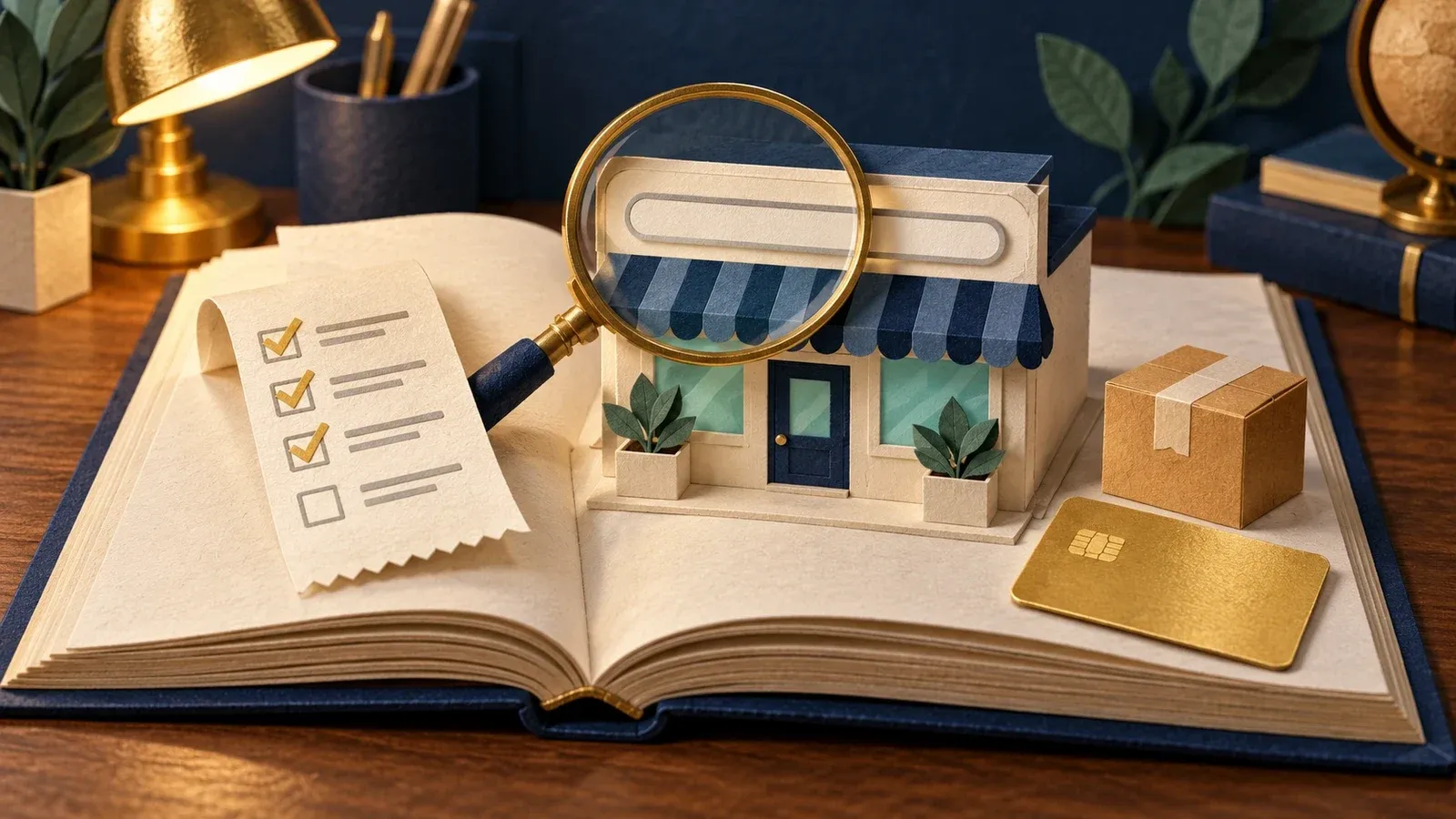
A fake shop may take another brands name, images and reviews. Here are some free and public checks. Scamwatch (ACCC) recommends most of these checks. The following is what to click and read.
This is not an endorsement of Officeworks. We don't have any agreement with Officeworks.
Google is a trademark of Google LLC. HoldMyTwist is independent of and not affiliated with Google.
1. Read the web address
Before you start browsing products - Check the address bar. Scamwatch says these are warning signs for a store's address:
- multiple dashes or symbols in the domain
- a name similar to a real business (like 'Ap9le')
- Australian business address without a .com or .com.au at the end
If you came to this store by clicking on an ad or a social media post, then google the business yourself. Scamwatch says the first result may not be the real website.
2. Search for reviews on other sites
- Do a search using the name of the store + "scam"
- Do a search using the name of the store + "reviews"
- Check other sites (forums, review sites, etc) on what other people are saying about the store.
WARNING: do not just look at the reviews on the store pages. According to Scamwatch, this is a red flag if you just see positive reviews or very general reviews.
3. Check when the domain was registered
If a business is supposed to be around for years but the domain was registered last month... Check it out before you buy.
- Go to ICANN Lookup (opens in a new tab)
- Enter domain (i.e. holdmytwist.com) then click Lookup
- Look at Dates then Created
That's this site domain name. Just having a new domain doesn't make it a scam. Look at the date and what the store has to say about it.
You can't get a date for the creation of a domain from the public .au whois lookup (opens in a new tab). The last updated date doesn't mean when the domain was registered. Use step 4 to see what business they have.
Watch out
Check the URL. Check company details. Check independent reviews. Check payment options. Don't assume that just because it has a new domain name means it's a scam. And don't assume that because the Safe Browsing is good, that it means you'll get something. Take a break if the important stuff doesn't make sense.
4. Check the Australian Business Number (ABN)
Use this one when the shop advertises itself as an Australian shop or has an ABN on it. Just because a shop is overseas and doesn't have an ABN doesn't make it a scam. (scamwatch says this one is a warning sign: a shop has no ABN, no terms and conditions and no privacy policy) Just check for the ABN on the footer, terms and check out pages of the shop. If the address is ending in .com.au you can get the ABN from the domain record as well:
- Go to the .au WHOIS (opens in a new tab) and enter the domain
- Check the box for I'm not a robot, press Look It Up
- See Registrant and Registrant ID
Then check this ABN...
- Go to ABN Lookup (opens in a new tab)
- Enter ABN or business name. Search
- Make sure that ABN status is Active.
- Check the stated website operator ID to the legal entity and any registered business names associated with the ABN. The legal entity may be different to the business name that is the registered business name for the storefront. A valid ABN does not verify the website. A fake shop can take the ABN from a real business. If you don't see a connection, check it out before sending money.
Check the account name (which the account holder is) against the business you're going to pay before you pay. According to the general Scamwatch advice, if it doesn't match for no reason, then you should check before you pay.
5. Check Google Safe Browsing
- Go to the Google Safe Browsing site status page. Enter the store address and hit Enter. Look for the "Current status" result.
Google Safe Browsing site status (opens in a new tab)
Google will warn you about harmful websites like phishing and malware. You should also do other checks since a "clean" result does not guarantee that they'll actually ship you your order.
6. Find the contact details and policies
Go to the bottom of your stores home page. Scamwatch recommends looking for:
- Contact details
- Privacy policy
- Terms and conditions of use
- Dispute resolution
Go to the contact page. Check the returns policy. Does your store have a physical address? If they do then go to a map and see if it's a genuine store. Scamwatch says no contact info is probably a scam.
7. Check how you'll pay
Check the payment options before inputting your card details. Scamwatch has these as warning signs:
- only one payment option
- payment via gift card or bitcoin or money order or pre-loaded card
- requesting you to pay to several different payid's/bank accounts
Scamwatch recommend you use a secure payment method such as paypal, or using a credit card.
When using payid or bank transfers, ensure the name that is displayed is the business name.
If you've already paid
- Contact your bank / card provider immediately and request them to block the transaction.
- Update your passwords for your banking, email, gov't, shopping etc.
- Contact IDCARE for free help on your recovery plan at 1800 595 160
- Report this scam Scamwatch (opens in a new tab)
Sources: Scamwatch, Buying and selling scams (opens in a new tab) and Website scams (opens in a new tab). Additional source: ABR, ABN entitlement (opens in a new tab).
Share this post
From holdmytwist.com/blog/check-an-online-store-before-you-buy/
Related posts
Buying digital downloads: a practical checklist

Before you buy any digital templates/printables, make sure you know what file format you'll be getting, what software you'll need, if it's licensed, and if it's printable.
Check a domain's renewal cost before you buy
Get the price of your renewal. Find out the price of the exact domain you're interested in. Check for premium pricing and add-ons. See 3-year prices before you register.
Time zones explained for students

3 step method for time zone conversions. See visual examples of UTC offsets, daylight saving, and date changes. Practice 3 questions with answers.