 HoldMyTwist
Episode 17
The Mixed-up Stall Labels
Duck needs to pass orders over to the correct market stalls. Robot demonstrates how to get stall ids to match up, even when the rows in the directory switch positions.
Episode transcript
Orders without names
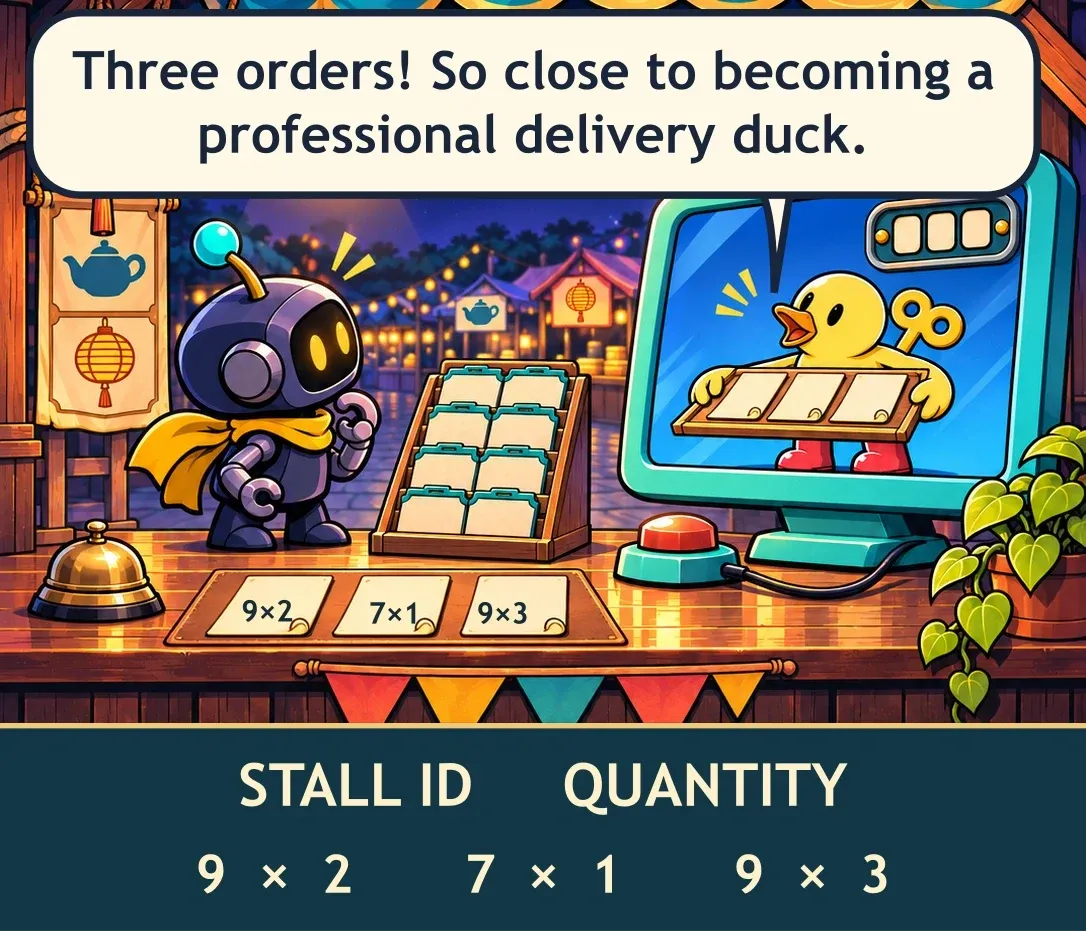
Duck has three order slips sitting in a tray inside the monitor. Robot is standing outside holding a stall directory.
Diagram values: ORDER ROWS (STALL ID,QTY): (9,2), (7,1), (9,3)
Duck: Three orders! So close to becoming a professional delivery duck.
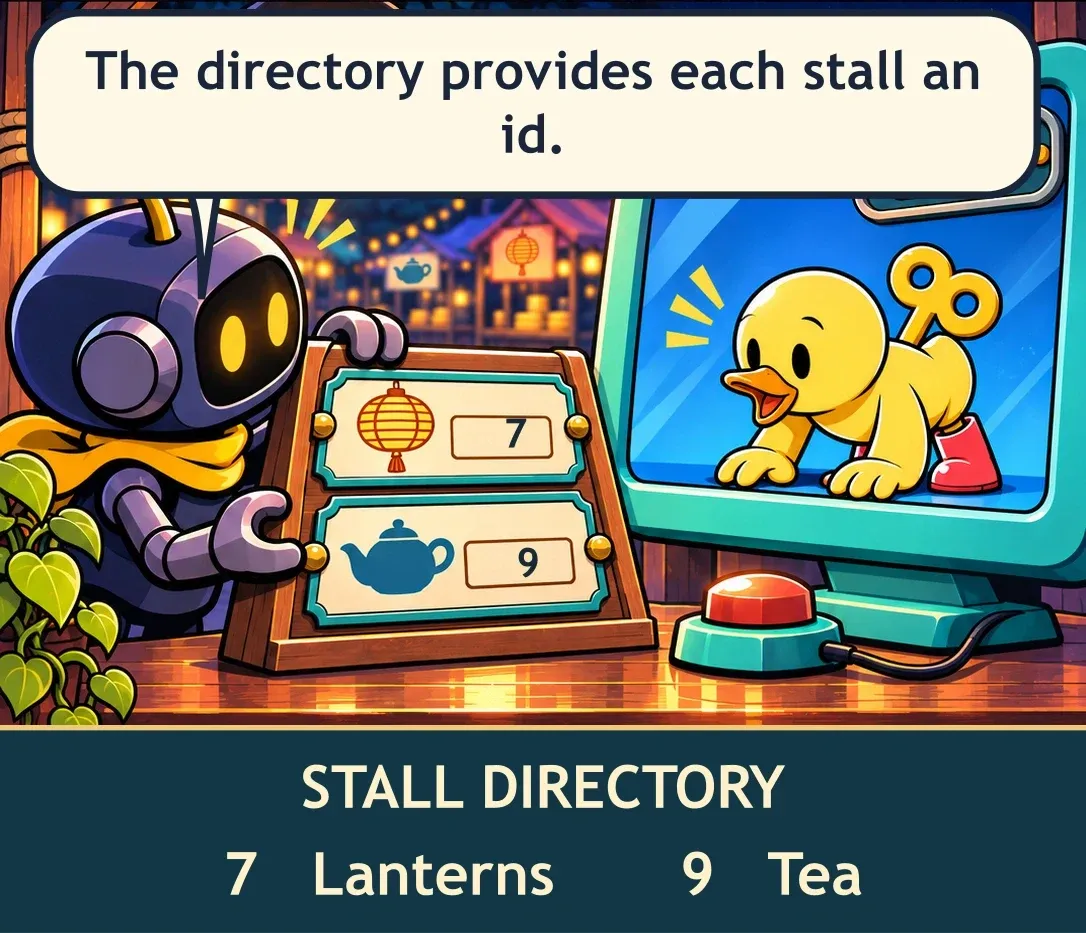
The directory has exactly two rows. Stall 7 is Lanterns. Stall 9 is Tea.
Diagram values: 7 → LANTERNS; 9 → TEA
Robot: The directory provides each stall an id.
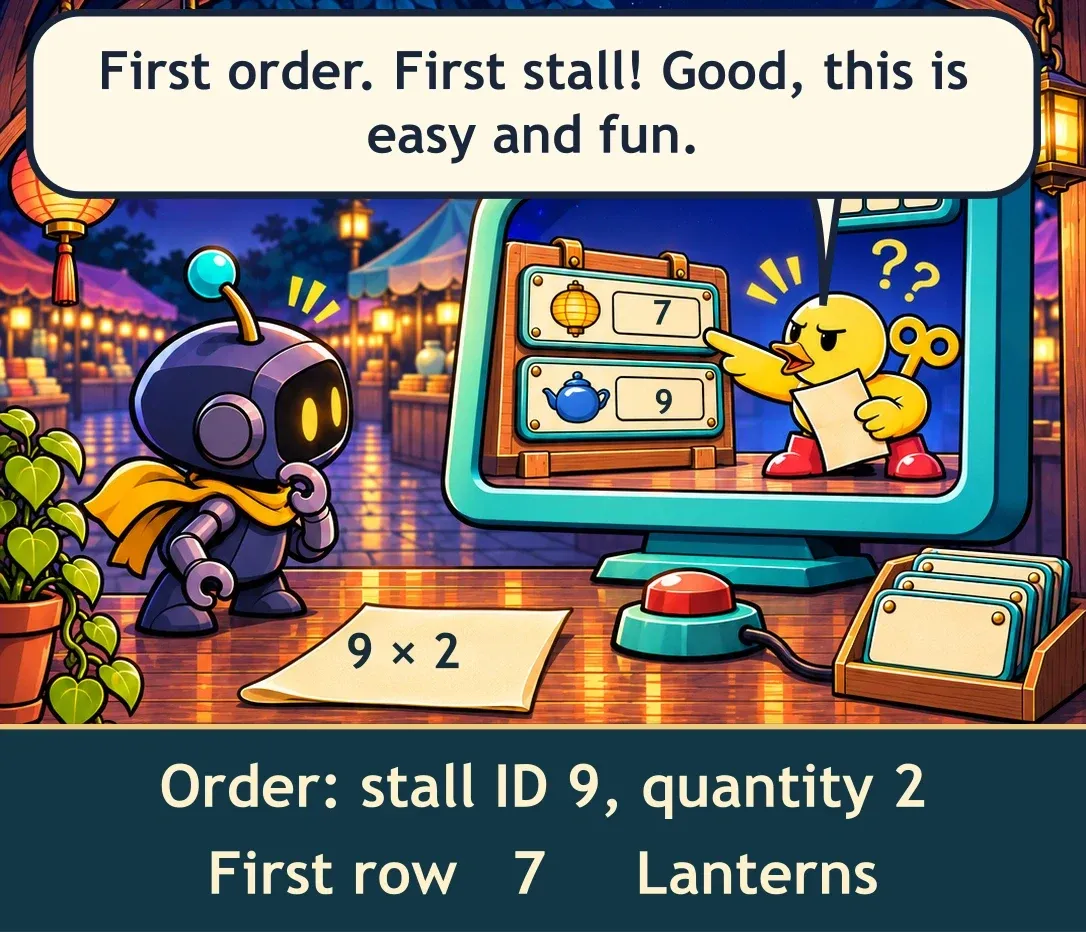
Duck matched the rows not the ids.
Diagram values: ORDER'S STALL ID9 QTY2; STALL ID7 LANTERNS
Duck: First order. First stall! Good, this is easy and fun.
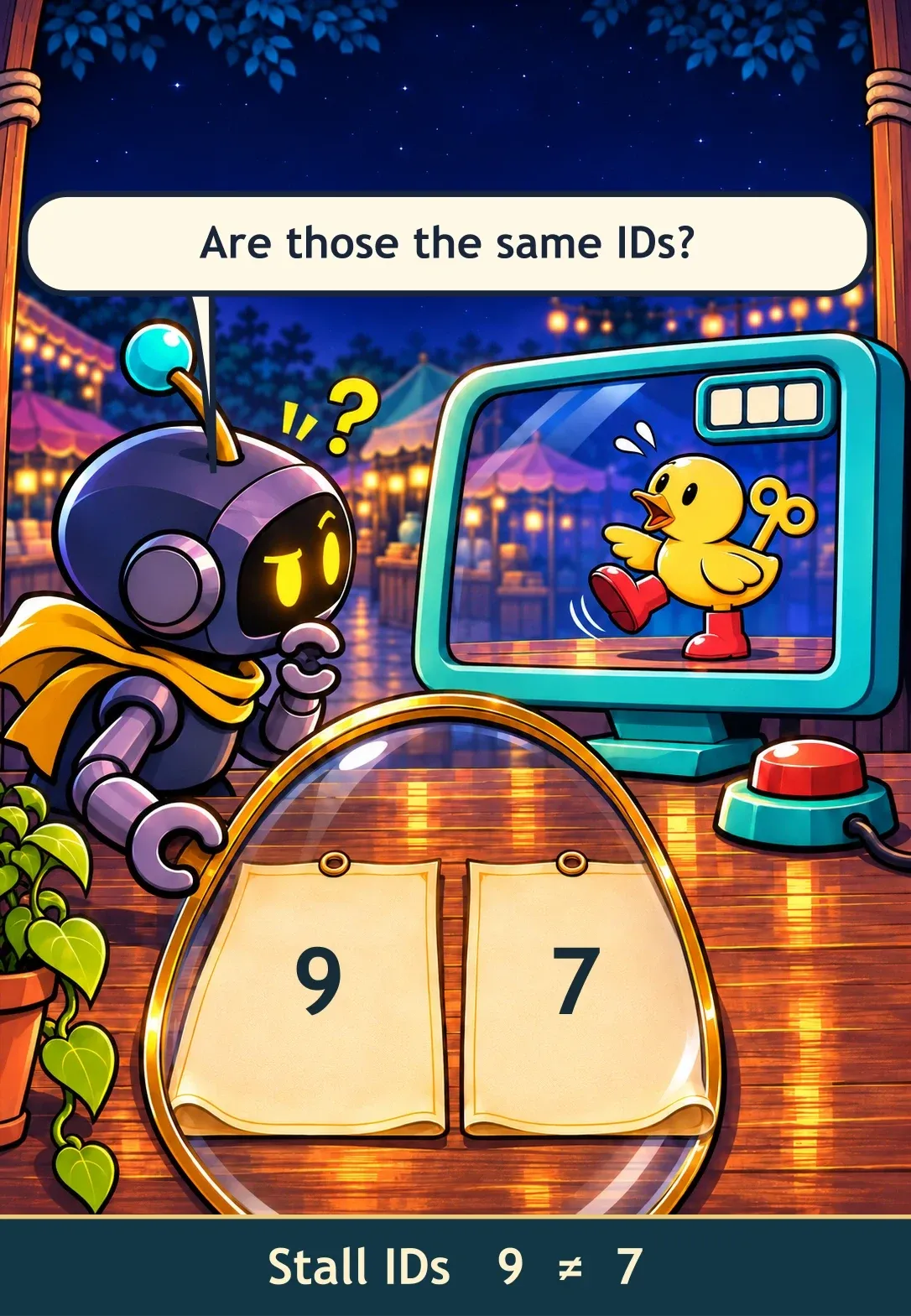
Duck pauses before delivering.
Diagram values: 9 ≠ 7
Robot: Are those the same IDs?
The wrong match
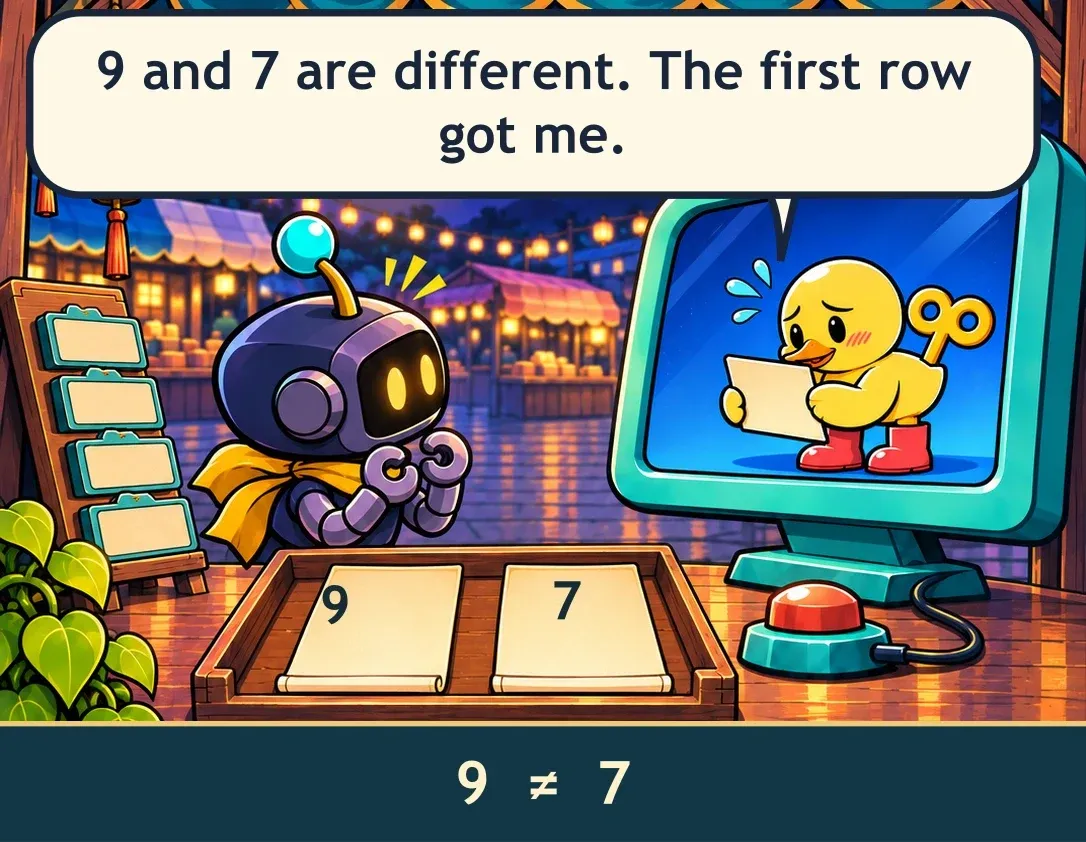
Duck takes the wrongly ordered object out of the Lanterns row, but doesn't cancel the order.
Diagram values: 9 ≠ 7
Duck: 9 and 7 are different. The first row got me.
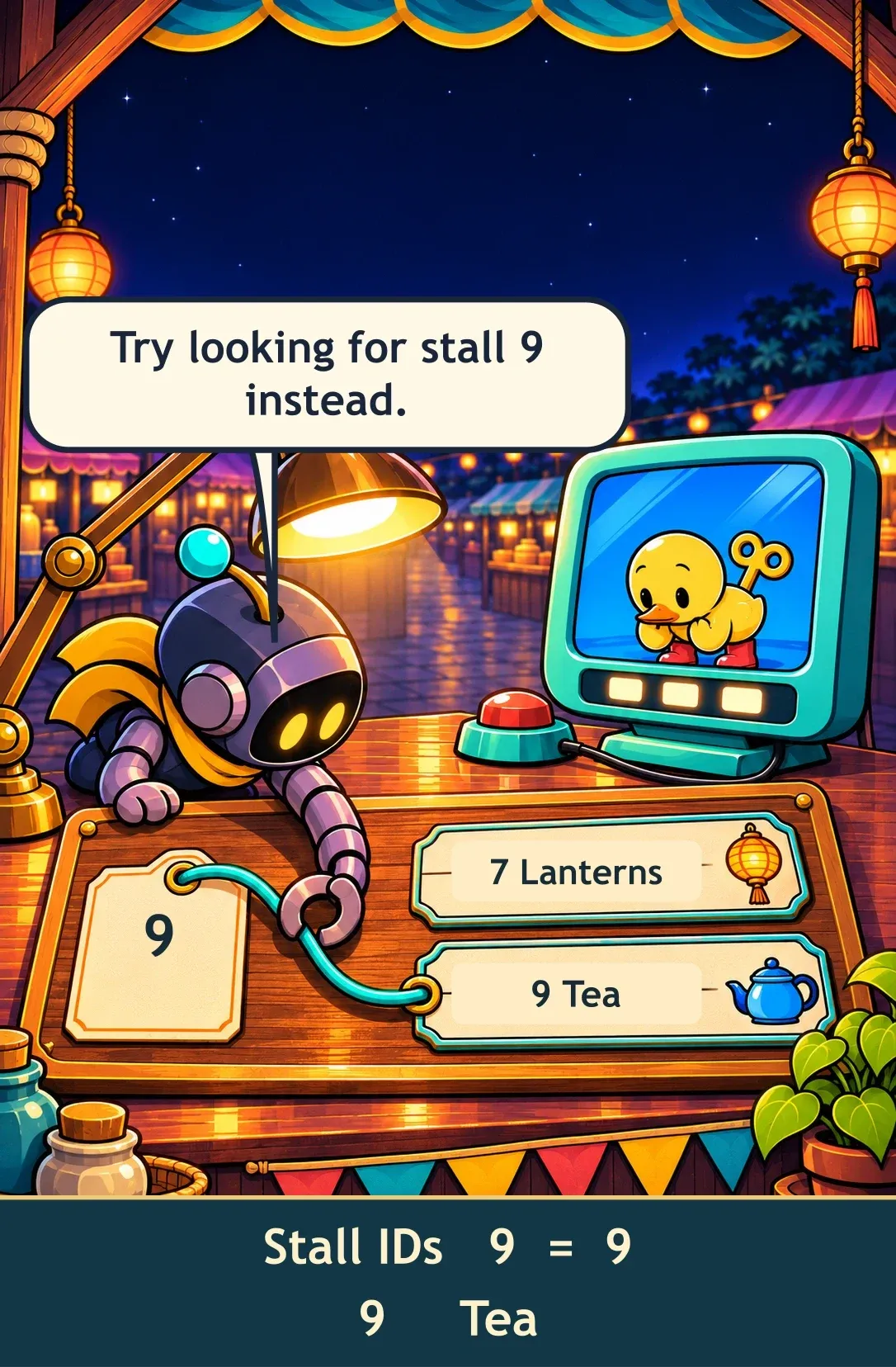
Robot assists duck to find the row that has stall id 9.
Diagram values: 9 = 9; 9 → TEA
Robot: Try looking for stall 9 instead.
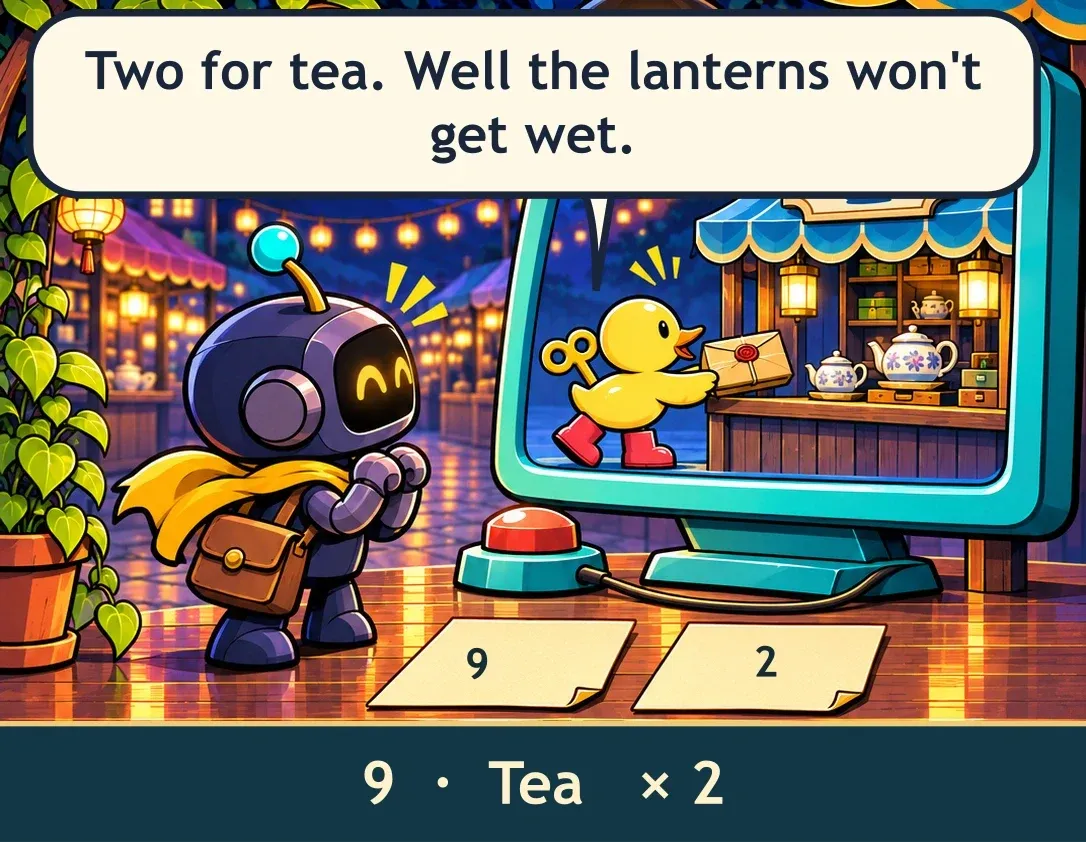
Duck adds first parcel to Tea stall.
Diagram values: TEA 2
Duck: Two for tea. Well the lanterns won't get wet.
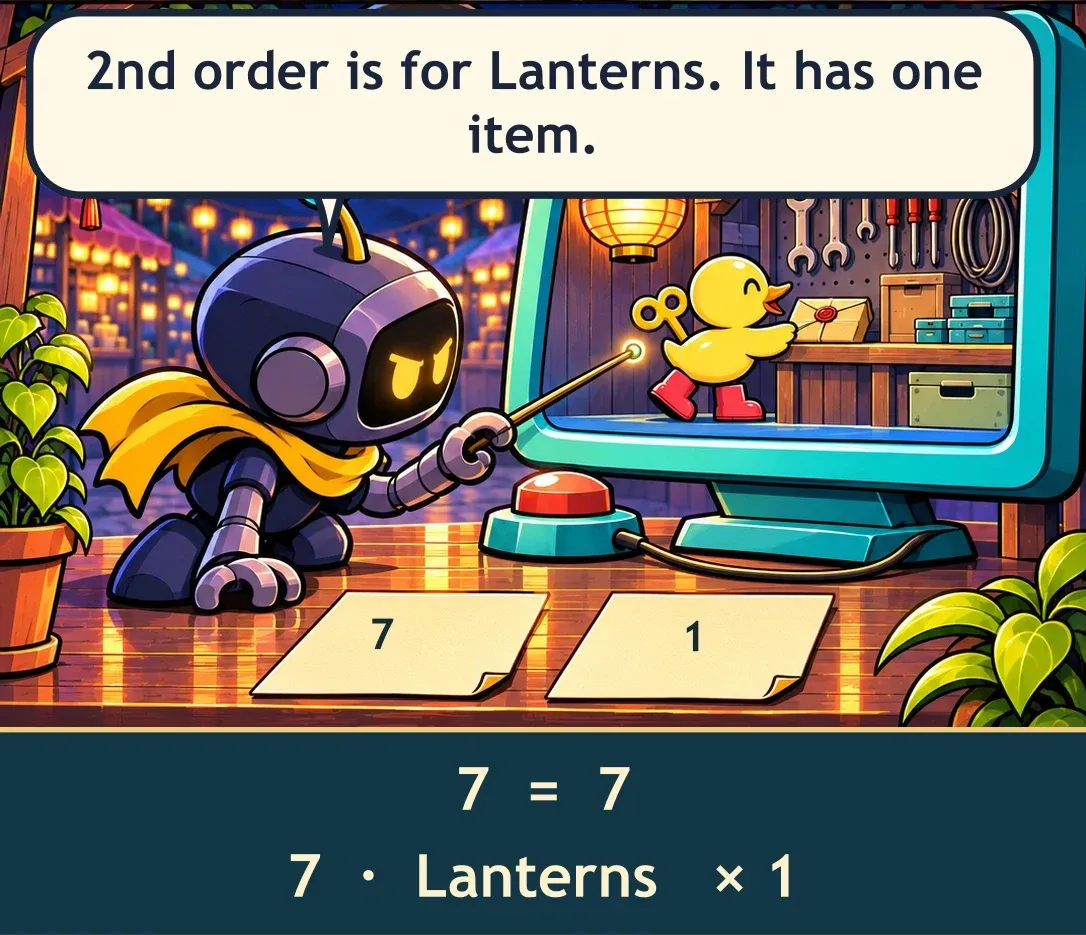
Second order is for stall with ID 7 and quantity 1. Duck maps this to Lanterns (stall ID 7).
Diagram values: 7 = 7; LANTERNS 1
Robot: 2nd order is for Lanterns. It has one item.
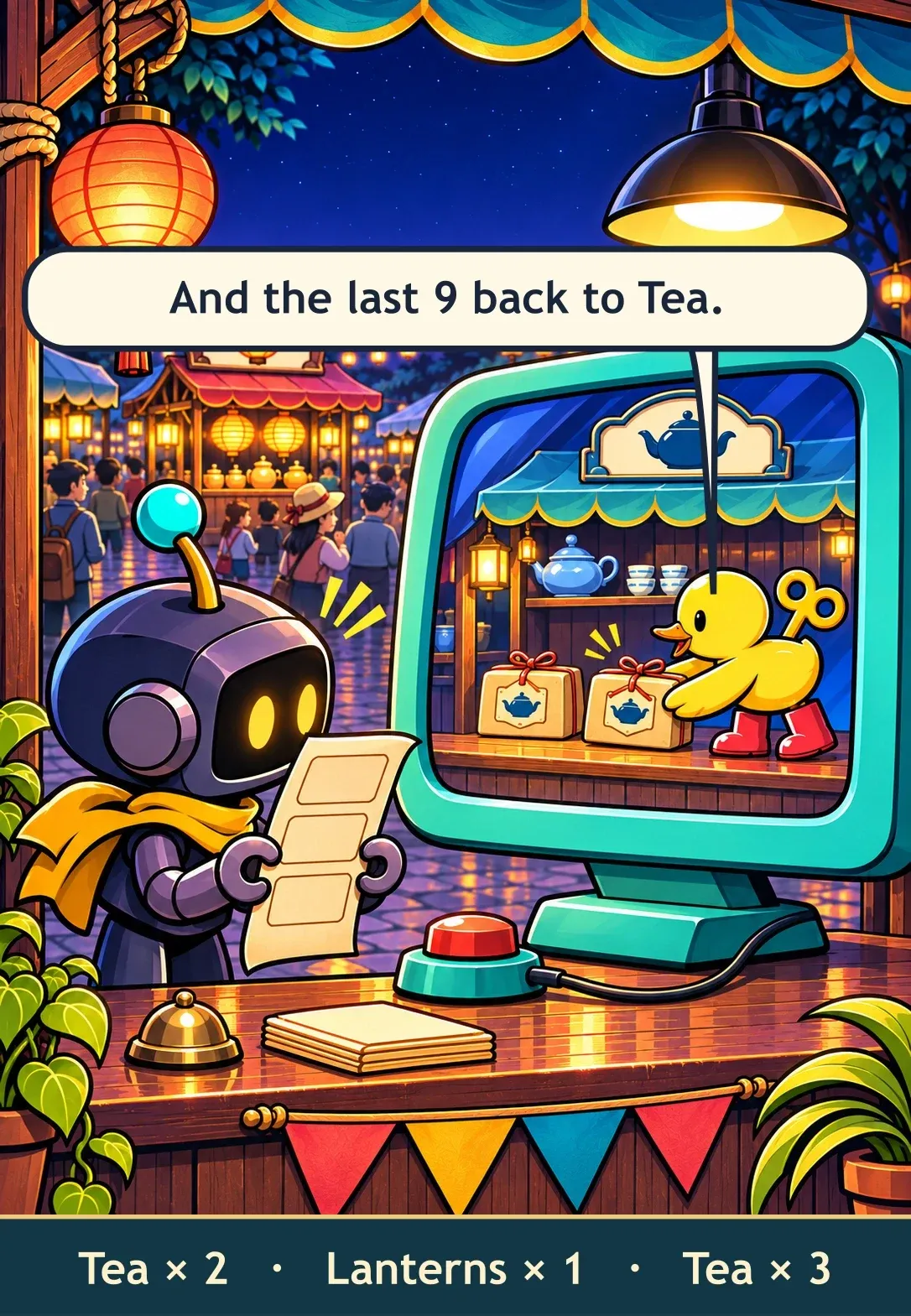
The duck sends a second tea parcel to the same shop as the first tea parcel.
Diagram values: TEA 2; LANTERNS 1; TEA 3
Duck: And the last 9 back to Tea.
Follow the IDs
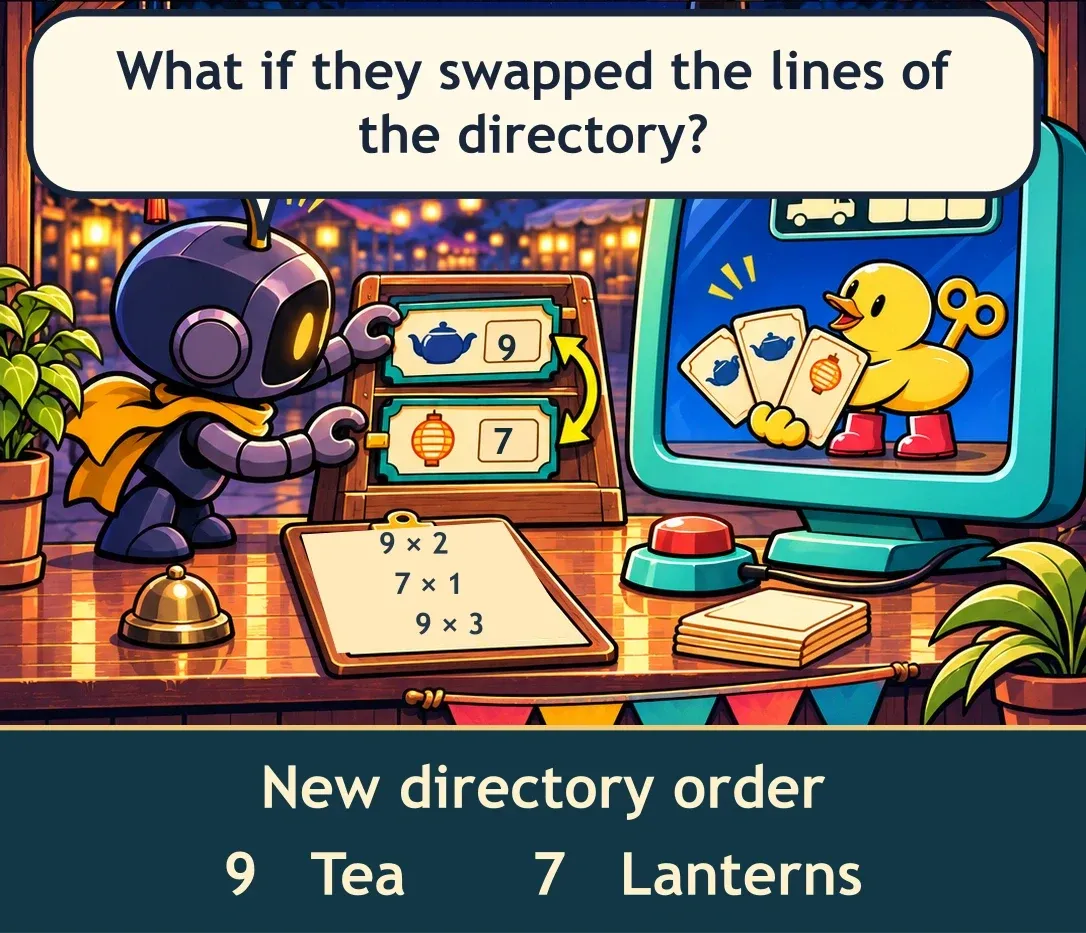
Robot switches order of the dir lines. Duck stays with the same 3 orders.
Diagram values: 9 → TEA; 7 → LANTERNS
Robot: What if they swapped the lines of the directory?
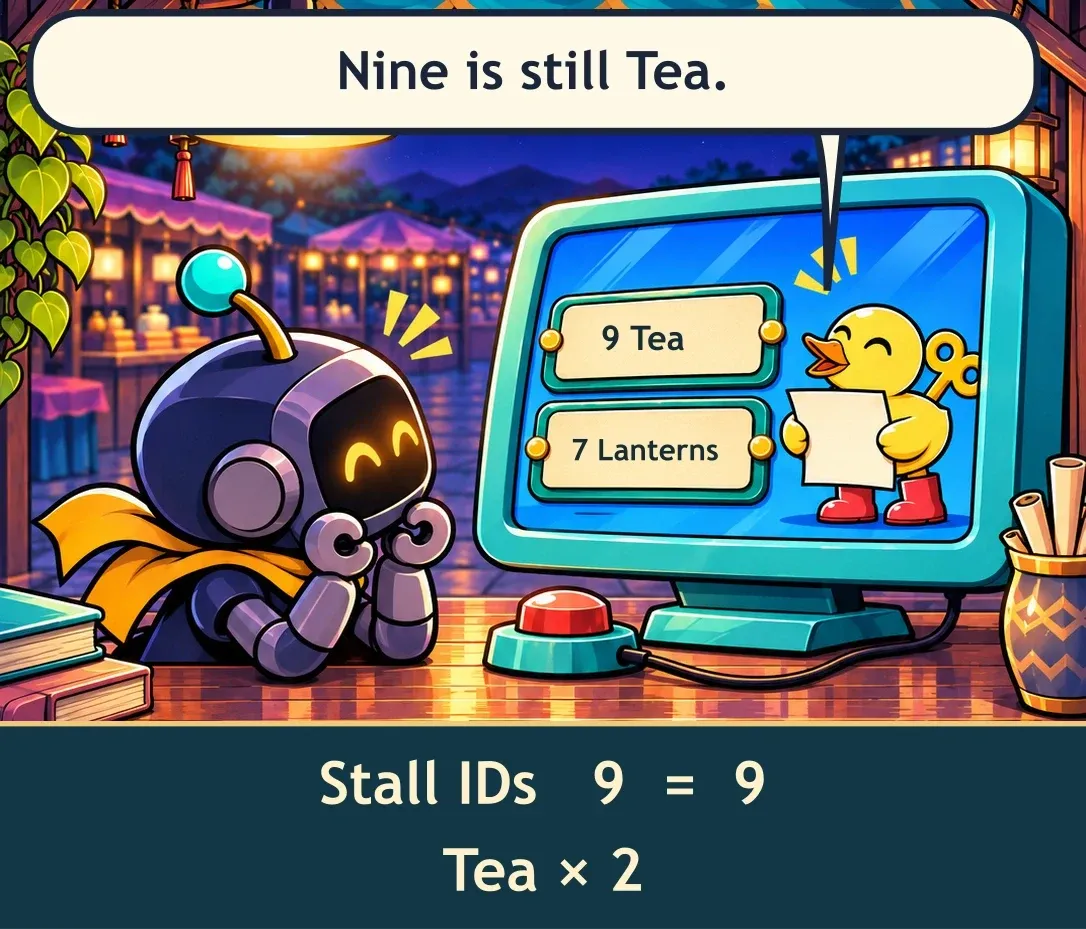
Robot is pointing at the same matching ids which have not changed.
Diagram values: TEA 2
Duck: Nine is still Tea.
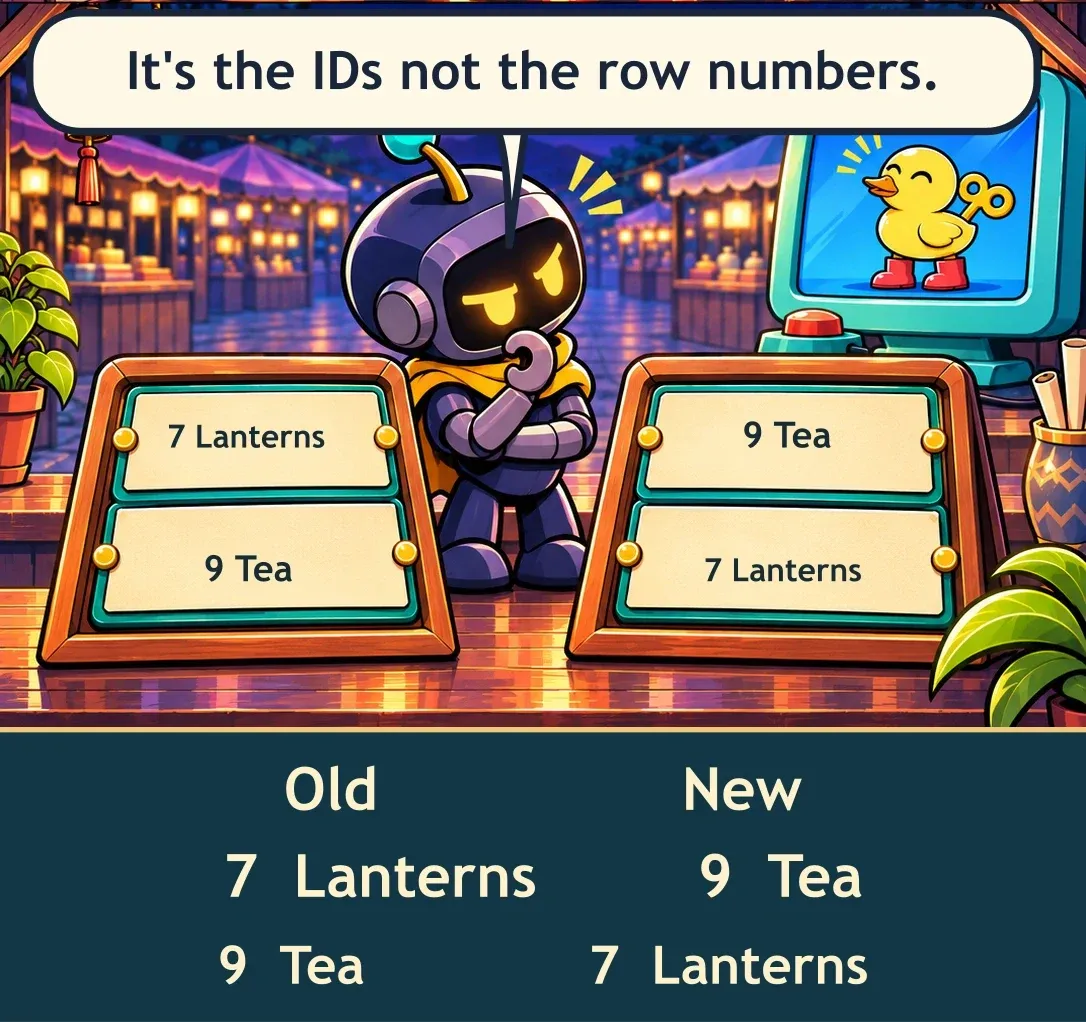
Robot is comparing the 2 boards side by side.
Diagram values: ORIGINAL ROWS: (7,LANTERNS),(9,TEA); SWAPPED ROWS: (9,TEA),(7,LANTERNS)
Robot: It's the IDs not the row numbers.
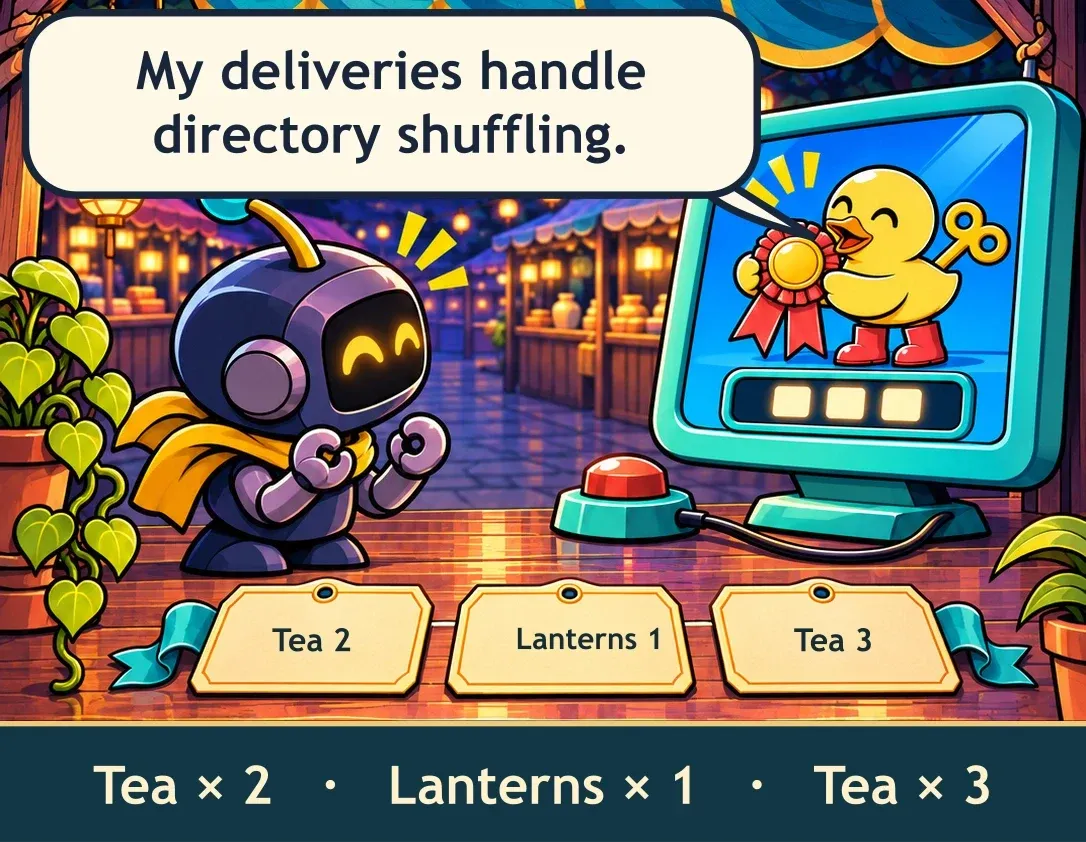
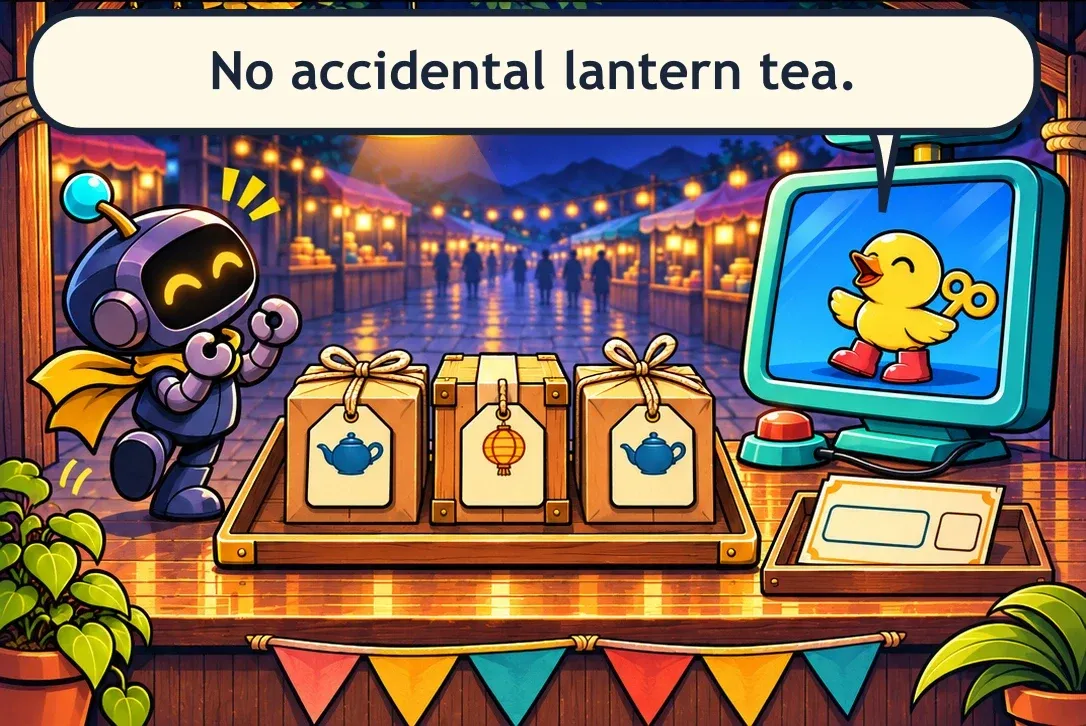
The deliveries are 2 for Tea and 1 for Lanterns and 3 for Tea
Diagram values: TEA 2; LANTERNS 1; TEA 3
Duck: My deliveries handle directory shuffling.
An unknown stall
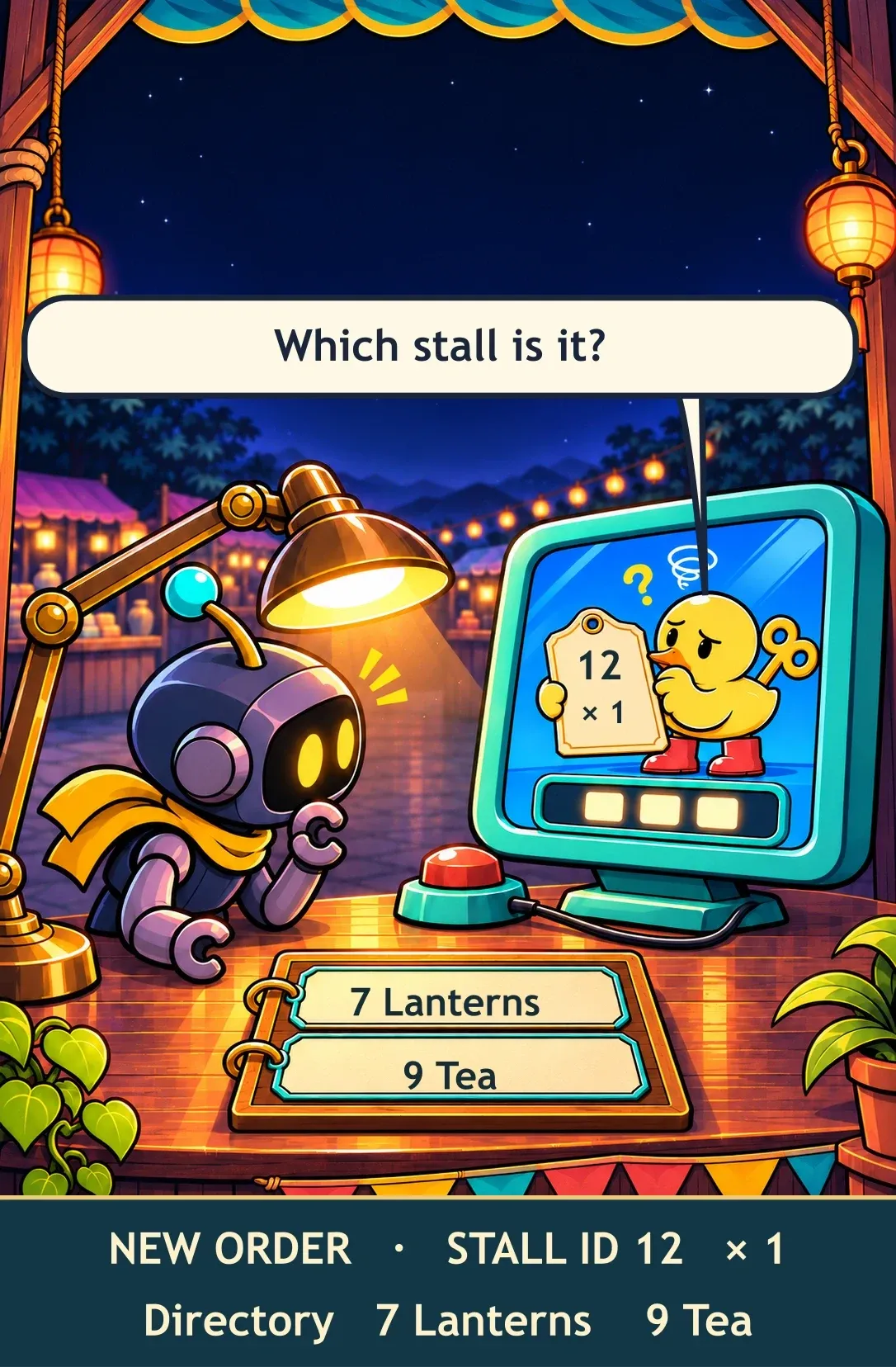
stall ID twelve, quantity one
Diagram values: ORDER'S STALL ID12 QTY1; 7 → LANTERNS; 9 → TEA
Duck: Which stall is it?
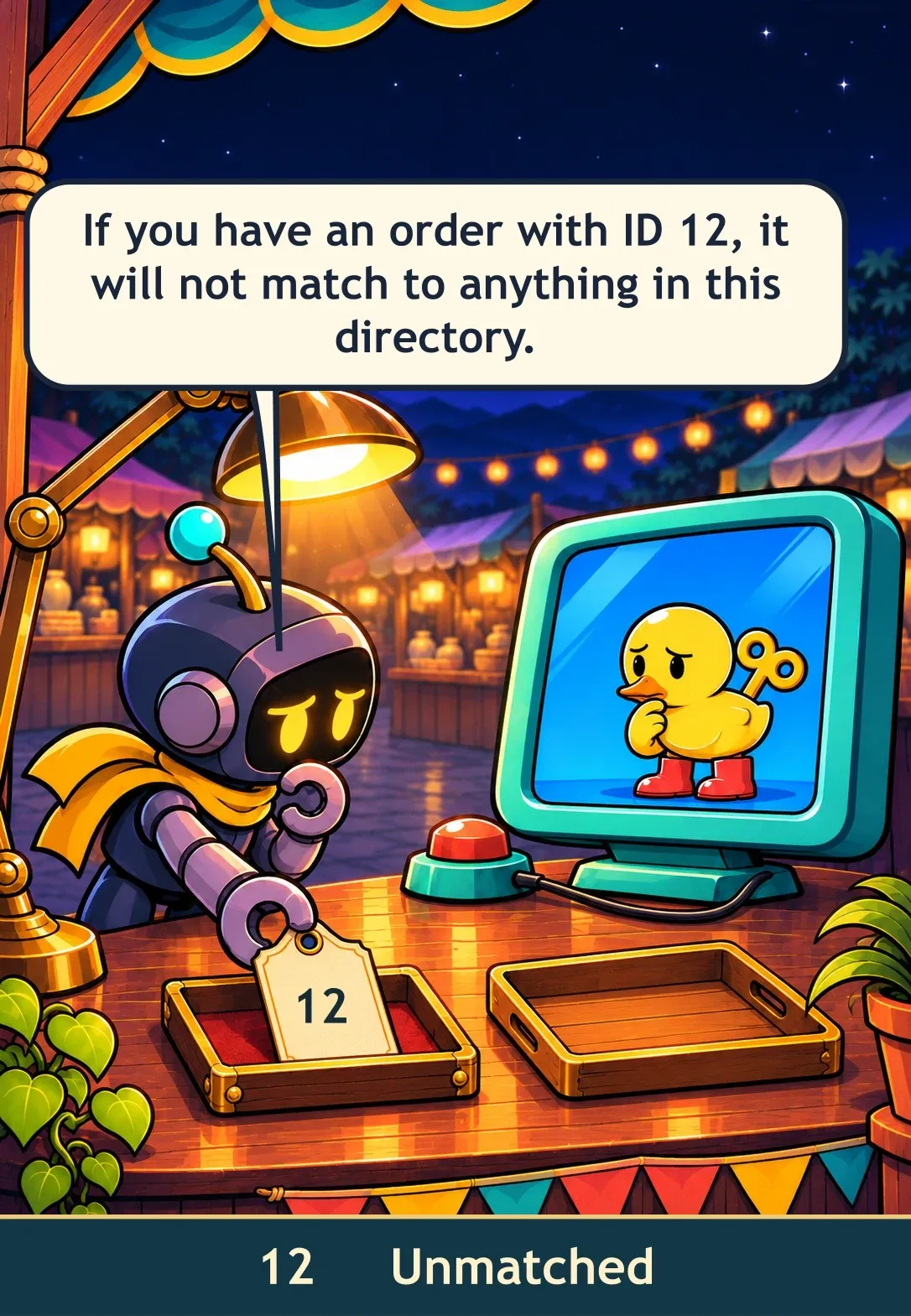
In unmatched tray outside the monitor, Robot adds the separate card for twelve.
Diagram values: 12 → UNMATCHED
Robot: If you have an order with ID 12, it will not match to anything in this directory.
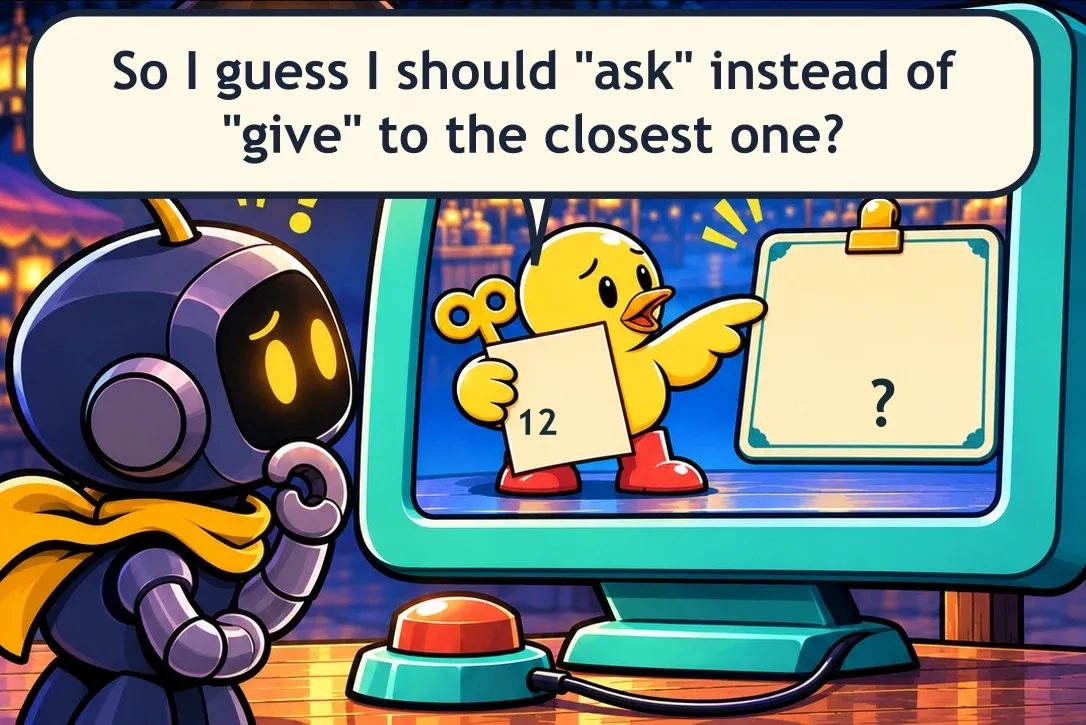
Duck doesn't fill the destination field with some known stall name, but leaves it blank.
Duck: So I guess I should "ask" instead of "give" to the closest one?
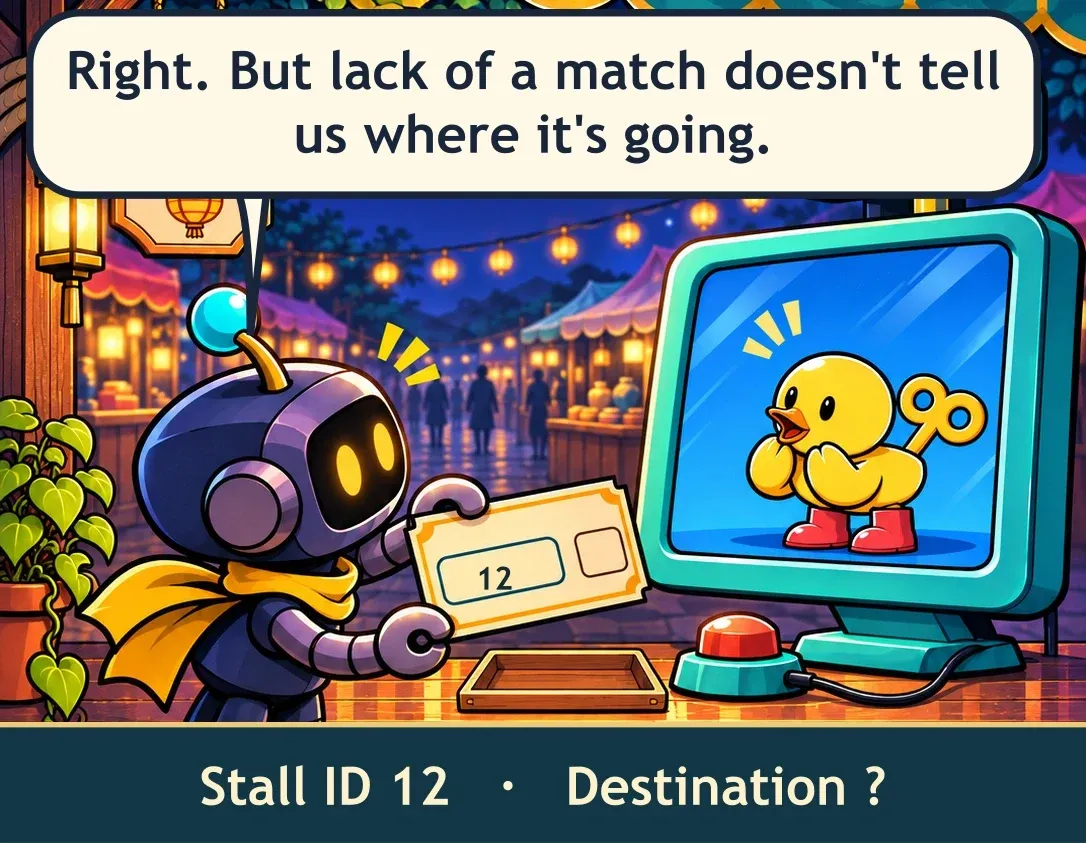
The robot is showing a card of the order with stall id 12. Duck doesn't fill the destination field with some known stall name, but leaves it blank.
Diagram values: STALL ID12; DESTINATION ?
Robot: Right. But lack of a match doesn't tell us where it's going.
Duck is relaxing by the (rightly sorted) deliveries. Robot is laughing from outside the monitor.
Duck: No accidental lantern tea.
The lesson
Our directory is set up so that each ID points to exactly one stall. For example, ID 7 is Lanterns and ID 9 is Tea. So 9-2,7-1,9-3 would join to Tea-2,Lanterns-1,Tea-3. The order in our directory row does not matter in terms of ID matching. If you have an order with ID 12, it will not match to anything in this directory. There is no way to know where it belongs based on the row order. Depending on the join, what happens to the unmatched data may vary.
Try it
Diagram values: DIRECTORY: 7→LANTERNS, 9→TEA; ORDER ROWS (STALL ID,QTY): (7,4), (9,1), (7,2)
Match the stall IDs to new orders. Make sure to keep the same quantity with the same order.
Answer
Diagram values: LANTERNS 4; TEA 1; LANTERNS 2
Each ID maps to a directory row. Results: Lanterns four, Tea one, Lanterns two. Quantities remain with original order rows.