 HoldMyTwist
Episode 35
The Suitcase That Counted Differently
Duck needs to cram a package of 2020 bytes into a fake box. Byte is the unit of size here. kB is for chunks of 1000 bytes. KiB is for chunks of 1024 bytes.

Episode transcript
The tiny i
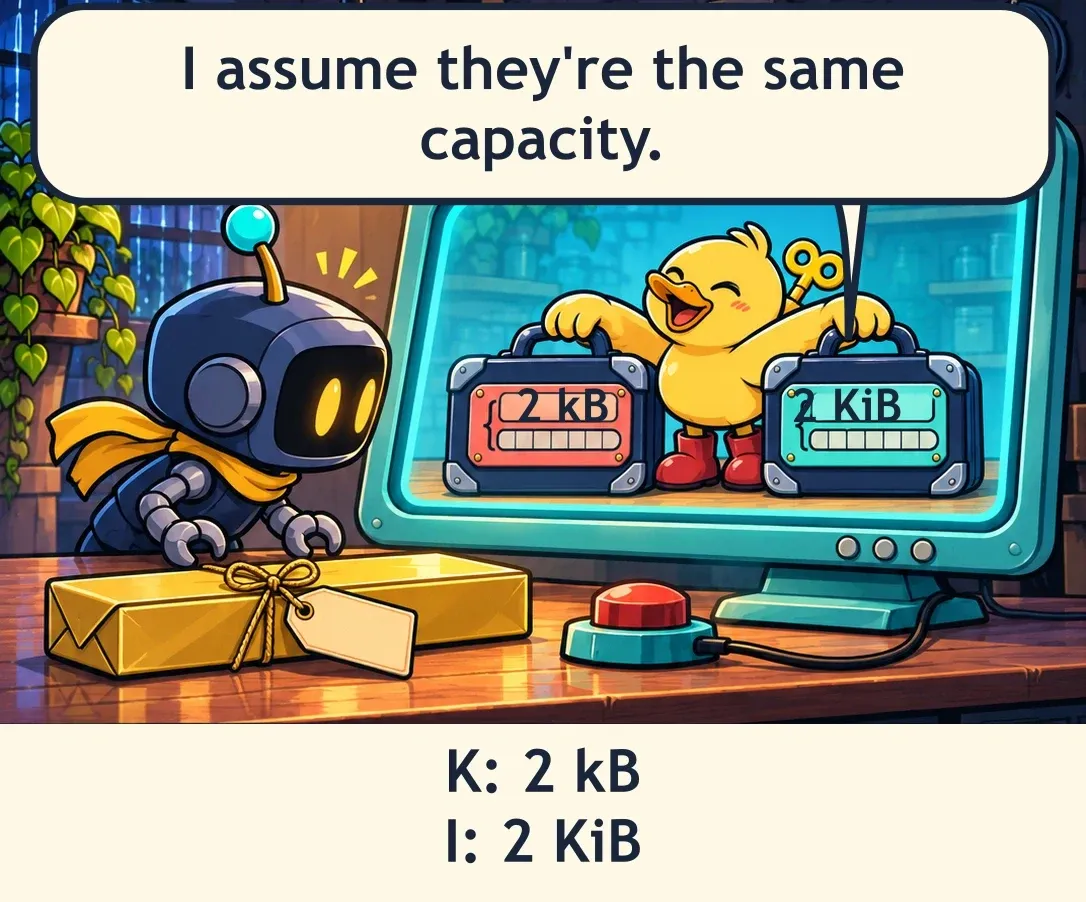
Duck compares a 2kB (unit label) case with a 2KiB (unit label) case. Both are empty.
Diagram values: K: 2 kB; I: 2 KiB
Duck: I assume they're the same capacity.
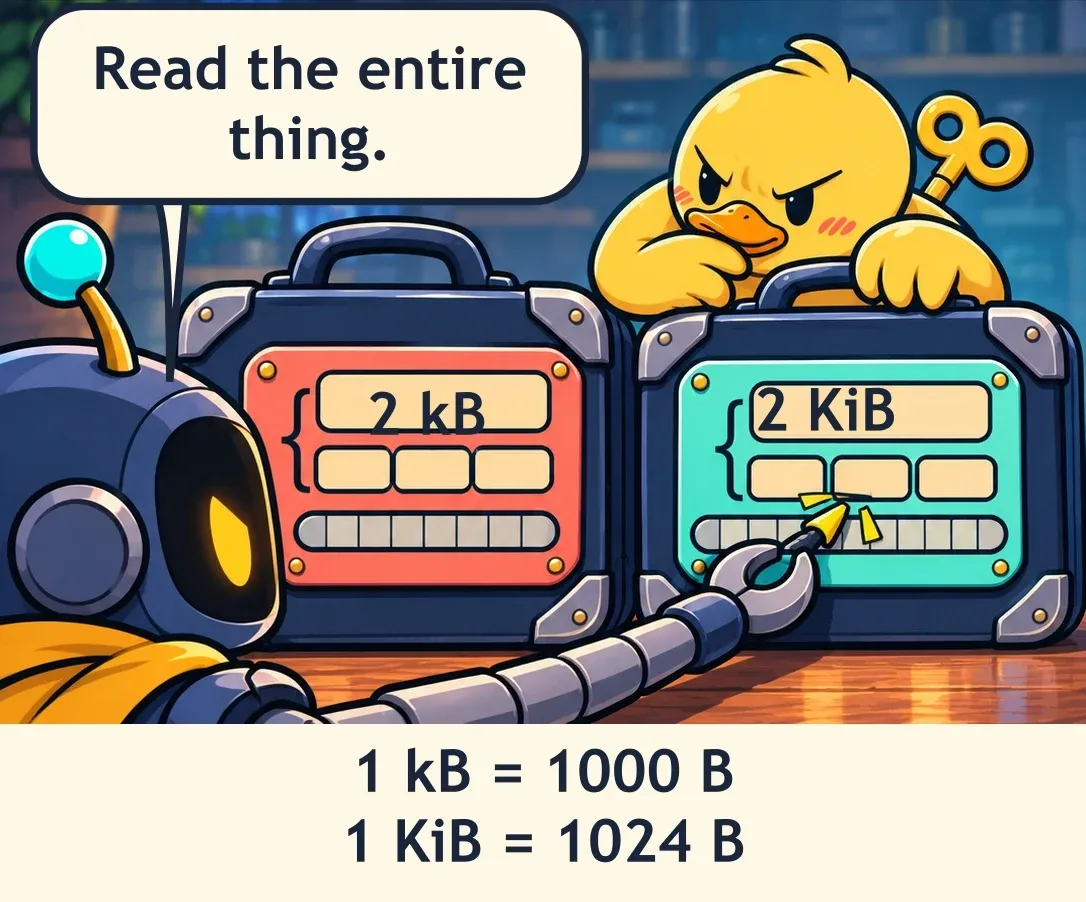
Robot points out that the various units on the two capacity plaques are different. Duck stares at the little i in KiB.
Diagram values: 1 kB = 1000 B; 1 KiB = 1024 B
Robot: Read the entire thing.
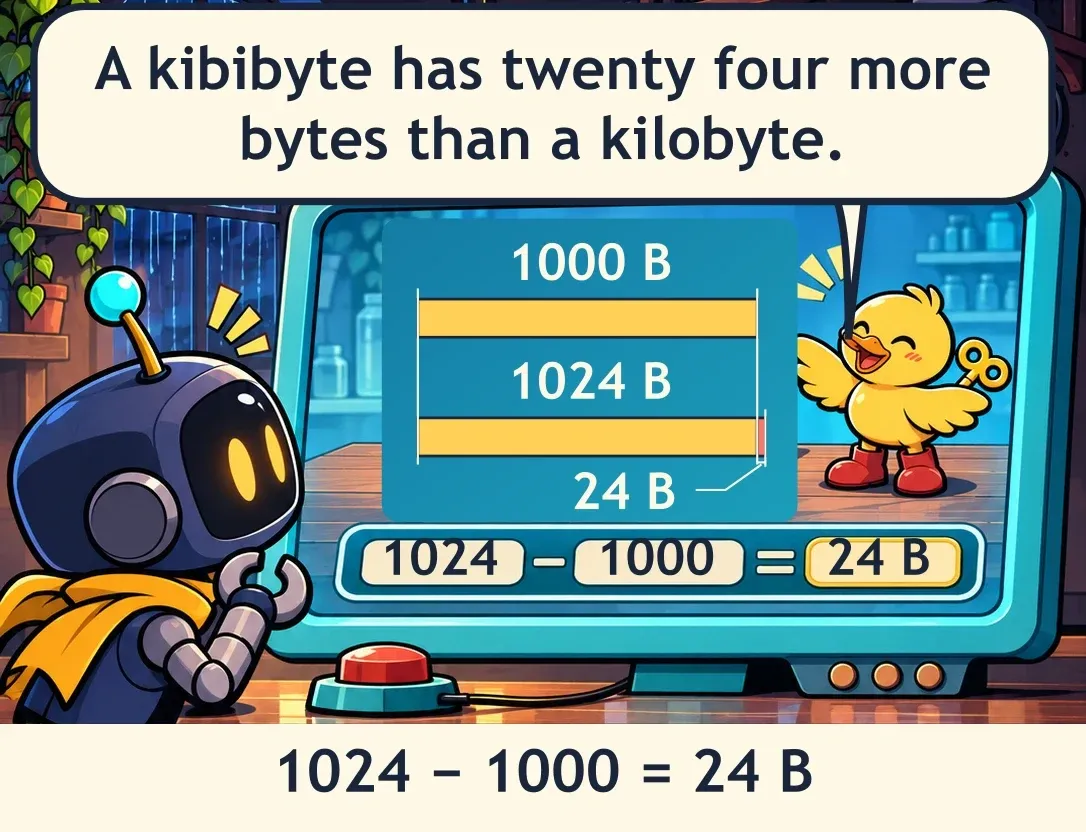
The difference between one decimal kilo and one binary kibi is 24 bytes.
Diagram values: 1024 − 1000 = 24 B
Duck: A kibibyte has twenty four more bytes than a kilobyte.
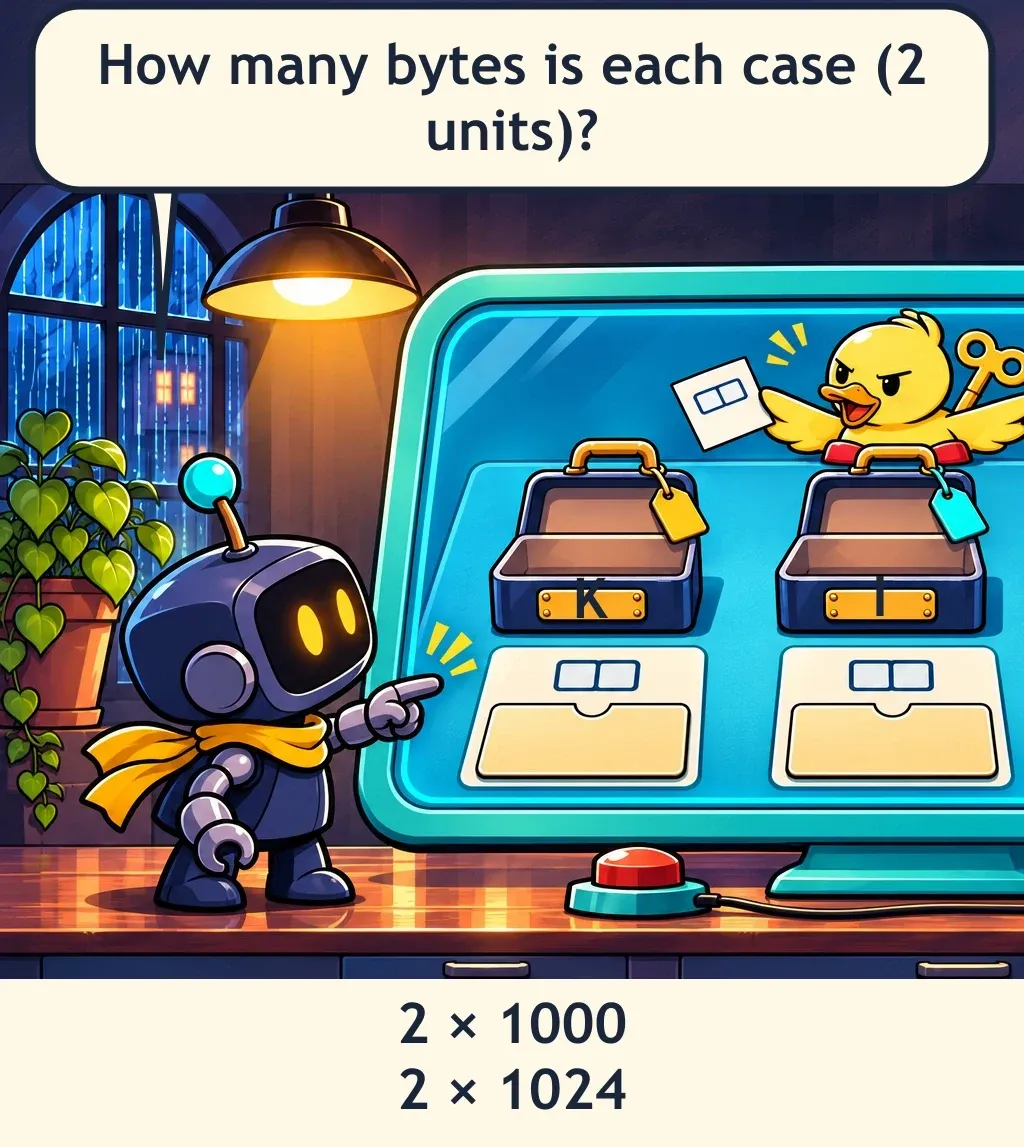
Each card below a case has two empty boxes above an empty result area.
Diagram values: 2 × 1000; 2 × 1024
Robot: How many bytes is each case (2 units)?
One awkward parcel
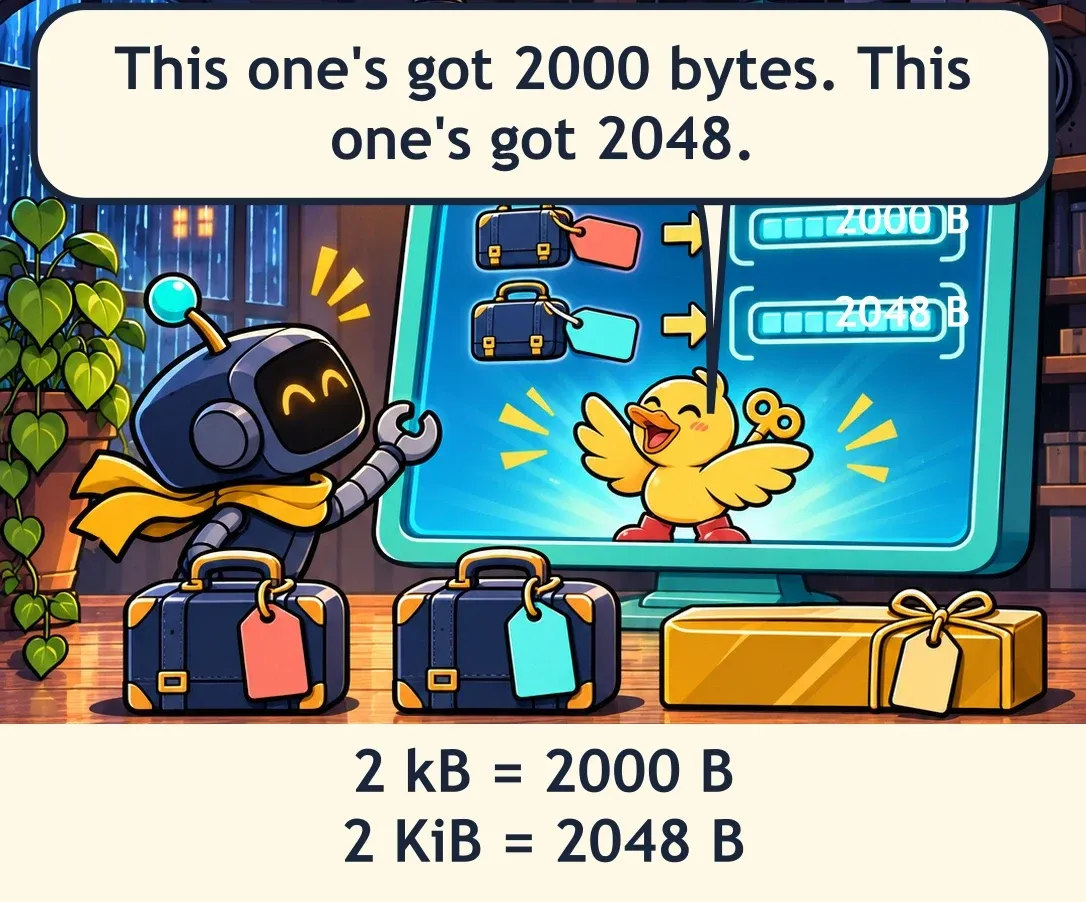
On the monitor there's a duck with his wings out next to two case icons that have labels. The red tagged case icon has 2000 B for a label and the aqua tagged case icon has 2048 B for a label.
Diagram values: 2 kB = 2000 B; 2 KiB = 2048 B
Duck: This one's got 2000 bytes. This one's got 2048.
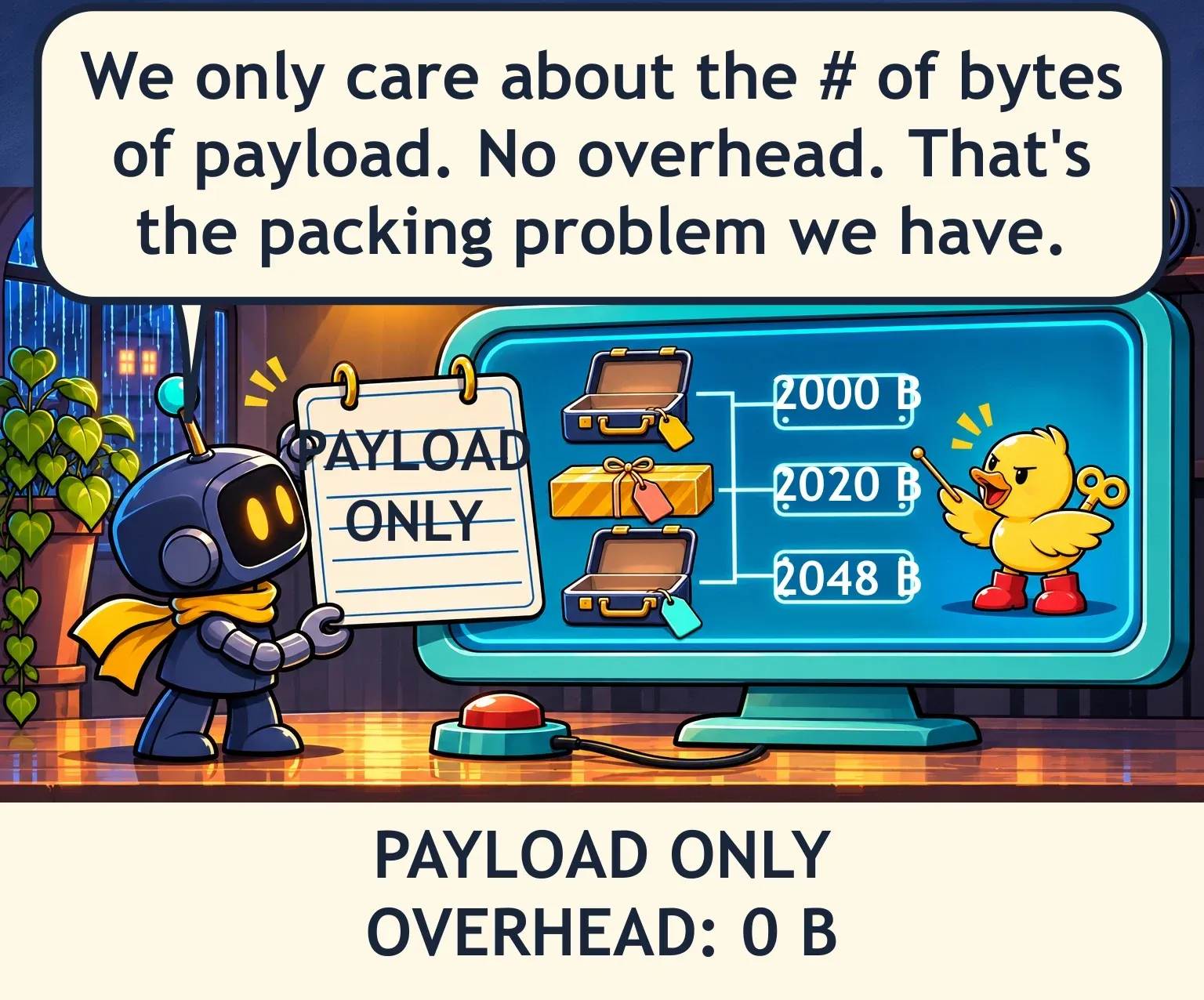
A rule card represents a zero-overhead, fictional payload-only budget. The cases are both empty, and the single parcel is not loaded.
Diagram values: PAYLOAD ONLY; OVERHEAD: 0 B
Robot: We only care about the # of bytes of payload. No overhead. That's the packing problem we have.
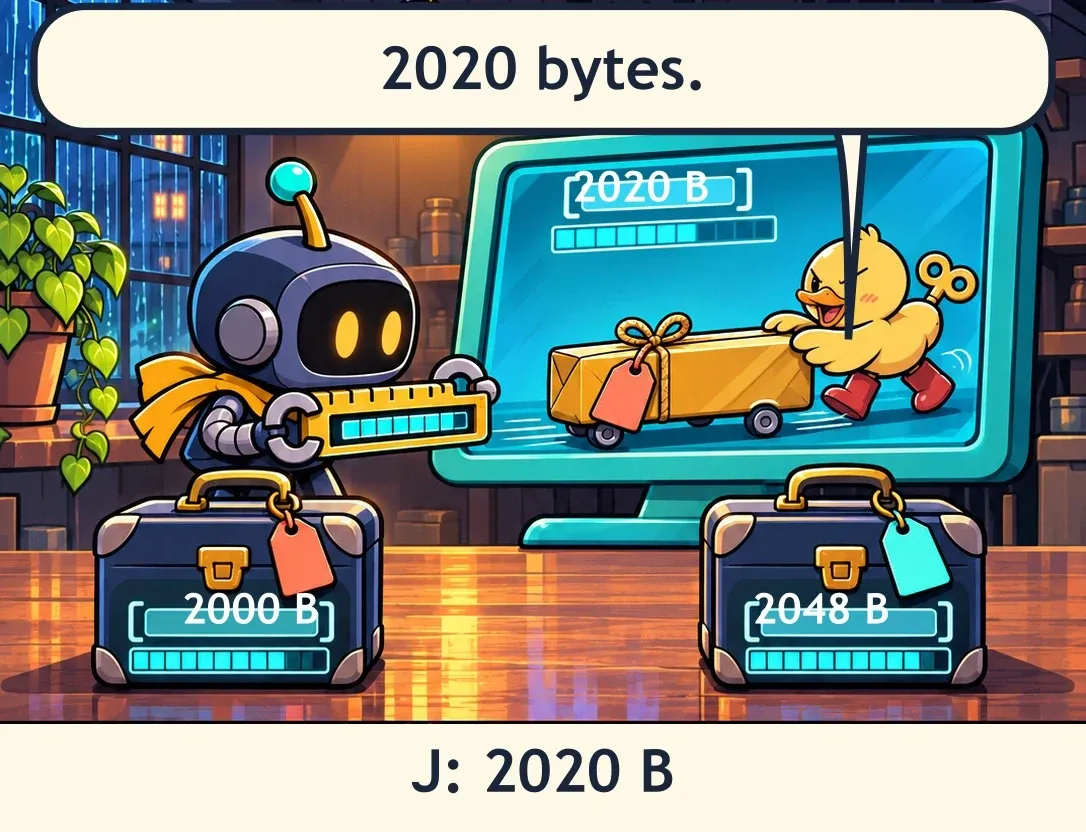
Duck has 1 parcel for which the size is exactly 2020 bytes.
Diagram values: J: 2020 B
Duck: 2020 bytes.
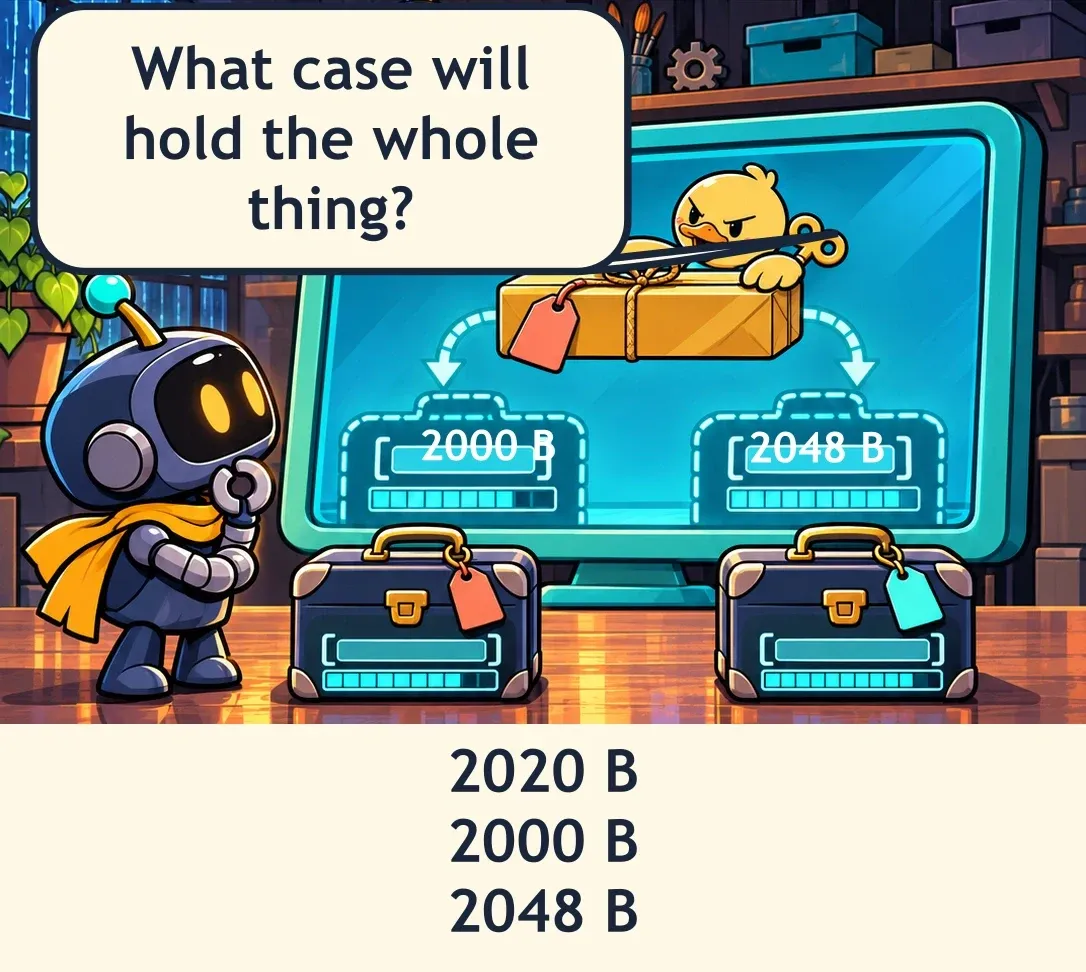
The 2020 byte parcel is in between the two cases. Duck will figure out which case can handle it, before any loading result appears.
Diagram values: 2020 B; 2000 B; 2048 B
Robot: What case will hold the whole thing?
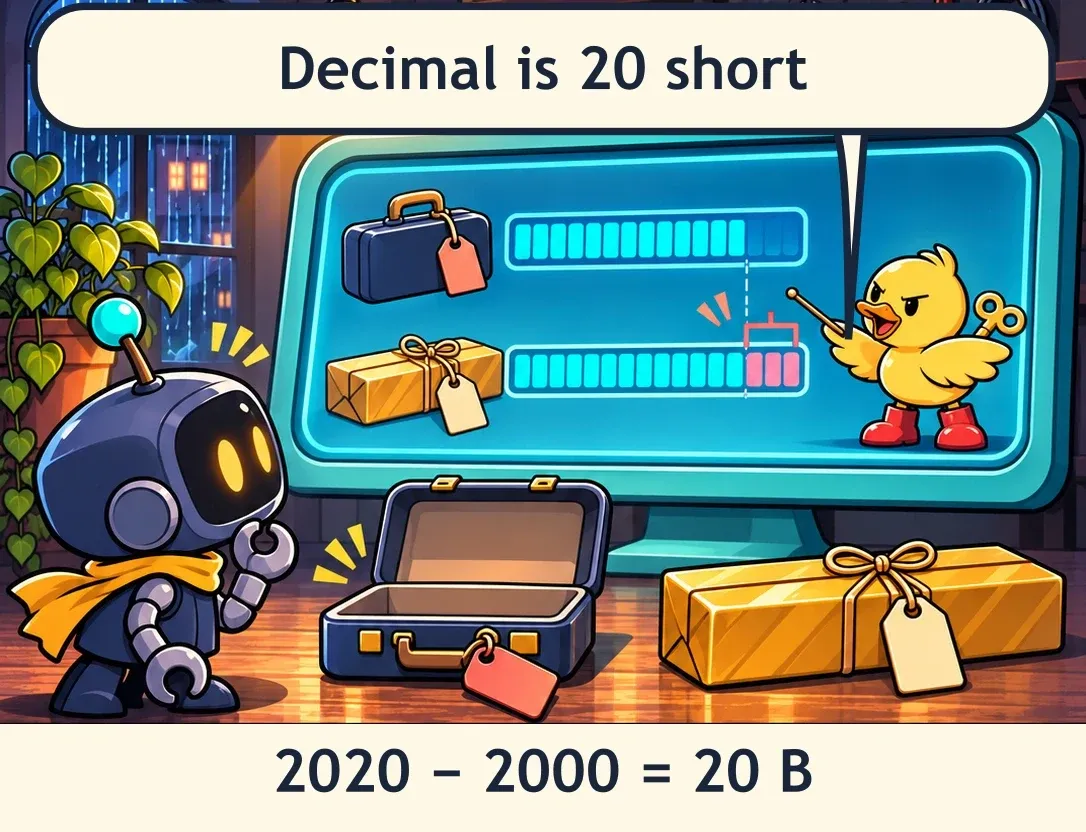
The parcel is larger than that allowed by the decimal case. (20 bytes larger) So the decimal case is left empty. The parcel sits outside the decimal case.
Diagram values: 2020 − 2000 = 20 B
Duck: Decimal is 20 short
Use the same unit
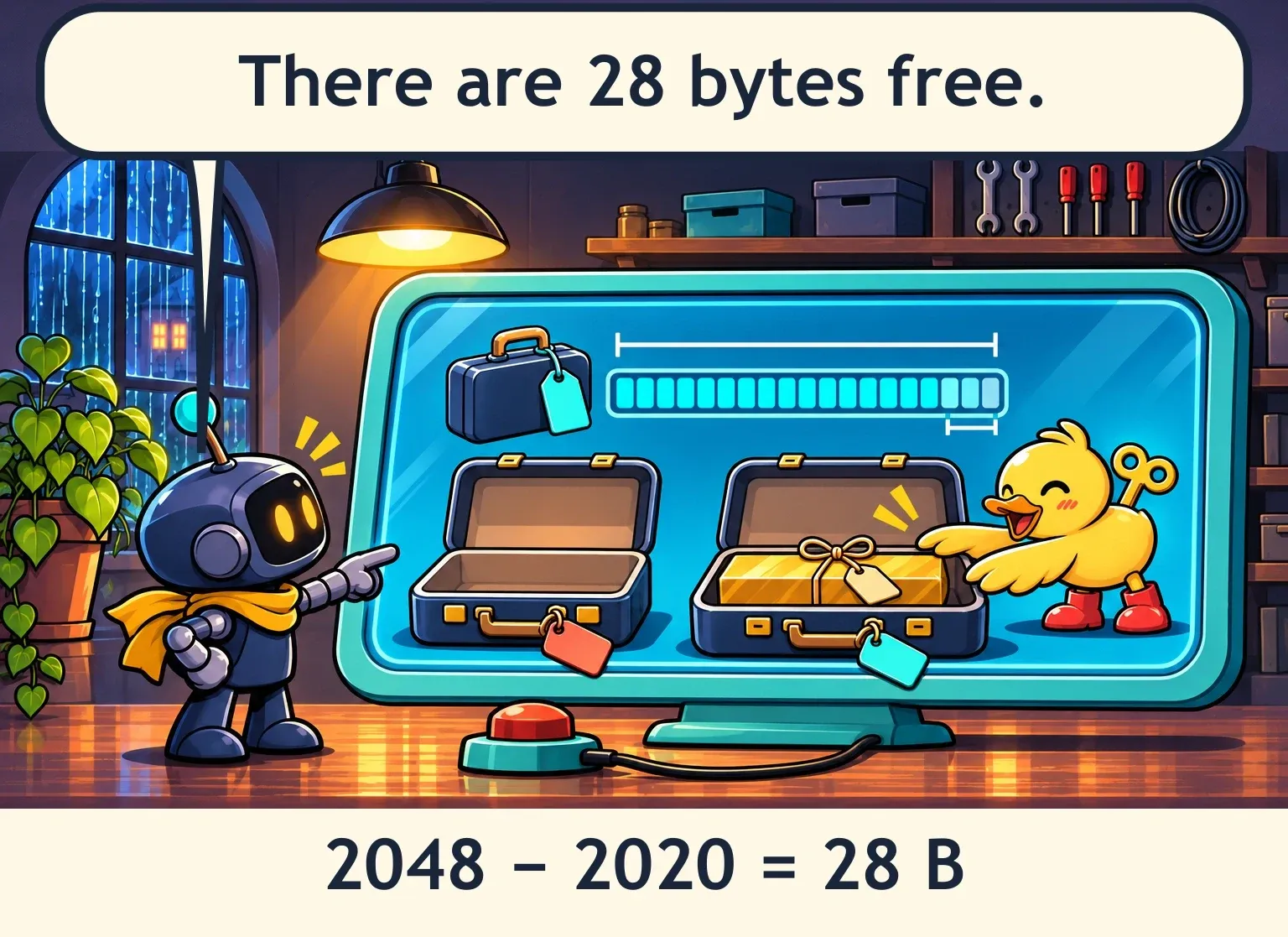
The right one holds the sole parcel. It has a size of 2048 bytes. The parcel consumes 2020 bytes, which leaves 28 bytes of free space. The left one is empty.
Diagram values: 2048 − 2020 = 28 B
Robot: There are 28 bytes free.
Duck is hugging that closed one (right) after putting its parcel in. The left one is still open and empty.
Duck: I should have read the label before I packed it.
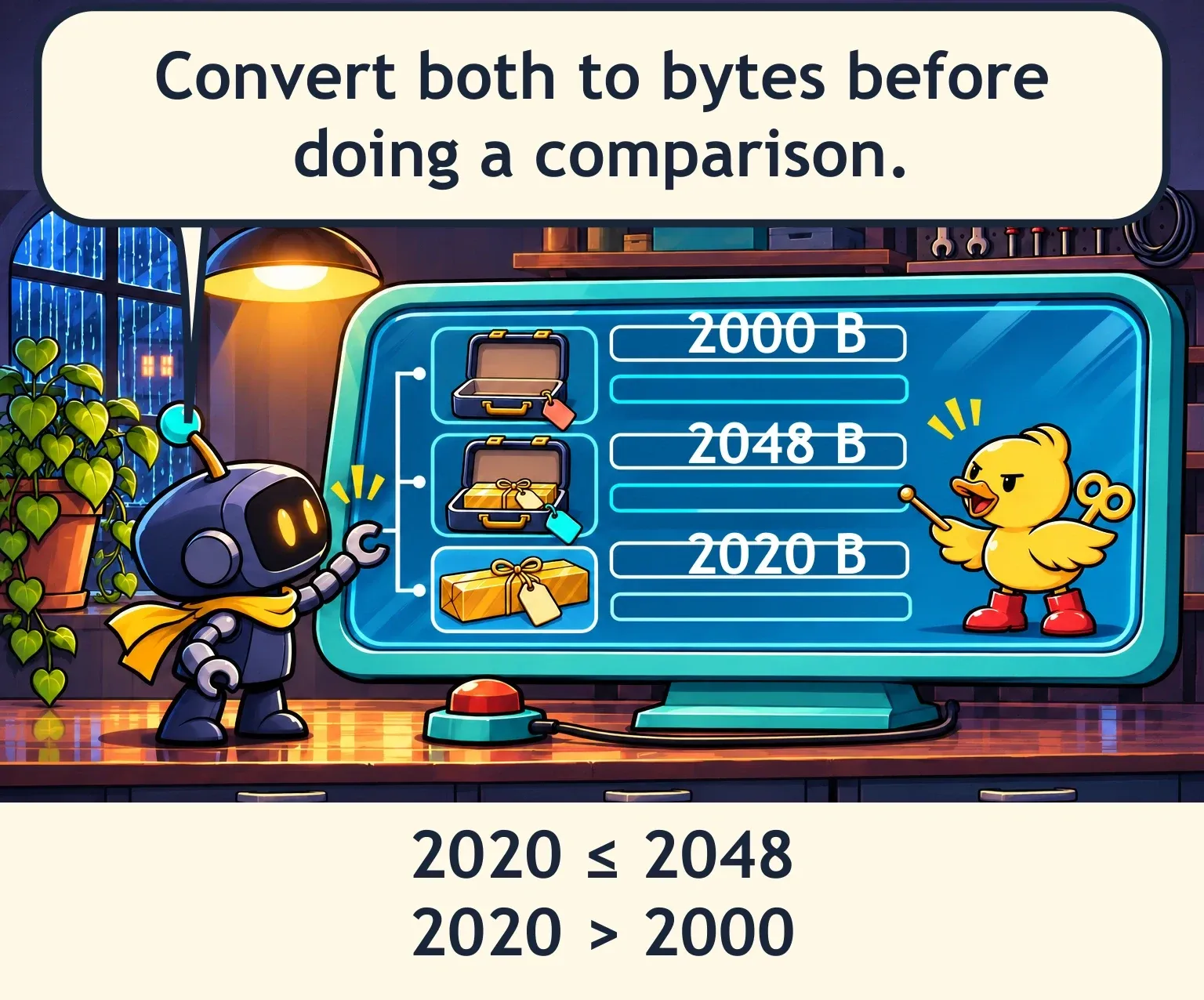
Robot compares size of cases AND parcel size in bytes. 3-row schematic separates empty decimal case from loaded binary case.
Diagram values: 2020 ≤ 2048; 2020 > 2000
Robot: Convert both to bytes before doing a comparison.
Six bytes too many
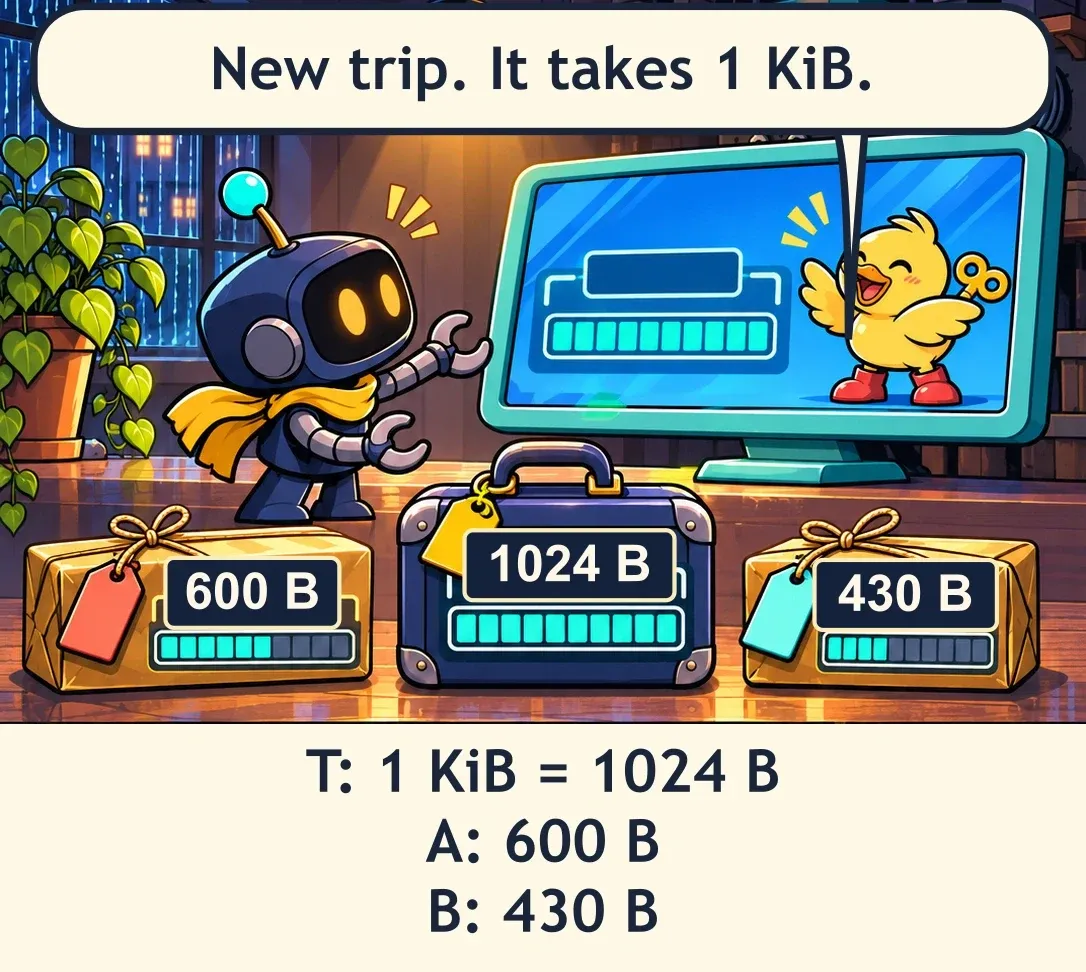
You have two separate parcels that take 600 bytes and 430 bytes respectively.
Diagram values: T: 1 KiB = 1024 B; A: 600 B; B: 430 B
Duck: New trip. It takes 1 KiB.
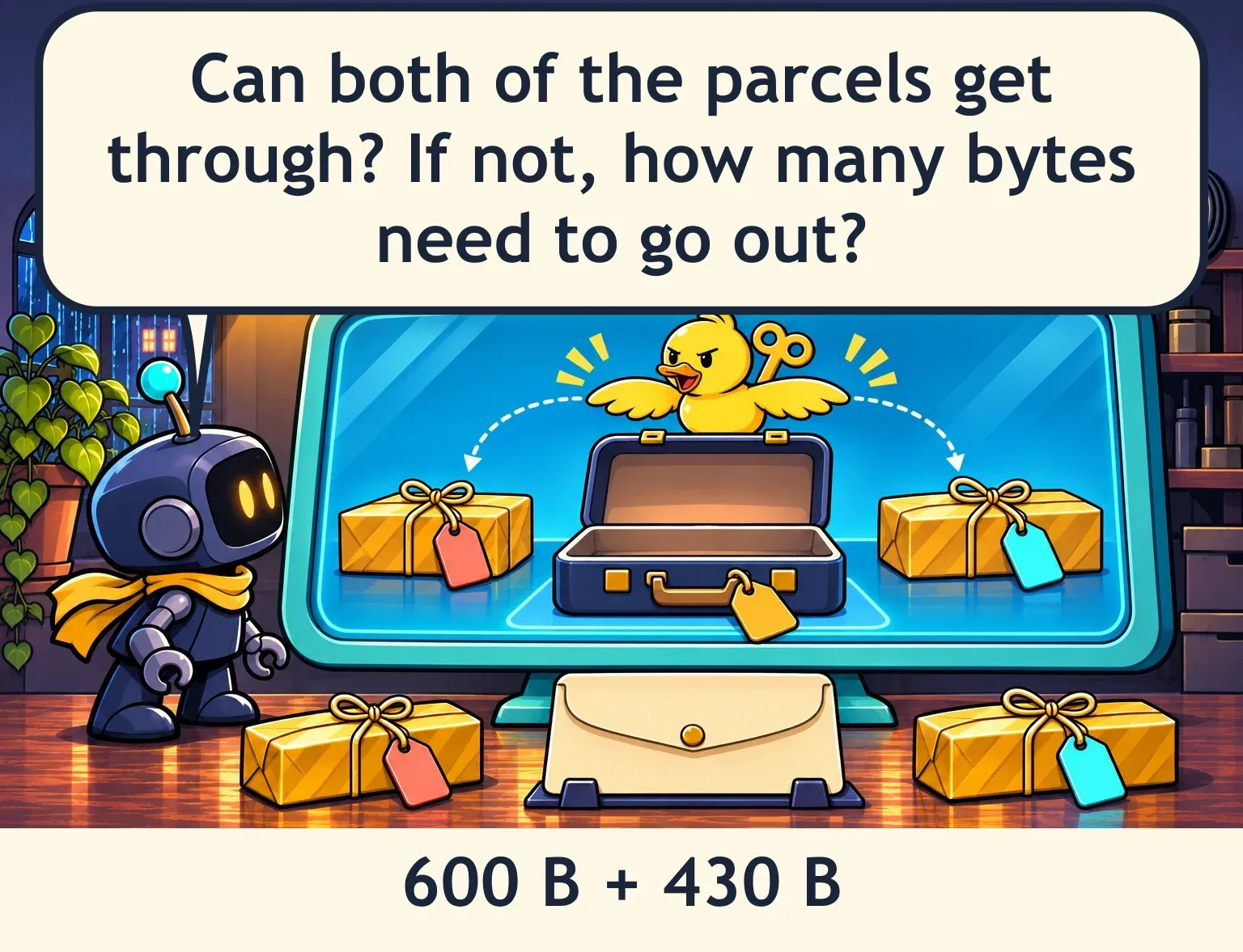
The open, empty suitcase stands in between two gold parcels that are waiting. Duck is behind the suitcase.
Diagram values: 600 B + 430 B
Robot: Can both of the parcels get through? If not, how many bytes need to go out?
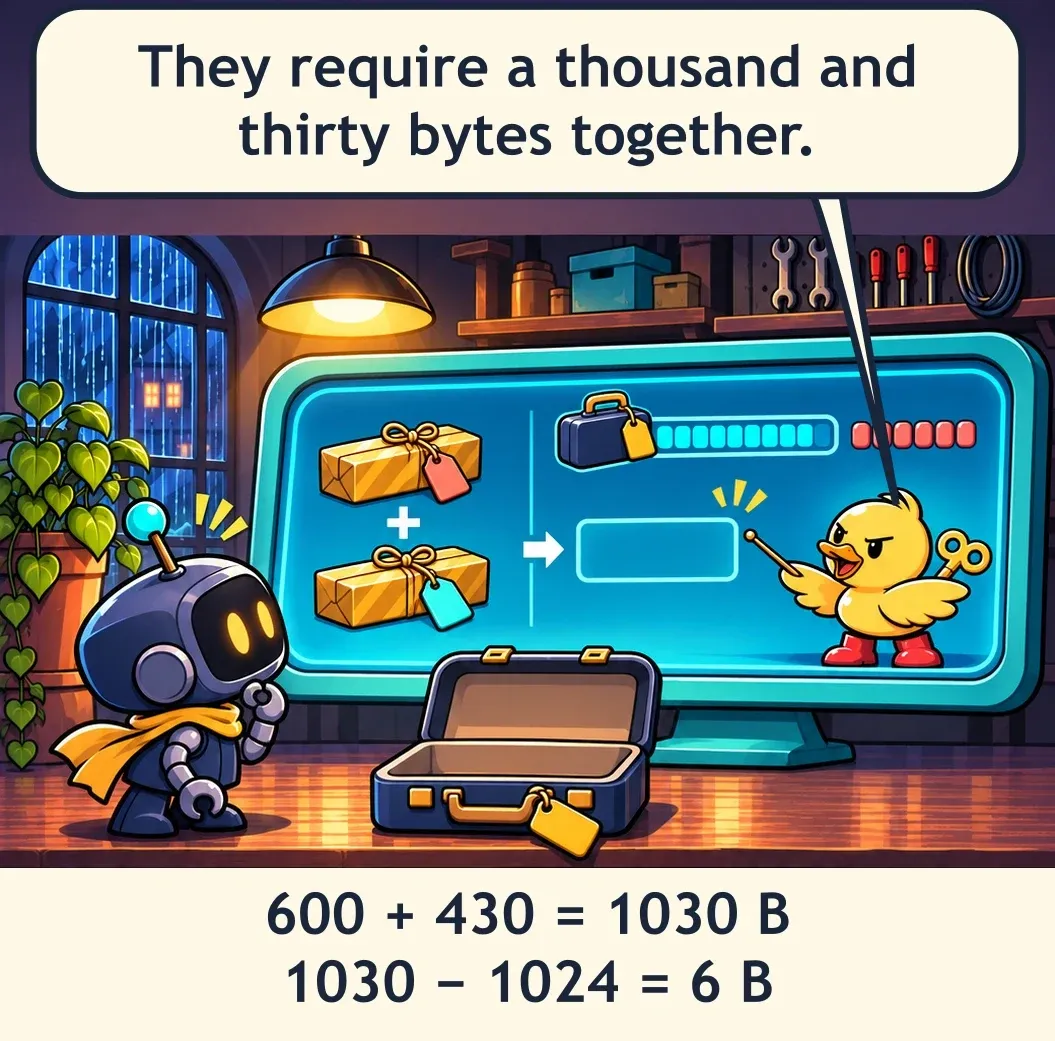
This is 6 bytes more than the 1024 bytes the case can hold.
Diagram values: 600 + 430 = 1030 B; 1030 − 1024 = 6 B
Duck: They require a thousand and thirty bytes together.
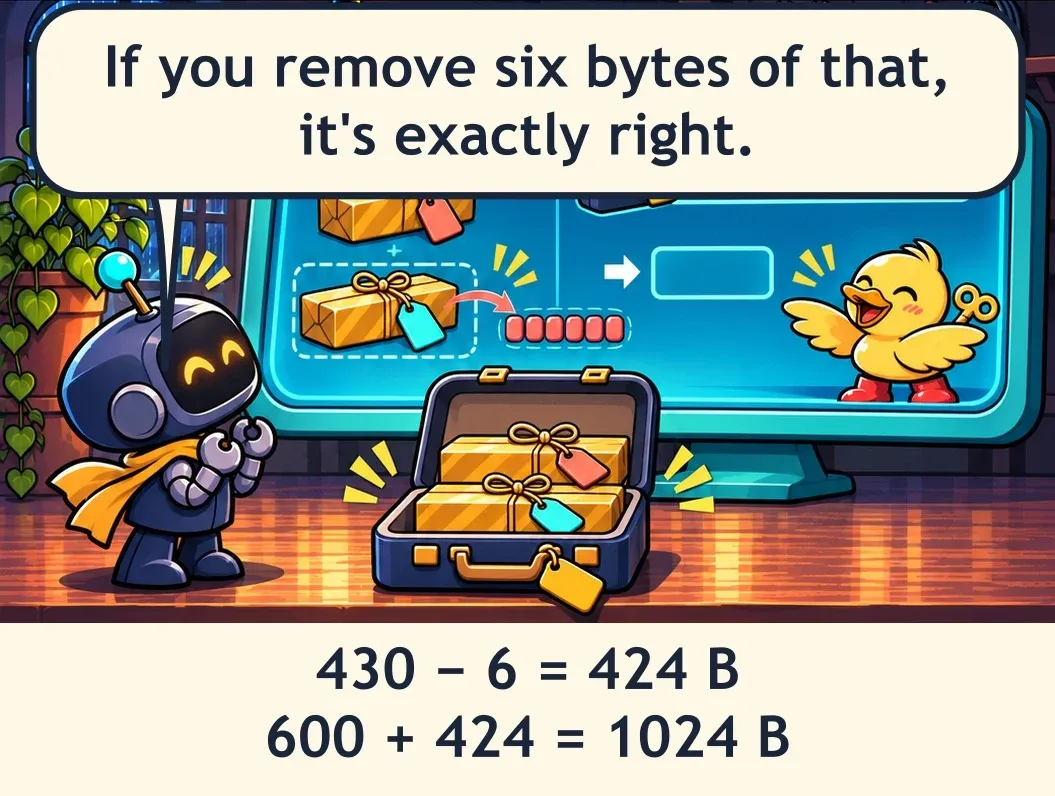
The 600B parcel is unchanged. The other parcel is reduced from 430B to 424B. Now we have both parcels fitting into the case, filling up the 1024B payload exactly.
Diagram values: 430 − 6 = 424 B; 600 + 424 = 1024 B
Robot: If you remove six bytes of that, it's exactly right.
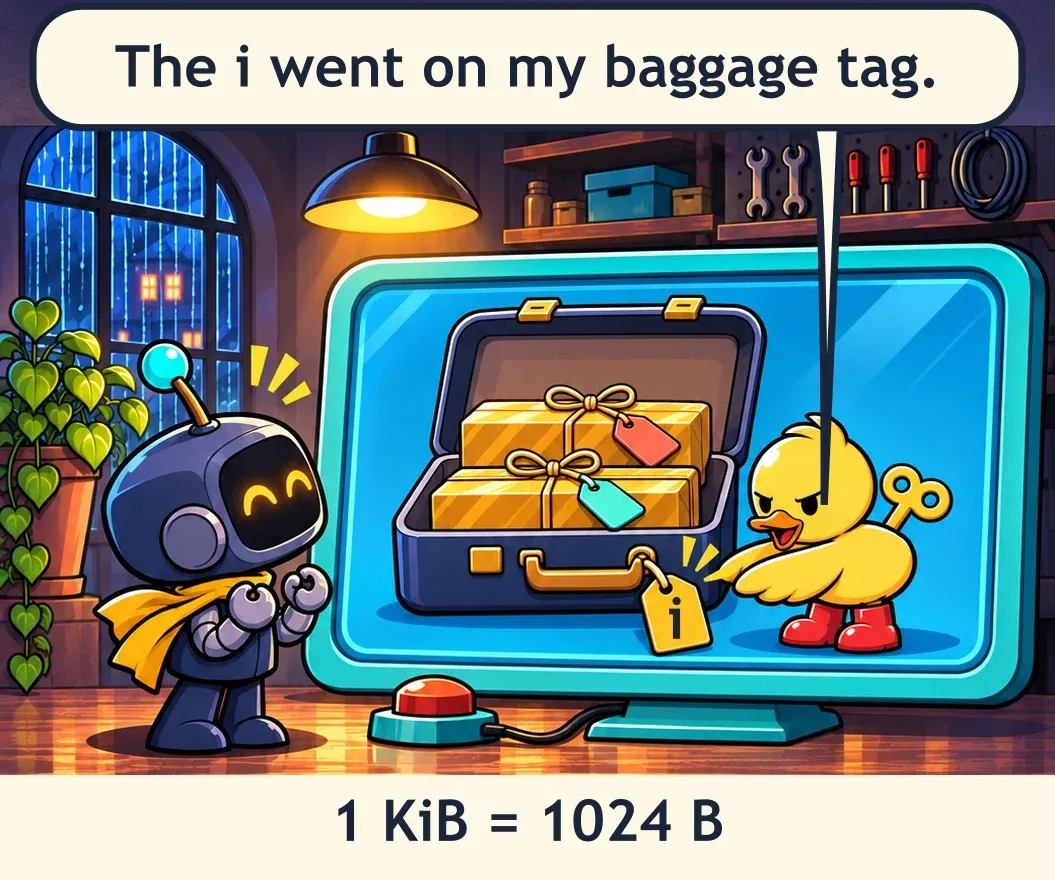
Duck adds 1 KiB size tag to the case. 2 parcels stay in. They consume 600 and 424 bytes.
Diagram values: 1 KiB = 1024 B
Duck: The i went on my baggage tag.
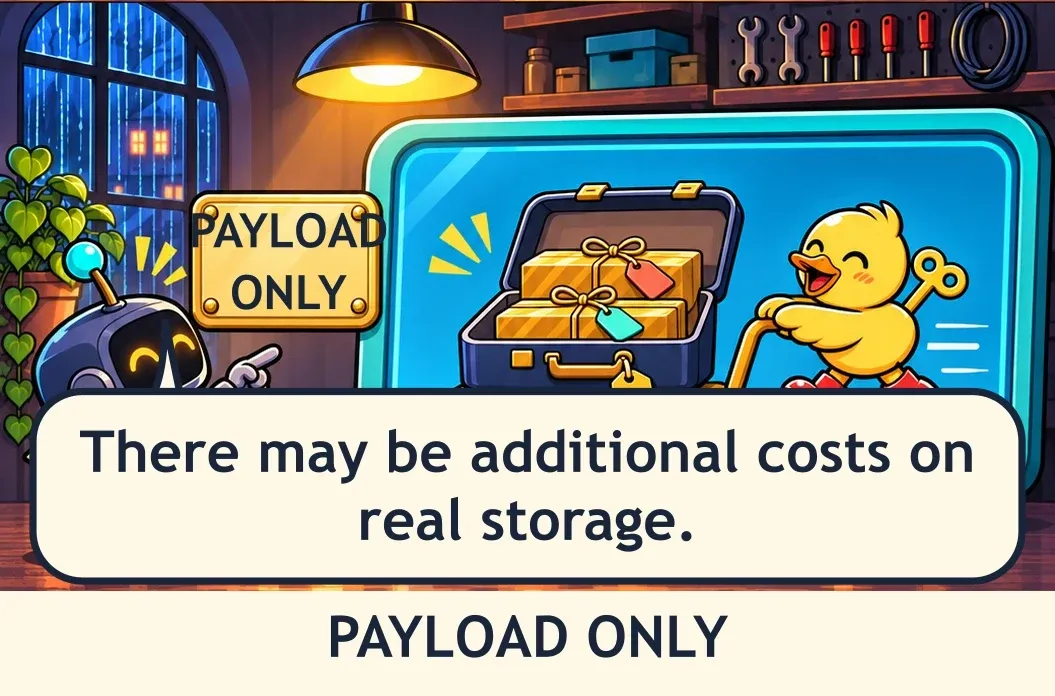
Now we have both parcels fitting into the case, filling up the 1024B payload exactly. Robot is pointing at the (fictional) payload-only rule.
Diagram values: PAYLOAD ONLY
Robot: There may be additional costs on real storage.
The lesson
kilo- in decimal, it means 1000. kibi- in binary, it means 1024. 1kB is 1000 bytes. 1KiB is 1024 bytes. If your payload budget is 2 kB, that means you have 2000 bytes available. 2 KiB means you have 2048 bytes available. A 2020 byte payload is 20 bytes larger than the first one. It has 28 bytes left over in the second. This imaginary packing budget doesn't include metadata or filesystem allocation or other costs. It doesn't really define how much space is available on a real device.
Try it
There are 2 (pretend) payload-only cases, one of 3 kB, the other of 3 KiB. You need a parcel that is 3060 bytes. In which case does it fit? How much (exactly) spare space or lack of?
Answer
decimal case - has 3000 bytes. That's 60 bytes short. binary case - has 3072 bytes. That parcel fits with 12 bytes to spare. convert to bytes before comparison for both cases.