 HoldMyTwist
Can Google Maps Popular times compare two stores?
Google Maps' "Popular times" feature can help you pick a less busy time to visit a store.
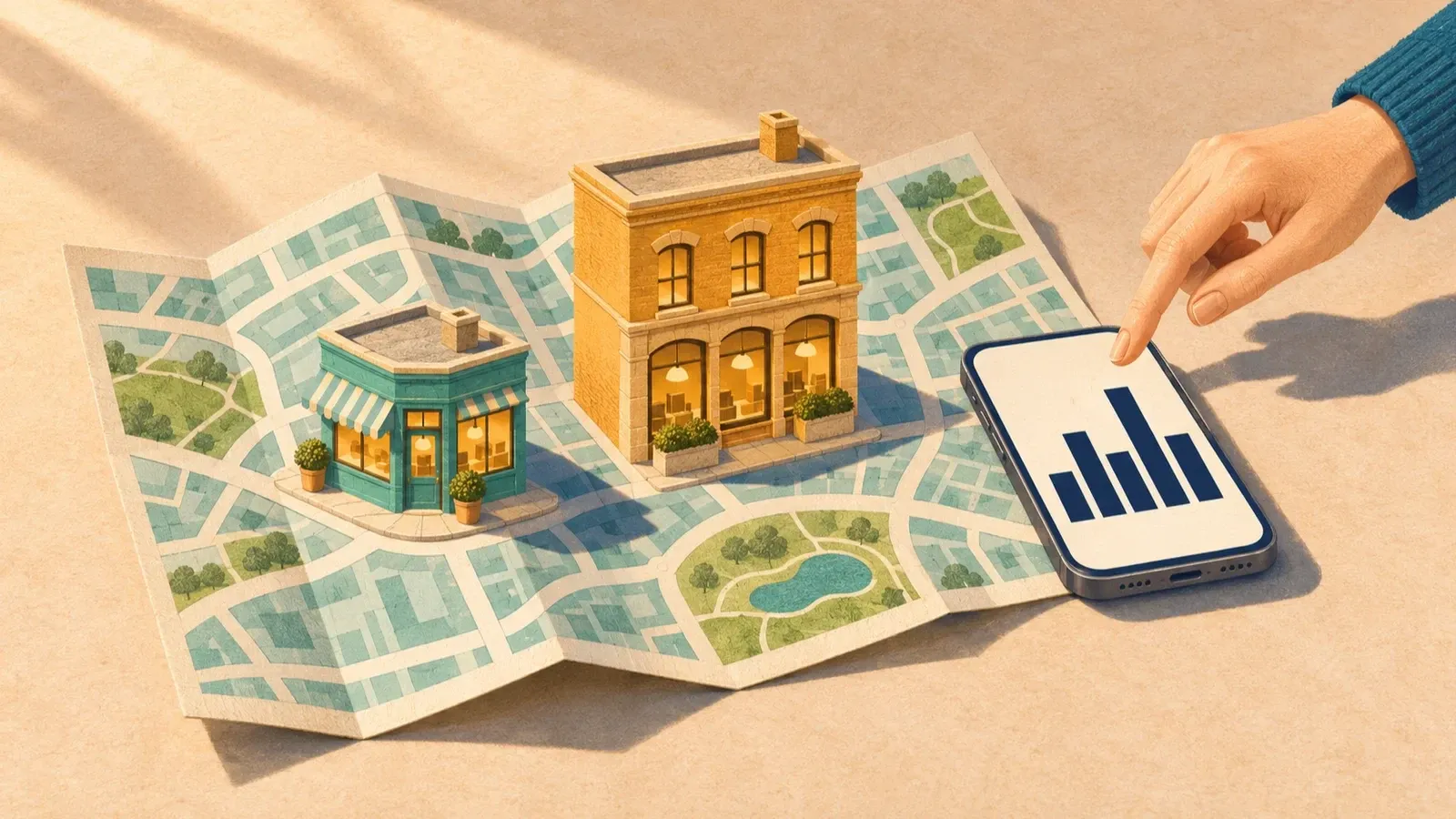
A short bar for a large store may mean more customers than a tall bar for a small store. Google Maps Popular times bar graphs indicate the busyness of each store compared to the peak time for that store.
What the bars measure
Google takes data over a period of a few months for the normal bars. It shows a comparison of each hour with the usual busiest hour of the week for the same shop.
Live activity on Maps lets you see the current busyness of the shop relative to normal.
Two stores and one pickup window
Here's a hypothetical situation. You haven't ordered anything. Something is in stock in both shops. You have to pick up a Black Friday order before noon.
The mall store has pickup only in the afternoon. The corner store has pickup in the morning. Order from the corner shop.
The corner store's 10 a.m. bar is lower than their 11 a.m. bar, so typically it's less busy at 10 a.m.
What to check before leaving
Sometimes the routine isn't exactly the same on the day of the sale. Before you leave, try to find a live reading for the branch. If there is not one, the chart does not provide you with any current crowd reading.
The live read gives you overall store activity. It doesn't tell you how many minutes you'll have to wait to get to the pickup counter.
Look at your order confirmation for the pickup window. If you don't have a pickup window, call the shop. Pickup times may be different than opening hours.
Sources
Google Business Profile Help on special opening hours (opens in a new tab)
Share this post
From holdmytwist.com/blog/google-maps-popular-times-compare-stores/
Related posts
Connect Gmail to Proton Mail: what can Google still see?

Check which connected Gmail messages still pass through Google, what Free supports, and what to verify before linking your accounts.
Proton Black Friday 2026: which privacy deal fits?

This guide goes through the various discounts that Proton is advertising for Black Friday. It shows how to find the initial price and renewal price. Maybe you just need the free version.
Is Proton VPN Plus worth it? 5 checks before paying

Proton VPN free vs Proton VPN plus. Compare country selection, device limits, streaming restrictions, then work out initial upfront payment and ongoing renewal fees of subscription.