 HoldMyTwist
How to check Black Friday TV price history for your model
The low price for a model might be for another TV. Look up the price history of the specific TV you're interested in.
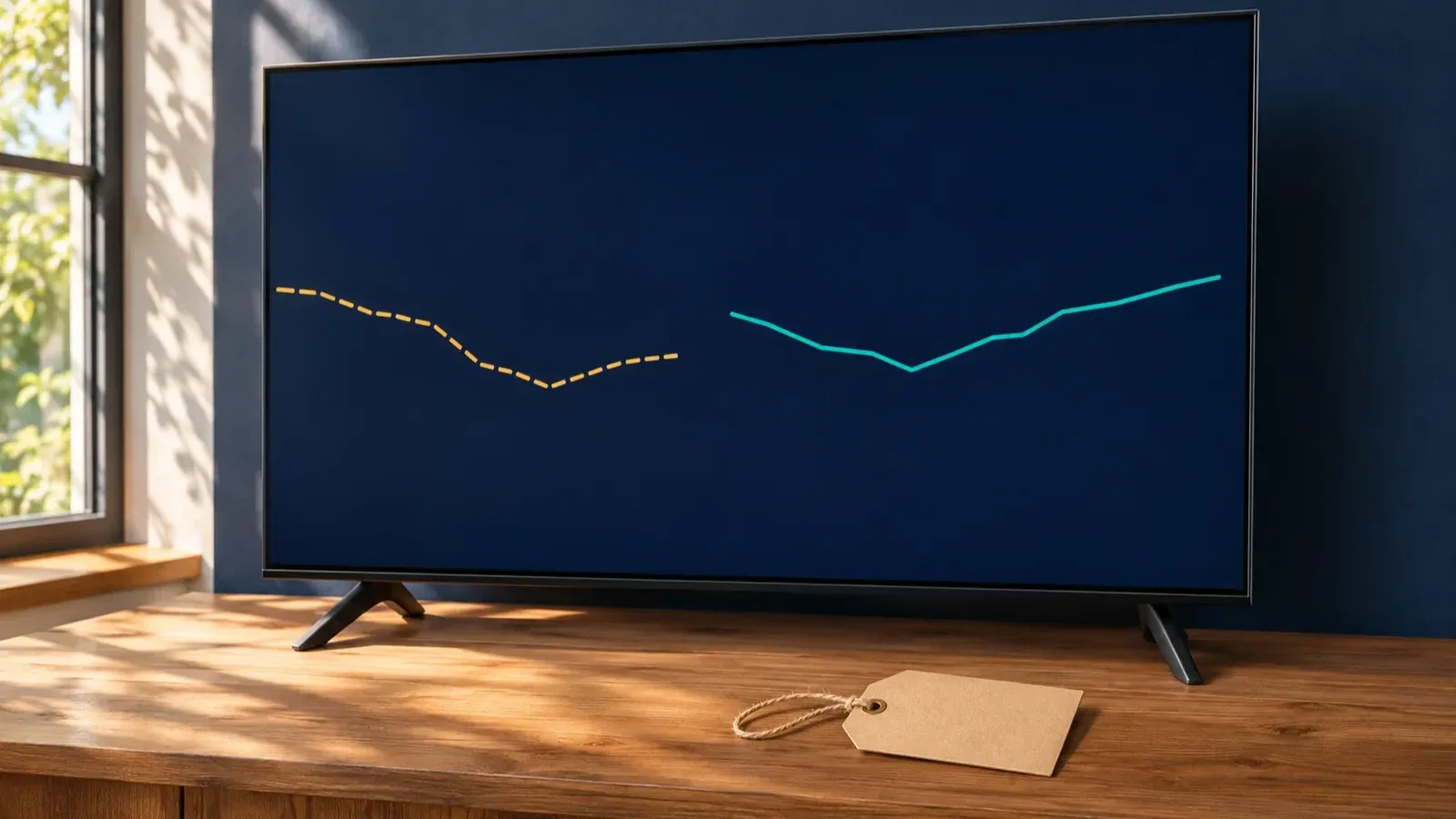
Make sure you look at price history for your specific model before buying a Black Friday TV. The entire chart may combine prices for different sizes.
1. Copy the full model number
Copy the whole model number you get from the manufacturer's website for your country. Ensure that the model number you see in the shop matches it.
2. Check where tracking starts for that size
On the BuyWisely C6 family page (opens in a new tab), choose 48 in for Screen Size. On the family page, the dashed line shows a combination of prices prior to tracking by size.
Compare using the exact-size chart (opens in a new tab). Find the earliest price on that size.
Watch out
It could have the correct model number but be in a different condition. The tracker showed an offer for the 48" model that was Carton Damaged. Skip it if you want an intact box.
3. Compare prices on the same basis
These are fictional prices. Don't include the mixed-size price A$1,090 in this comparison. The sale price of A$1,150 is A$40 less than the previous item price of A$1,190.
A$65 delivery makes the sale total price A$1,215. Previous checkout was A$1,210 for same model, condition, and postcode. You're paying A$5 more for the sale.
If the price isn't already including delivery, just compare the prices of the two items without delivery. Then, when checking your budget, just consider the total price at the moment with delivery.
4. Decide what to do with missing history
If you can't use history for the exact model, look at current offers for the same condition and compare delivered totals. Remember today's total and model number and check the next sale.
If you're interested in revisiting the price later, you can learn how to schedule a Black Friday price check in ChatGPT.
Sources
Share this post
From holdmytwist.com/blog/black-friday-tv-price-history/
Related posts
Time zones explained for students

3 step method for time zone conversions. See visual examples of UTC offsets, daylight saving, and date changes. Practice 3 questions with answers.
Check a domain's renewal cost before you buy
Get the price of your renewal. Find out the price of the exact domain you're interested in. Check for premium pricing and add-ons. See 3-year prices before you register.
How to check an online store before you buy
7 free tests you can use on an unknown online store. Screenshots of the tools are included. Test address, reviews, age of domain, ABN, Safe Browsing, policies and payment methods.