 HoldMyTwist
Use a fallback for blank product names in Make
Use ifempty & trim within Make Free to substitute the product title (if empty) with the SKU. Try empty title, filled title, space title only.
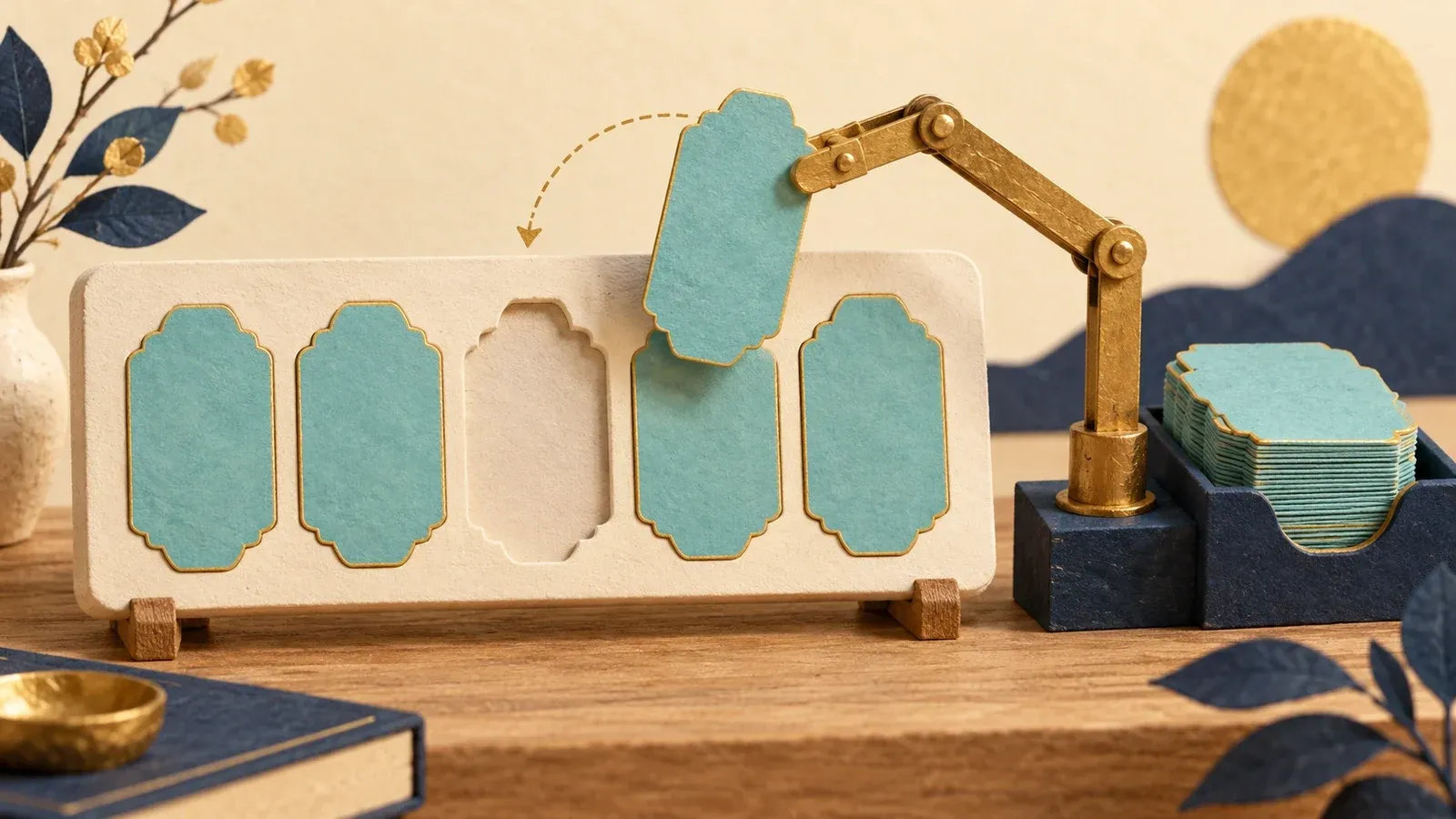
If you leave your product's title blank, your order summary won't have a useful title. Here's an example of Make Free picking the SKU if you leave the title blank (after trimming). Uses ifempty and trim. The reader will test an empty title, filled title and title that's only spaces.
Before you start
You need an account on Make first. You can create a Make Free account (opens in a new tab) or log in.
The practice scenario remains Inactive. It is being run manually with Run once.
You don't need an additional app.
1. Create an empty product title
- Start in Scenarios, using Create scenario.
- The top left name is Missing title practice.
- The first module is JSON > Parse JSON.
- Data structure field is blank. JSON string field has the following fictional object:
{"title":"","sku":"NB-01"}
- Save the module and scenario.
- Click on Run once. After running, open JSON result bubble. Fields we expect to see: Empty title and sku = NB-01.
Click Save anyway or Run anyway only if the only warning is about unused output from last module.
2. Map a fallback name
Close the json results window and hit the plus button next to the json module. Choose Tools -> Set variable. Give it the name display_name as variable name. Place the following expression in Variable value.
Using coloured tokens from JSON module 1, map the title and sku. You can substitute the title and sku tokens from a JSON module different from #1 in your scenario, assuming the JSON module has a number other than 1.
Save the module. Save the scenario.
{{ifempty(trim(1.title); 1.sku)}}
Watch out
If the title is just whitespace (a title of just spaces), then ifempty by itself will return the spaces. trim strips off the leading and trailing spaces from the title. You'd use trim first, and then ifempty. That way, if the title only has spaces, it will use the SKU. And trim removes the leading and trailing spaces even from a non-empty title.
3. Check empty, filled and spaces-only titles
- Run the scenario with Run once. Open the Tools result bubble. In the Output section, the display_name should start out as NB-01.
- Now, change the JSON title to Notebook (exactly). Save. Run. The Output should now be Notebook.
- In the third test, change the title to a title that has exactly three space characters in it. In the JSON, set the title to this. Save. Run. The Output should be NB-01. This is because the trimming occurs before fallback.
- Set the title to empty again after these tests. Save the scenario. Now, set the scenario to be Inactive.
If the result is still blank
Check the SKU, if this returns blank. Both mapping tokens need to be from the correct source module and the SKU needs to have a value. So, you're picking an existing value with this expression. You can't pass a name/SKU in this case when both values are empty. Decide what to do with this scenario before binding an actual action.
For one off correction, just edit source. Use Make if you want this cleanup to be part of a recurring workflow. Start with Make Free (opens in a new tab). Review Make Free plan limits before scaling.
Sources: Make general functions (opens in a new tab); Make text functions (opens in a new tab). Screenshots show fictional practice data.
Share this post
From holdmytwist.com/blog/make-ifempty-blank-product-name/
Related posts
Convert decimal-comma text to a number in Make
Read decimal-comma correctly for Make Free. 19,95 -> 19.95, check the math, and see when you get a change in value from a separator error.
Sort tasks by numeric priority in Make

The exercise shows using Make Free to sort three made-up task records by numeric priority (maintaining full records). It checks the type of priority field. It compares number values with number strings in quotes.
Use map in Make to extract matching email addresses
Extract work email addresses from fictional contacts in Make Free. Use the exact field keys and check the resulting array before using it.