 HoldMyTwist
Use a fallback for blank product names in Make
Use ifempty and trim in Make Free to replace a blank product title with its SKU. Test an empty title, a filled title and a spaces-only value.
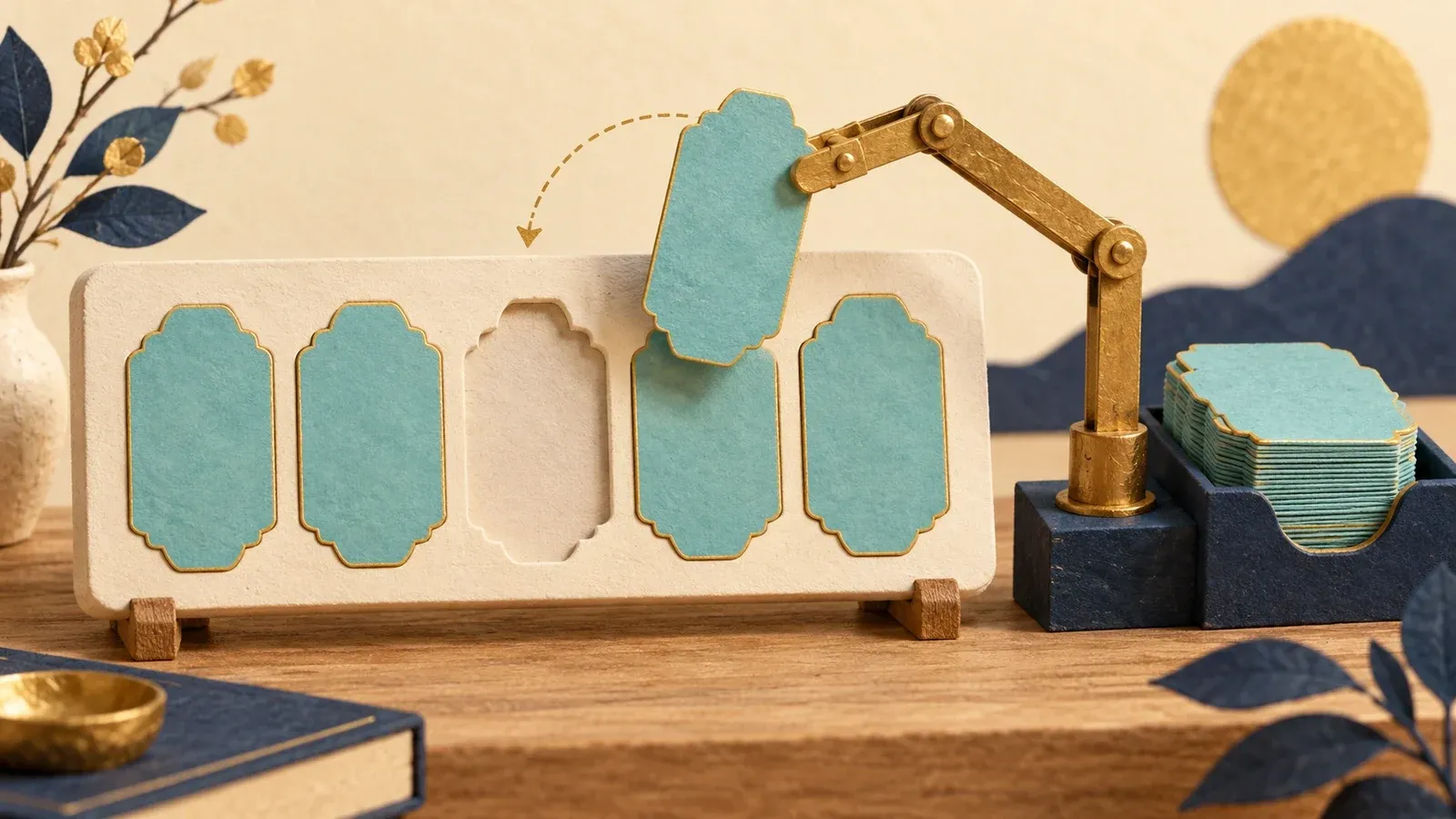
A missing product name can leave an order summary hard to read. This Make Free practice uses ifempty and trim to choose the SKU when the title is blank, then checks three small inputs.
Before you start
To get started, you need a Make account. You can create a Make Free account (opens in a new tab) or sign in. Keep the scenario Inactive and use Run once. No other app connection is needed.
1. Create an empty product title
- In Scenarios, click Create scenario. Name it Missing title practice at the top left.
- Add JSON > Parse JSON. Leave Data structure unset for this practice.
- Paste the object below into JSON string.
- Save the module and scenario, then click Run once. If Make warns that the terminal module's output is unused, choose Save anyway or Run anyway for this practice.
- Open the JSON result bubble. Check that title is blank and sku is NB-01.
{"title":"","sku":"NB-01"}
2. Map a fallback name
- Close the result panel. Click the plus to the right of JSON and add Tools > Set variable.
- Set Variable name to display_name.
- Paste the expression below into Variable value. Check that title and sku are coloured tokens from JSON module 1. Replace those source tokens if your module number differs.
- Save the module and scenario.
{{ifempty(trim(1.title); 1.sku)}}
Watch out
A title containing only spaces can look empty while still being text. In this practice, ifempty alone returns those spaces instead of the SKU. Trim the title first, then check the fallback. This also removes spaces at the edges of a filled title.
3. Check empty, filled and spaces-only titles
- Click Run once and open the Tools result bubble.
- Under Output, check for display_name: NB-01.
- In JSON, change the title from "" to "Notebook". Save and run again. The result should be Notebook.
- Change the title to three spaces inside the quotes. Save and run again. With the trimmed expression, the result should be NB-01.
- Restore the empty-title example and save. Keep the scenario Inactive.
If the result is still blank
Check that the SKU has a value and that both tokens come from the intended source module. This expression chooses between two values; it does not invent a missing name or SKU. Decide what should happen when both are blank before connecting a real action.
Use Make when this cleanup belongs in a workflow you repeat. For a one-off edit, change the source record directly. Start with Make Free (opens in a new tab), and check the Free-plan limits before scheduling a larger workflow.
Sources: Make general functions (opens in a new tab); Make text functions (opens in a new tab). Screenshots show fictional practice data.
Share this guide
From holdmytwist.com/guides/make-ifempty-blank-product-name/
Related guides
Convert decimal-comma text to a number in Make
Read decimal-comma text correctly in Make Free. Check 19,95 becomes 19.95, verify arithmetic, and catch a separator mistake that changes the value.
Sort tasks by numeric priority in Make
Sort three tasks by numeric priority in Make Free. Check the field type, preserve each task record, and see why quoted numbers change the order.
Use map in Make to extract matching email addresses
Extract one field from matching records in Make Free. Use a fictional contact list, select the right keys, and check the resulting array.