 HoldMyTwist
Episode 9
Duck, Pixel by Pixel
Duck wants to do a brand new enlargement of the original source patch. He wants to make it three times as wide and three times as tall.











Episode transcript
A giant parade portrait
Duck looks in through the aqua monitor at a small bitmap picture of himself on an easel. Robot is next to the controls to enlarge it.
Duck: I want a picture of myself on the parade banner.
Robot: We can make it bigger.
Duck: My beak has stairs!
Robot: We blew up the blocks too.
Look inside the source
Duck: What is in that little piece?
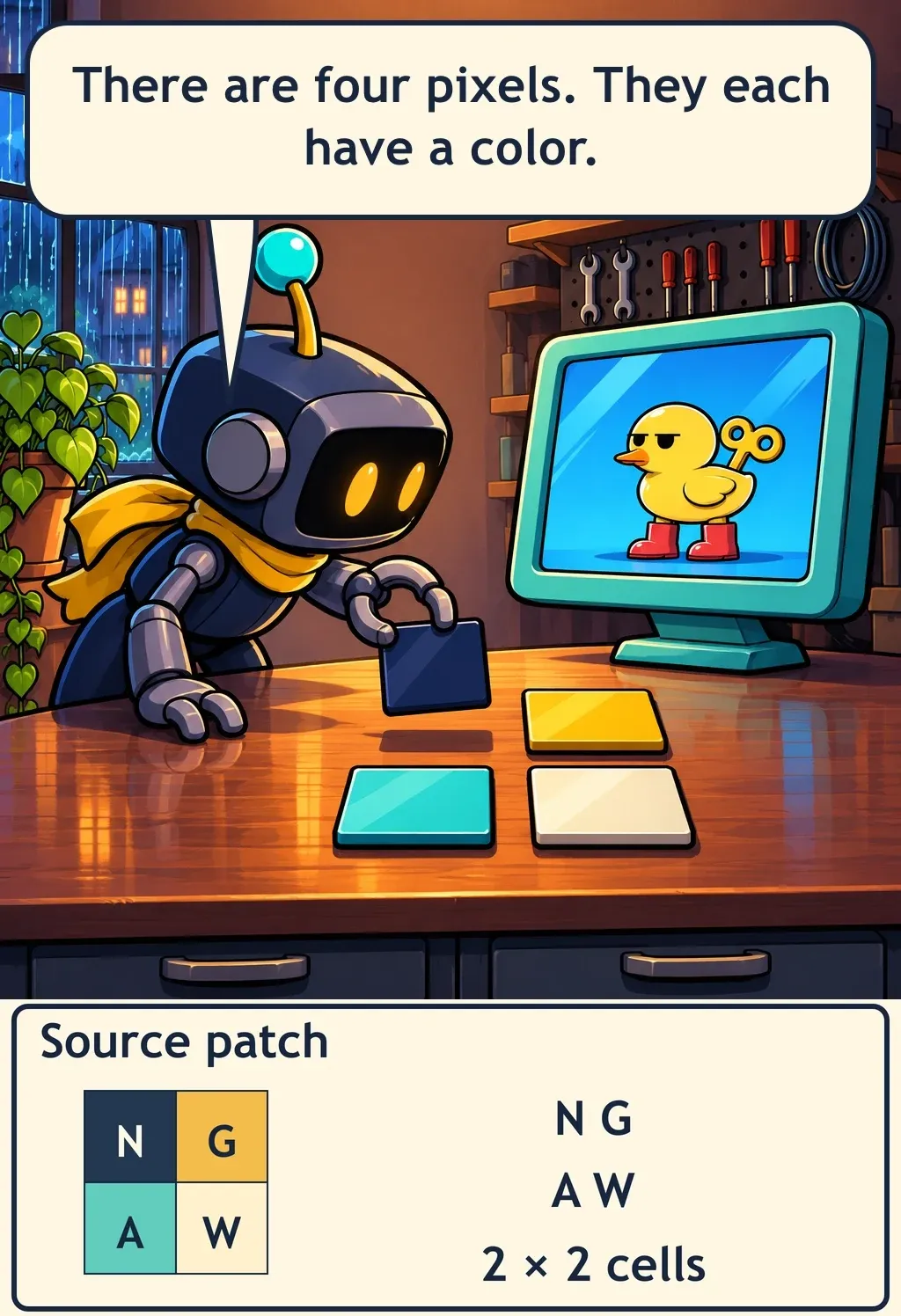
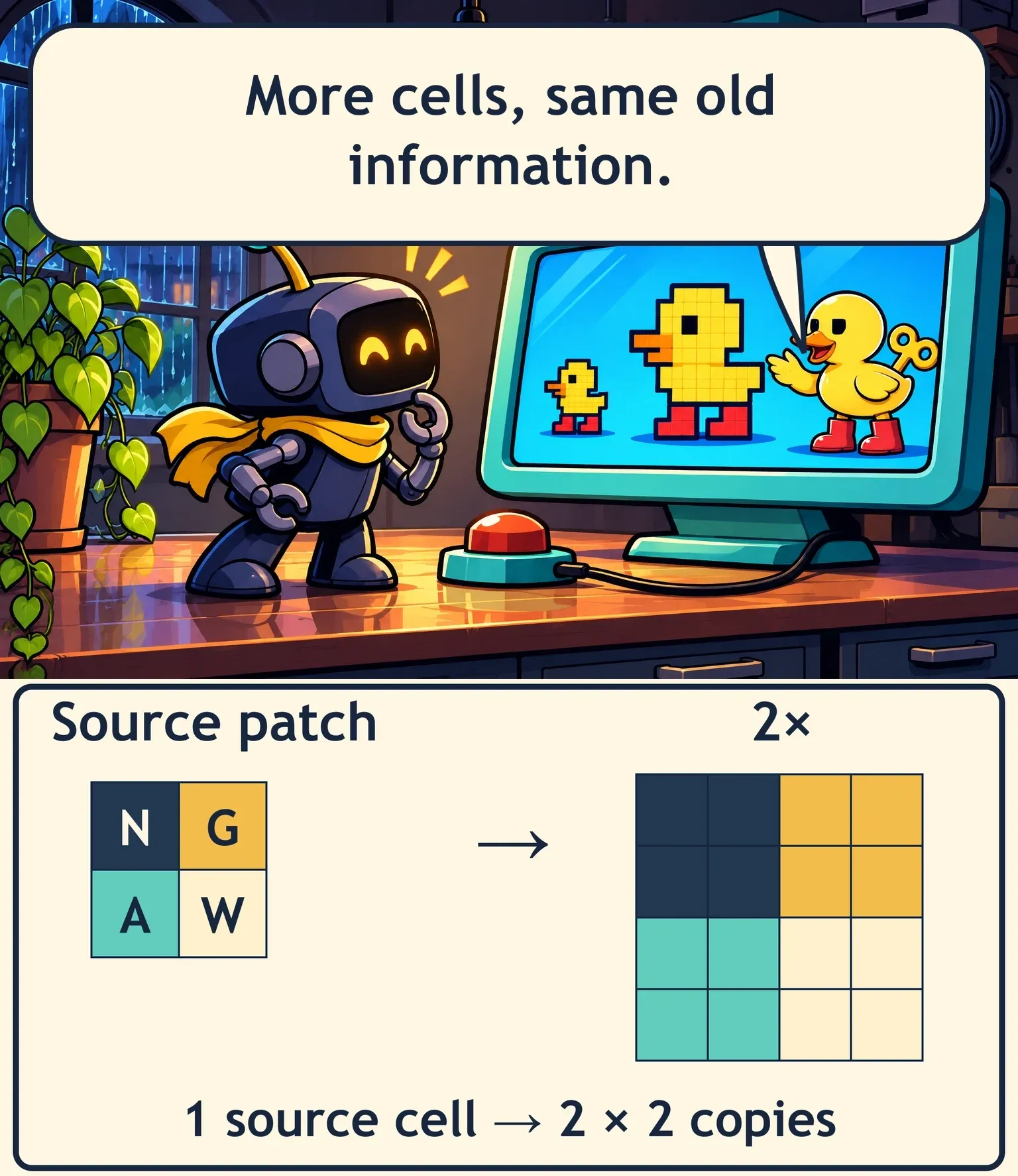
The top row has navy and gold. The bottom row has aqua and white.
SOURCE: 2 × 2 PIXELS
TOP ROW: NAVY, GOLD
BOTTOM ROW: AQUA, WHITE
Robot: There are four pixels. They each have a color.
The four cell patch is just a sample of the portrait.
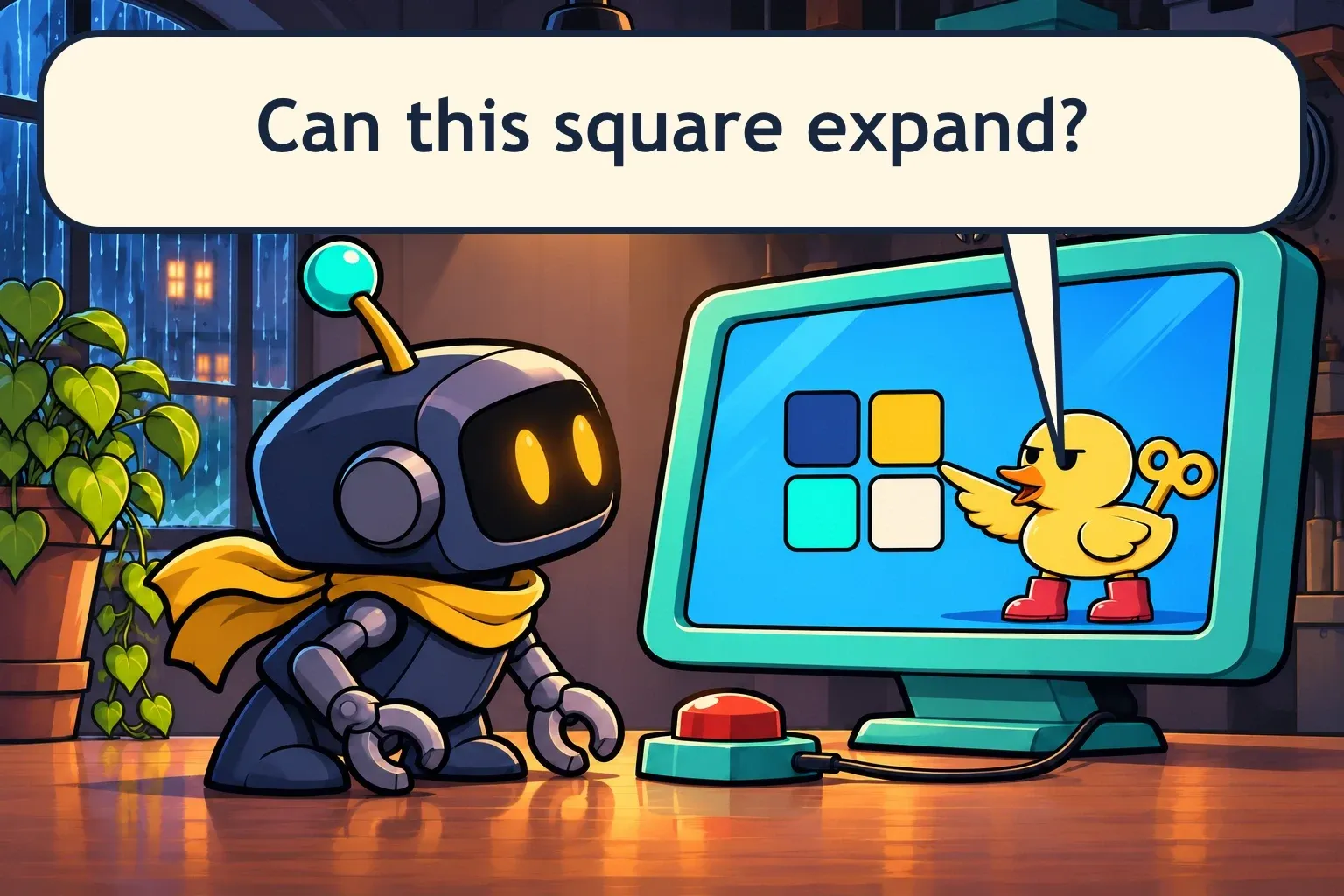
Duck: Can this square expand?
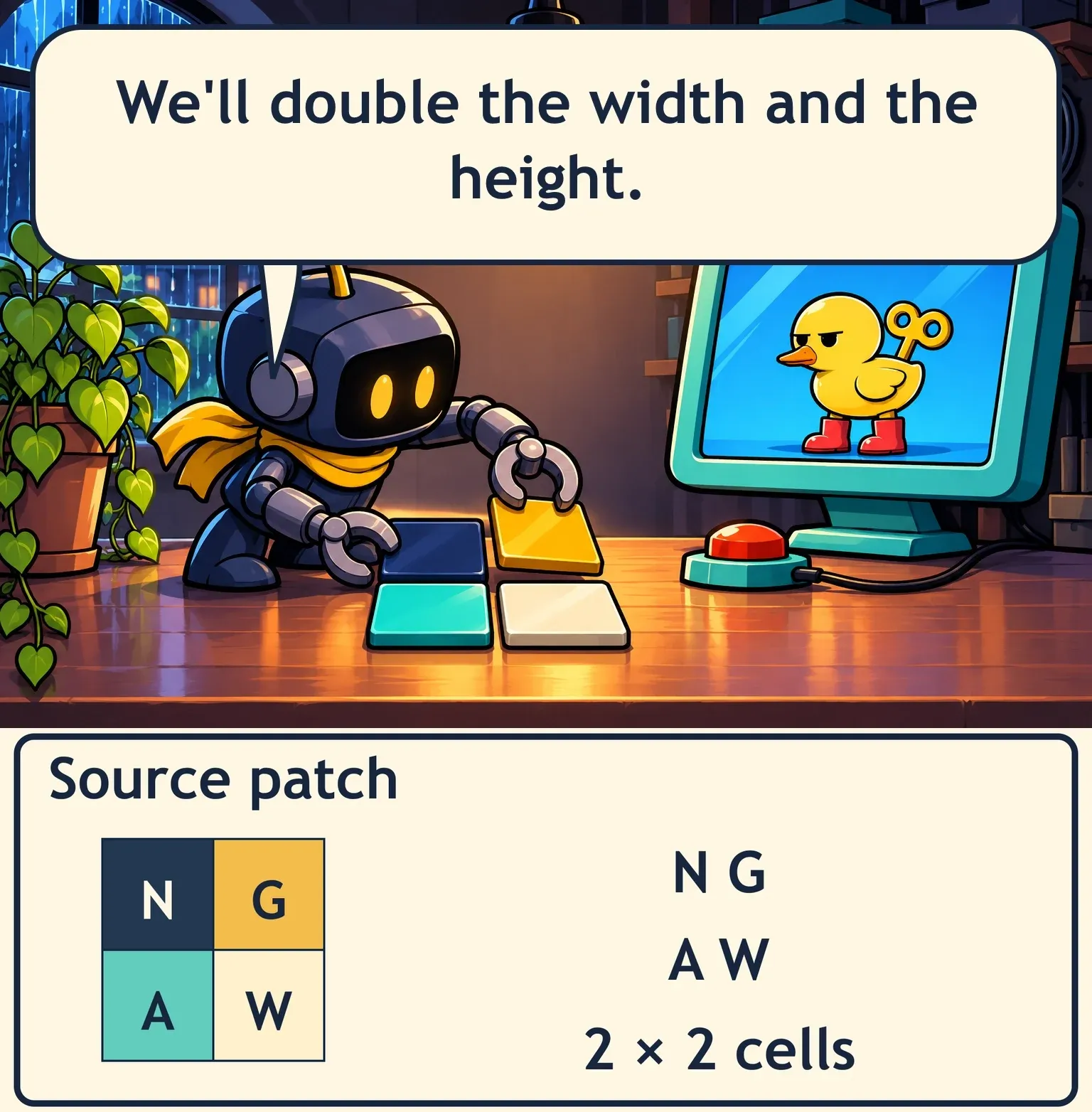
SCALE WIDTH × 2. SCALE HEIGHT × 2
Robot: We'll double the width and the height.
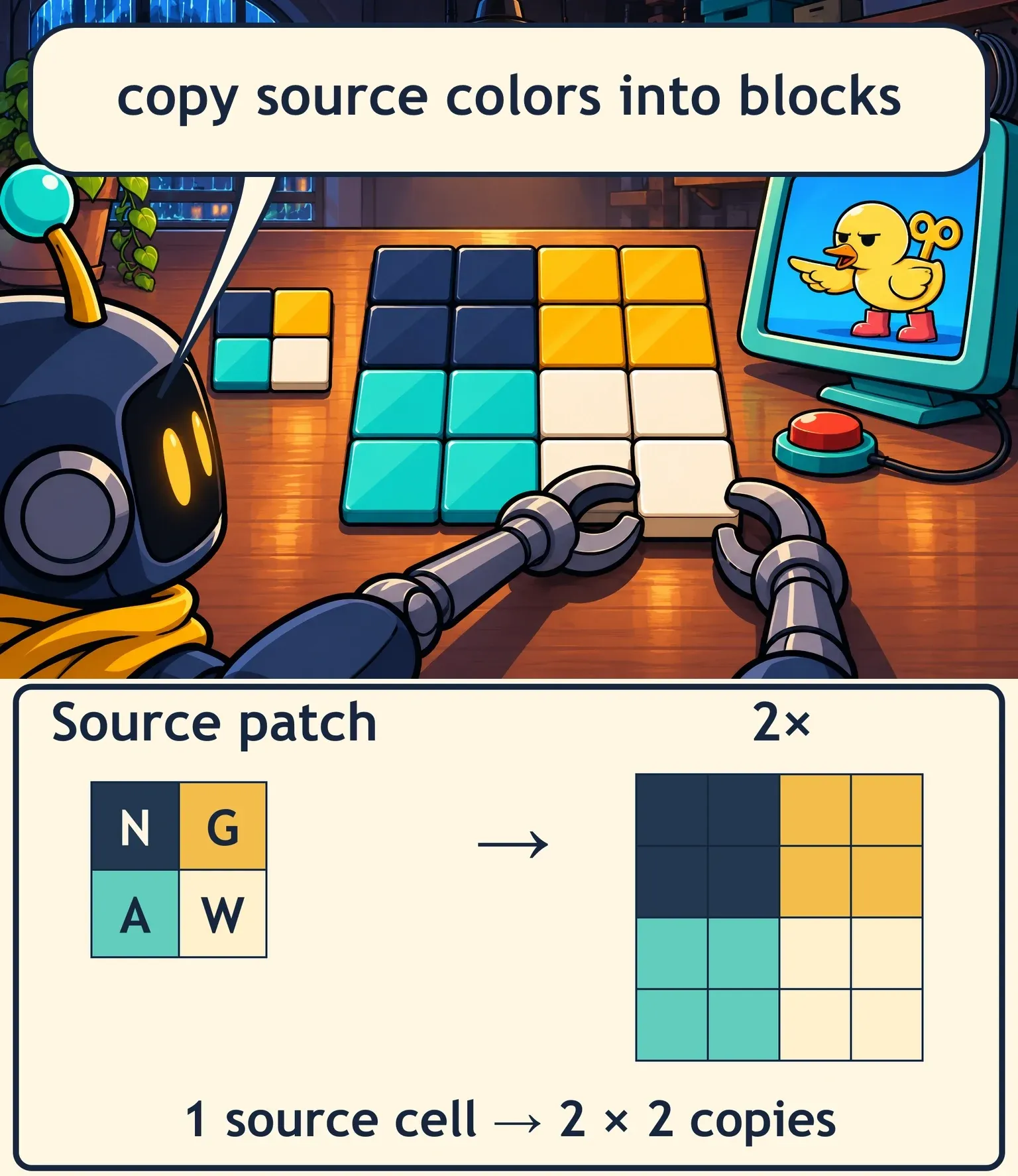
Copy the existing colors
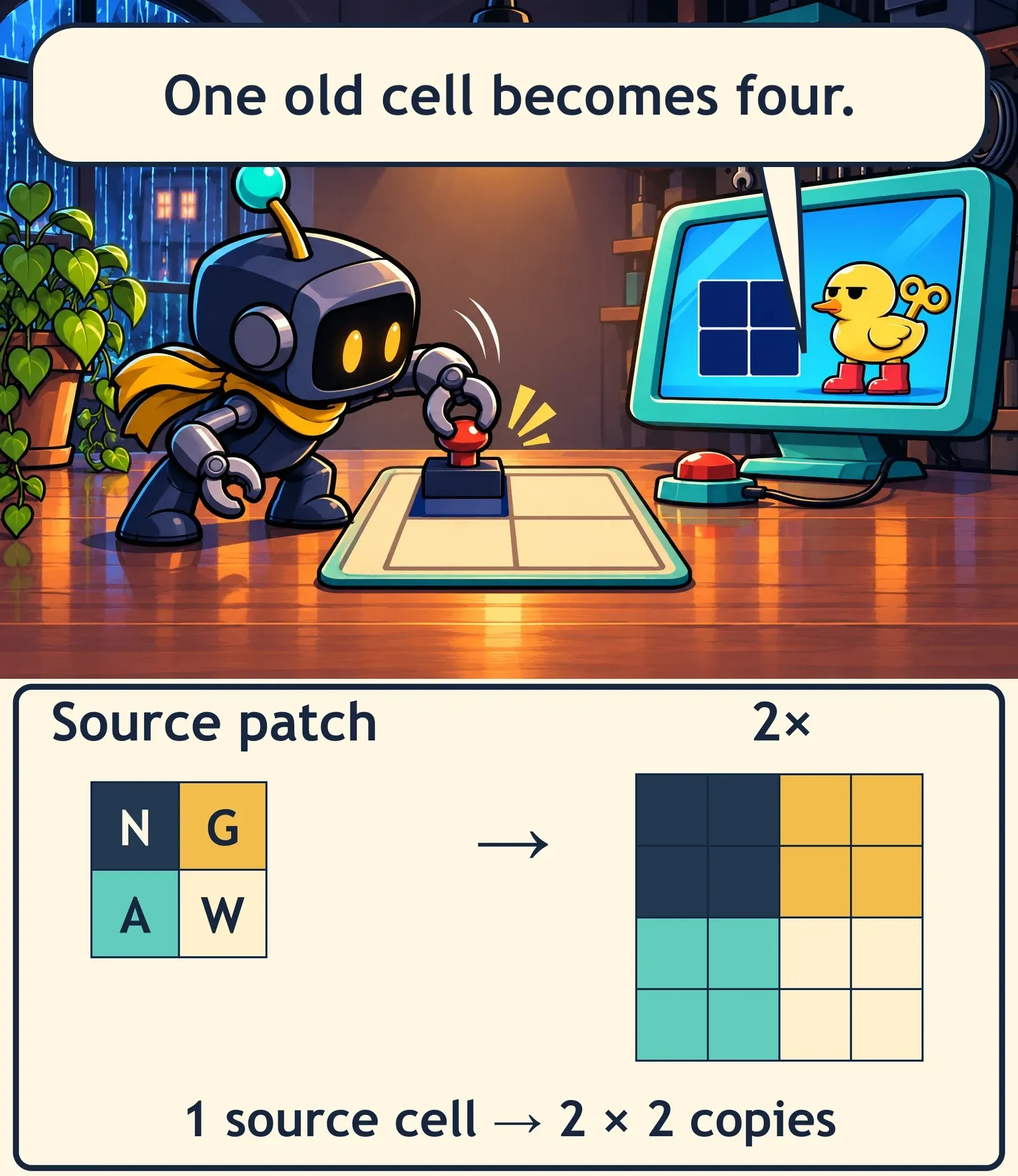
1 SOURCE CELL → 2 × 2 OUTPUT BLOCK
Duck: One old cell becomes four.
OUTPUT ROW1: N N G G
OUTPUT ROW2: N N G G
OUTPUT ROW3: A A W W
OUTPUT ROW4: A A W W
N NAVY; G GOLD; A AQUA; W WHITE
Robot: copy source colors into blocks
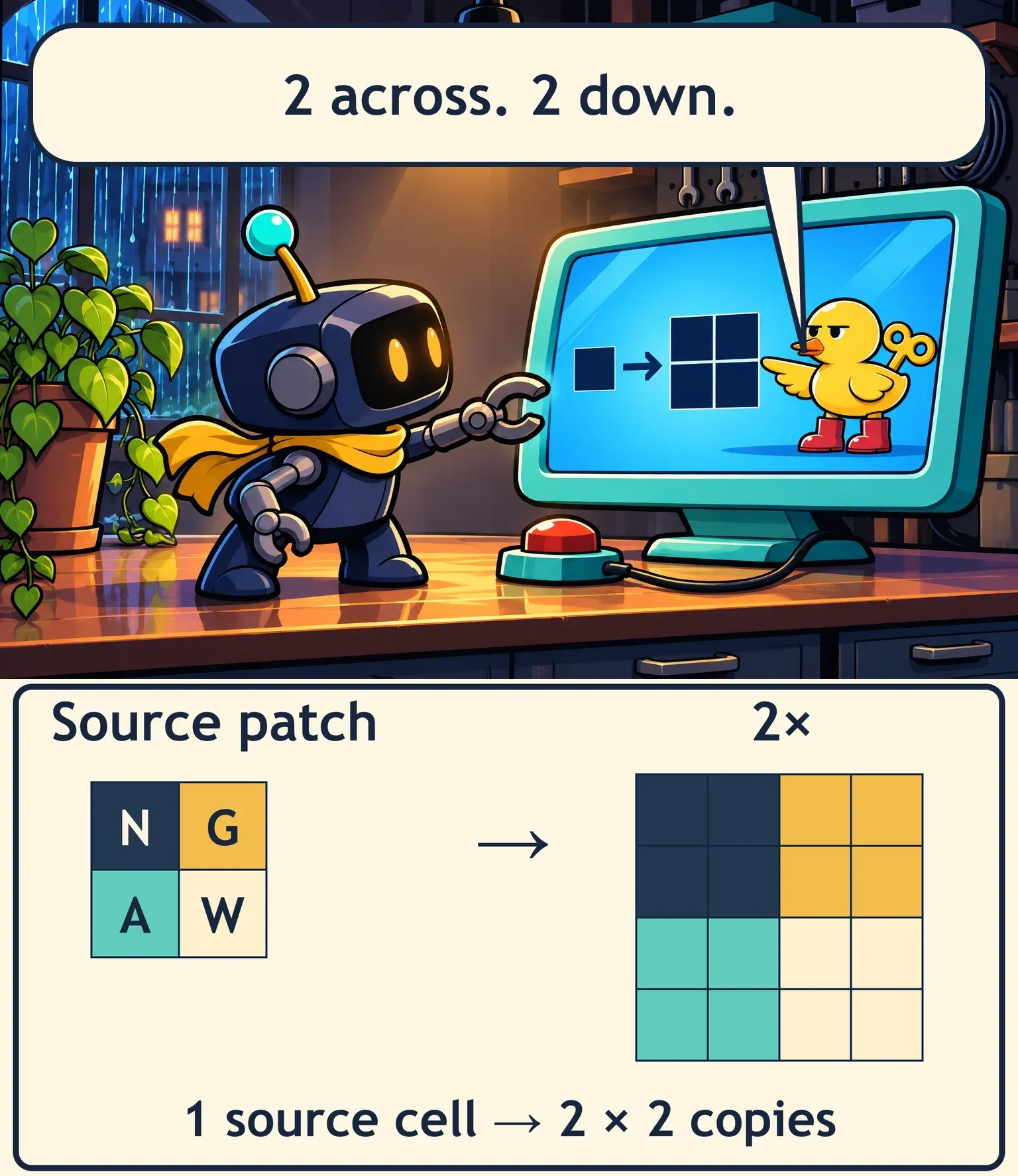
2 ACROSS × 2 DOWN = 4 OUTPUT CELLS
Duck: 2 across. 2 down.
Robot: Bigger didn't add detail.
A new scale
Duck wants to do a brand new enlargement of the original source patch. He wants to make it three times as wide and three times as tall.
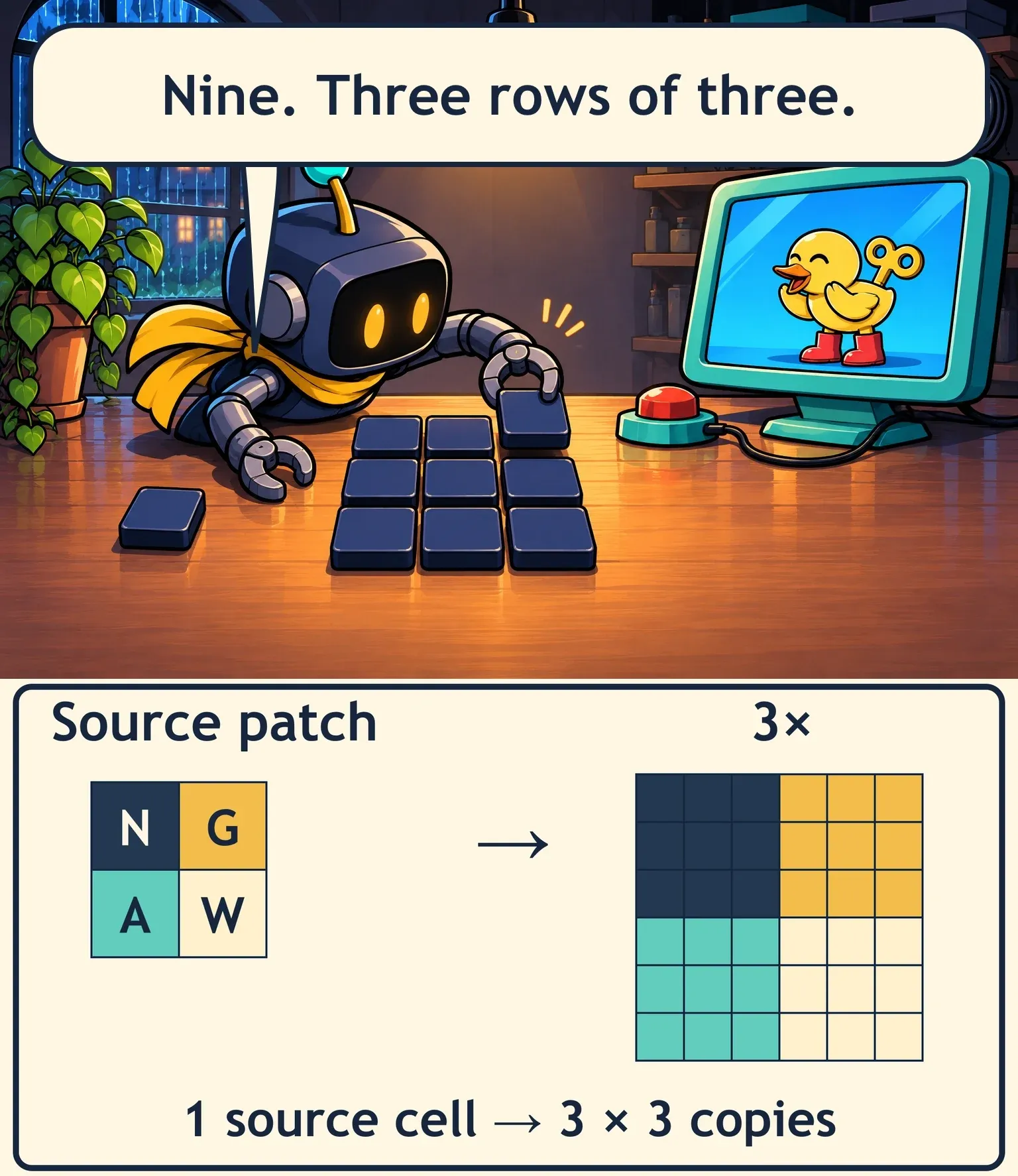
NEW SCALE: WIDTH × 3, HEIGHT × 3
Duck: What if we make it three times as wide and tall?
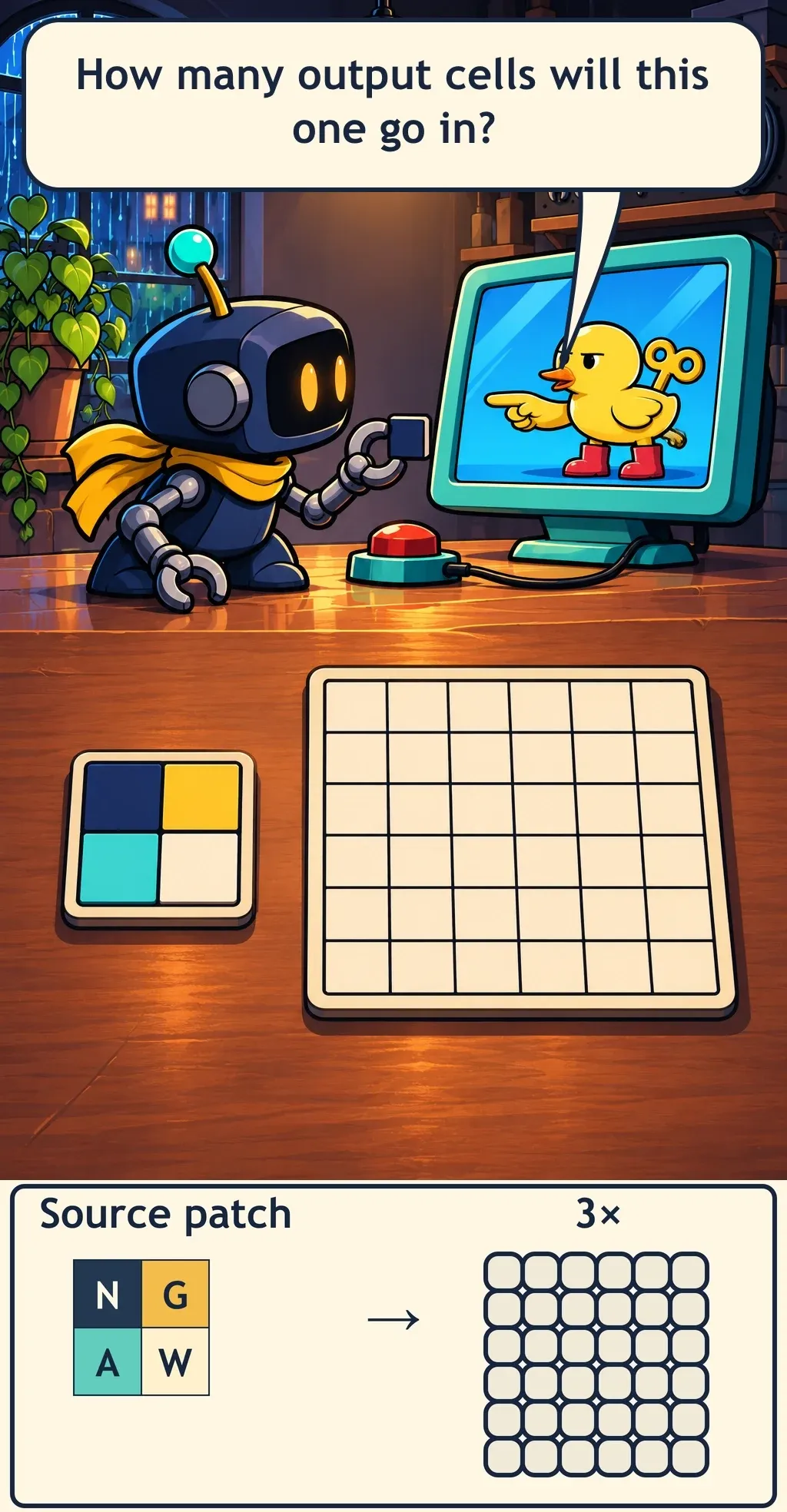
Robot places original (2 x 2) patch next to blank (6 x 6) output grid.
2 × 2 SOURCE → EMPTY 6 × 6 OUTPUT
Robot fills 1 block which is 3x3 in size with the color of that source pixel.
3 × 3 = 9 OUTPUT CELLS PER SOURCE PIXEL
Robot: Nine. Three rows of three.
A proudly blocky banner
SAME SOURCE INFORMATION. MORE OUTPUT CELLS
Duck: More cells, same old information.
Pixels and nearest-neighbour enlargement
A bitmap is an array of color values for a rectangular area of pixels. Nearest neighbour resize method picks a nearest source pixel for each output pixel.
EXACT 2× WIDTH AND HEIGHT: 1 SOURCE PIXEL → 2 × 2 SAME-COLOR OUTPUT CELLS
Thus, we get four times as many output pixels when increasing both dimensions 2 times. That's a replication of existing data, but there's no "regaining" of missing detail from the source. Other resize methods work differently.
Try a wide banner
Answer
It copies each input pixel into two adjacent output cells in the same row. 6 input pixels result in 12 output pixels. No additional detail is added.
WIDTH 3 × 2 = 6. HEIGHT 2 × 1 = 2. OUTPUT: 6 × 2 PIXELS
ONE INPUT PIXEL → TWO OUTPUT PIXELS IN THE SAME ROW
Sources
Pillow documentation, Concepts: pixels and the NEAREST filter (opens in a new tab)