 HoldMyTwist
Episode 23
The Copy That Changed Too
Duck has 2 live instances of his menu so they can be kept in sync, but there's a risk of wrong edits being applied to both. An older but separate snapshot can be restored to the saved state but can't include new improvements.
Episode transcript
Two copies feel safe
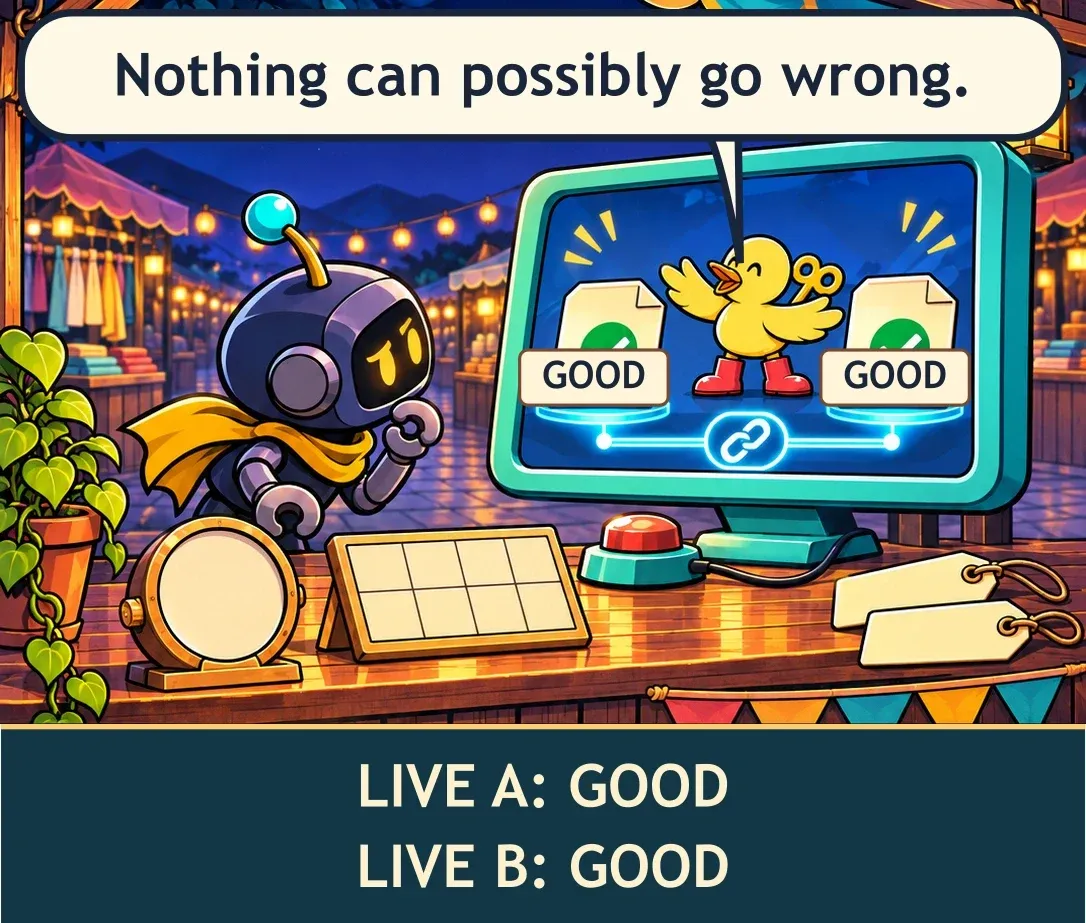
The toy sync has 2 synced live copies of a menu. They both start out with the GOOD version.
Diagram values: LIVE A: GOOD; LIVE B: GOOD
Duck: Nothing can possibly go wrong.
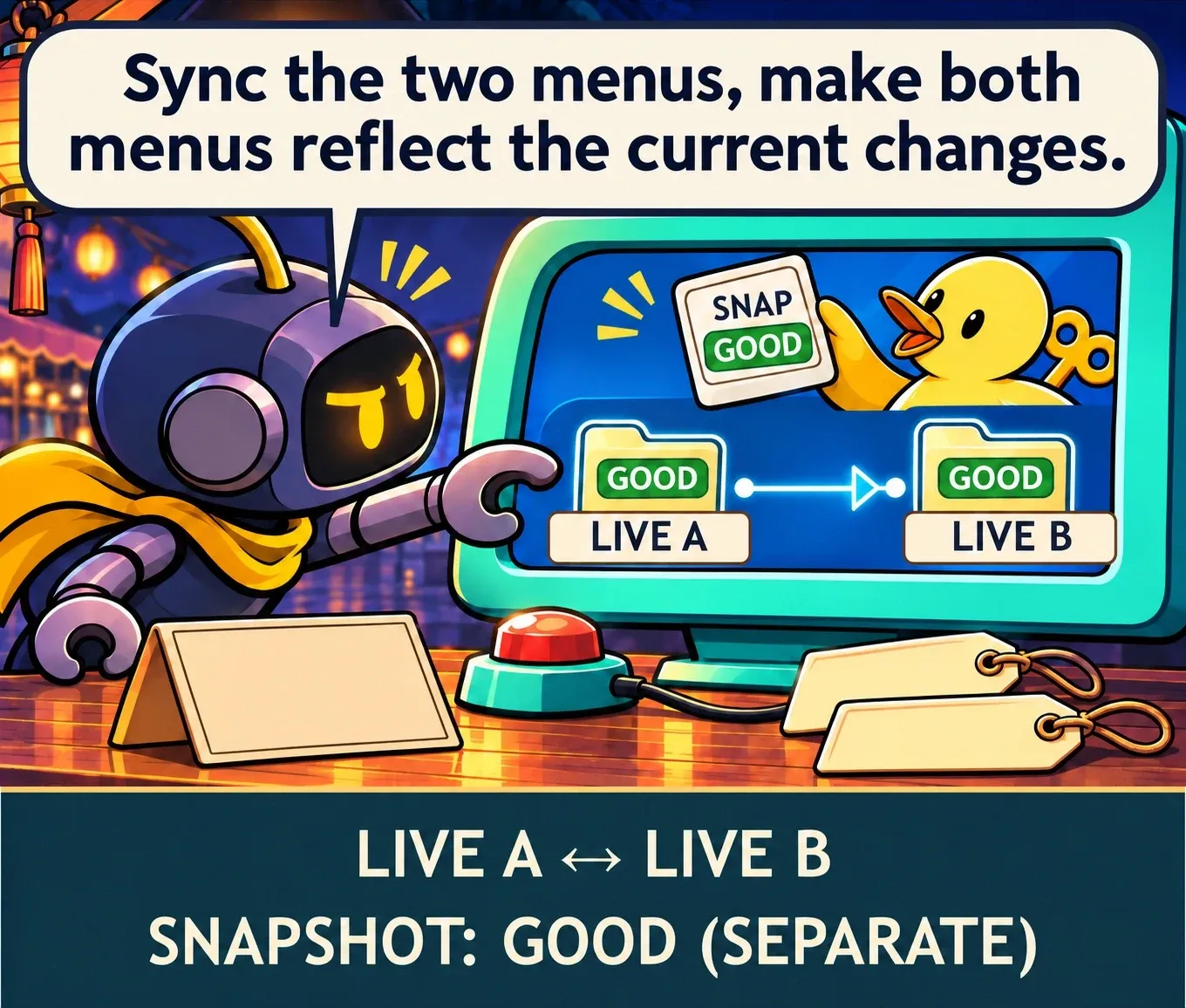
There was a snapshot you took earlier (separately retained) that still has GOOD. Diagram values: LIVE A: GOOD → LIVE B: GOOD; SNAPSHOT: GOOD (SEPARATE)
Diagram values: SNAPSHOT: GOOD
Robot: Sync the two menus, make both menus reflect the current changes.
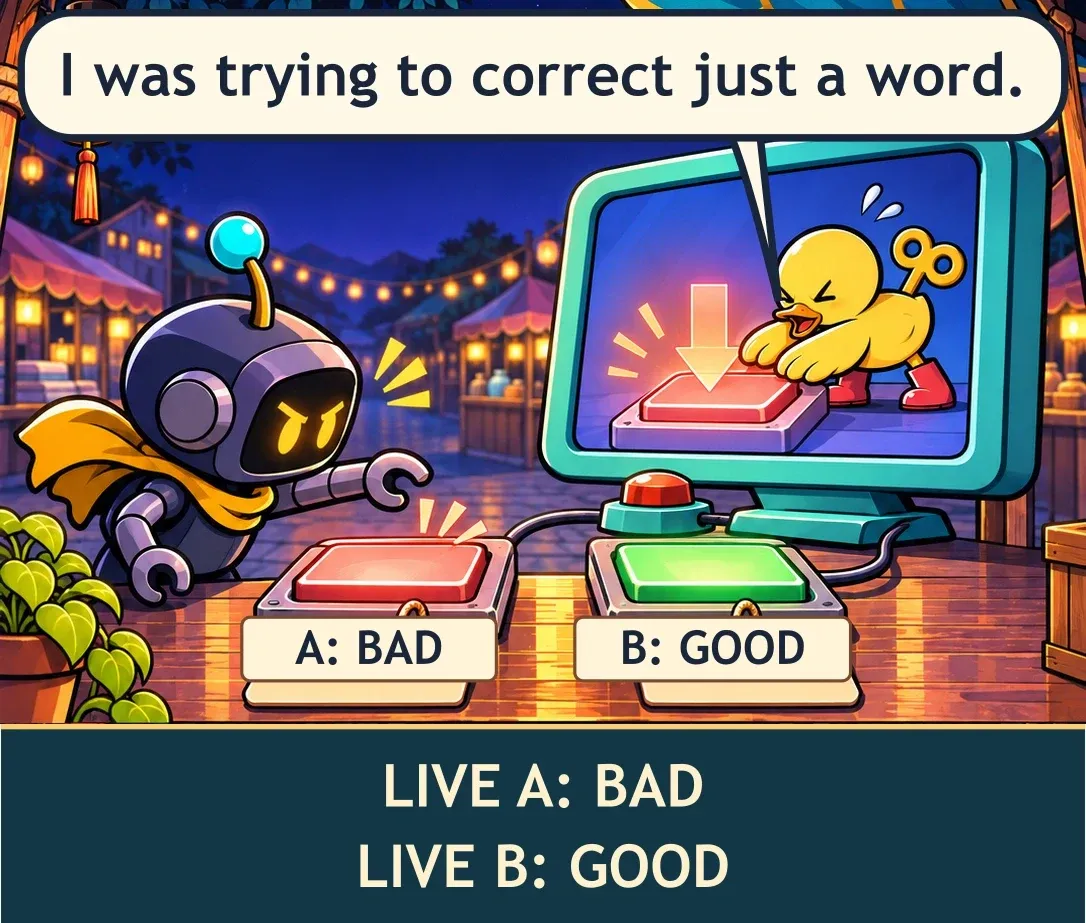
Duck accidentally rewrote the active A with the bad menu while fixing a word. But active B still has the good menu (since it hasn't sync'd yet).
Diagram values: LIVE A: BAD; LIVE B: GOOD
Duck: I was trying to correct just a word.
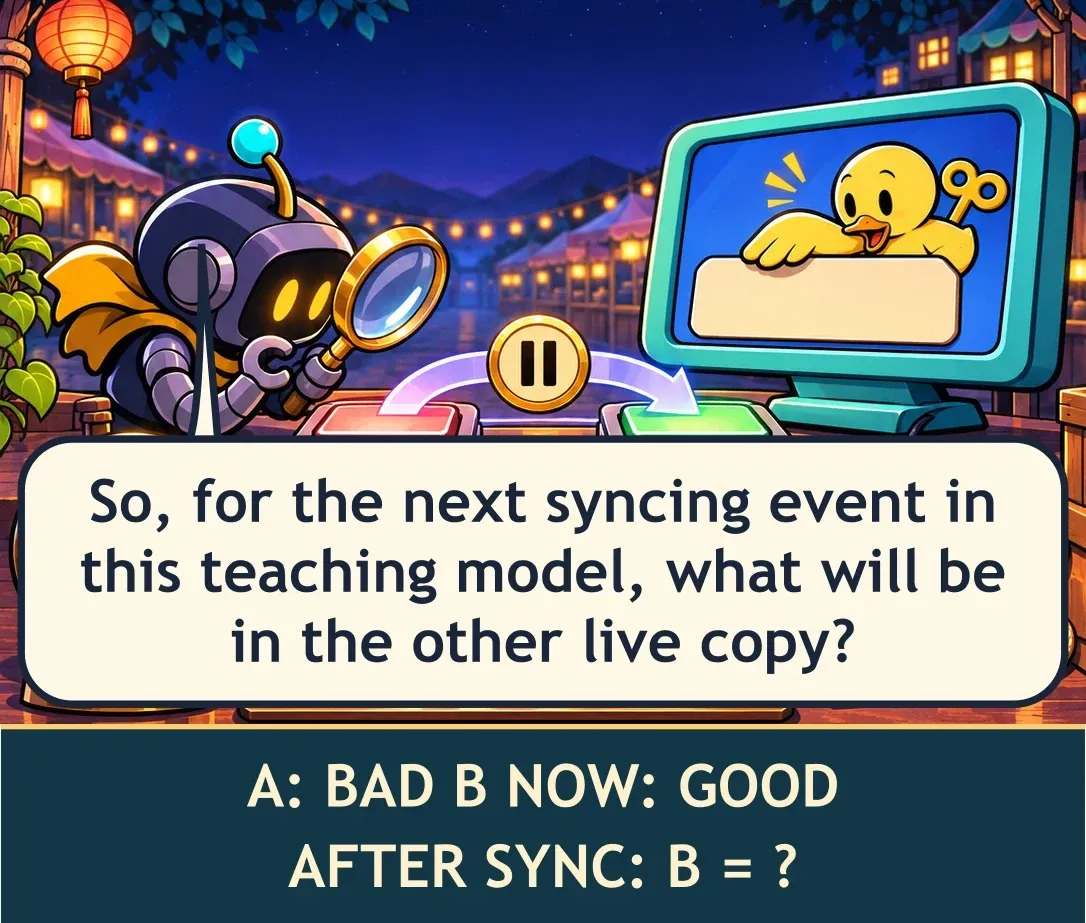
Robot freezes the next sync action.
Diagram values: A: BAD; B: GOOD; SYNC NEXT
Robot: So, for the next syncing event in this teaching model, what will be in the other live copy?
A mistake travels
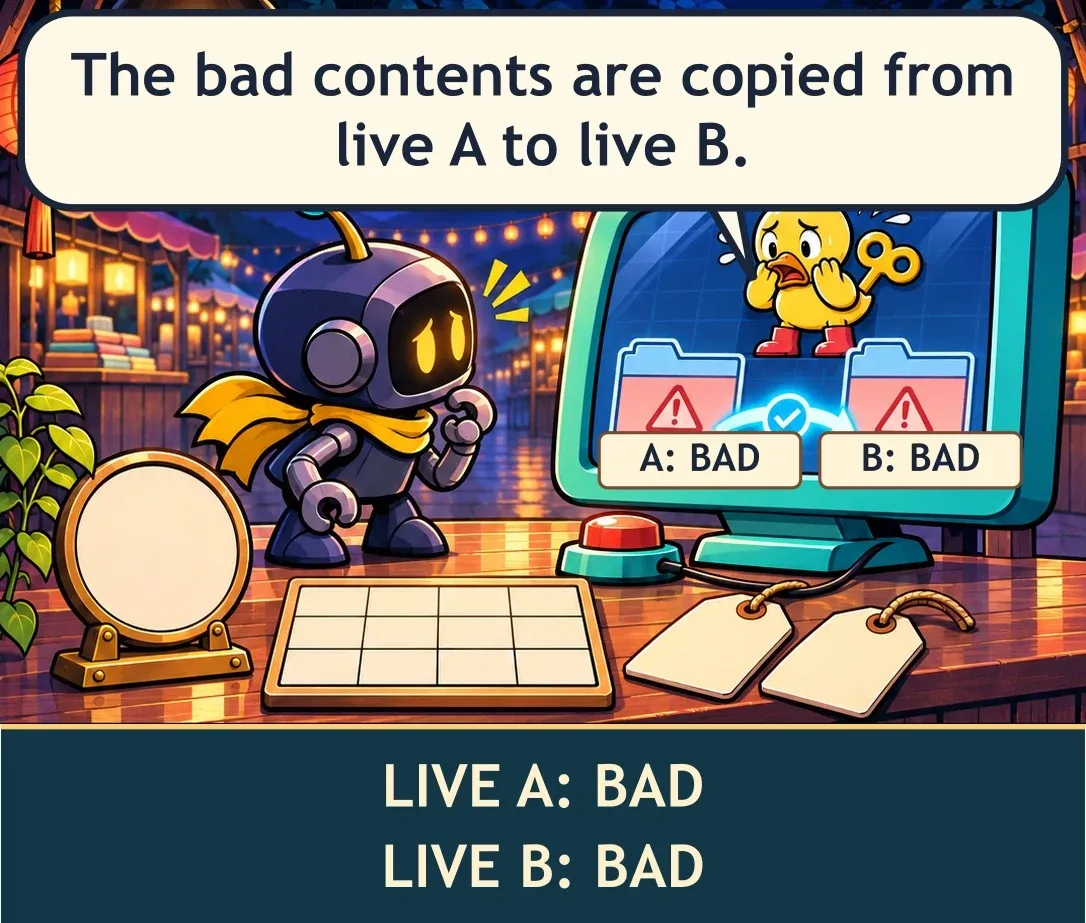
Duck is horrified that both live menus now have the same bad contents.
Diagram values: A: BAD; B: BAD
Duck: The bad contents are copied from live A to live B.
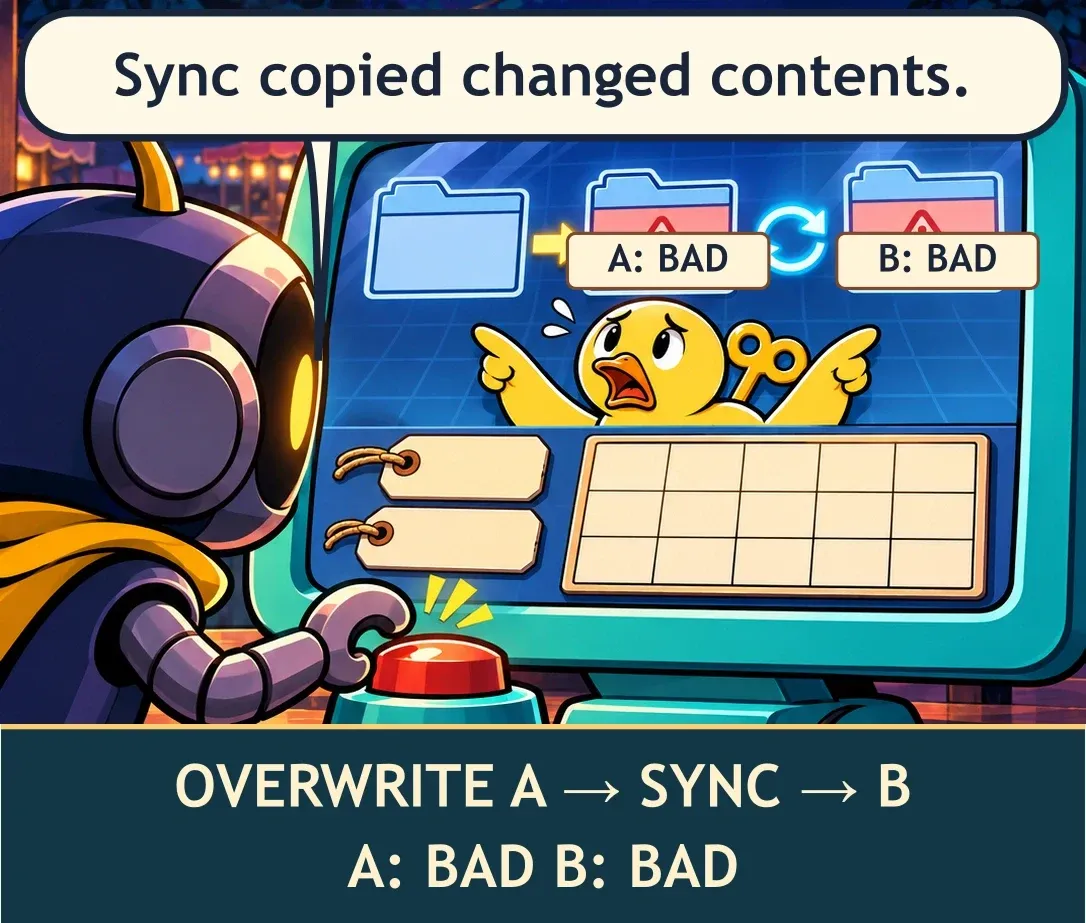
Robot demonstrates the overwrite, and then the sync.
Robot: Sync copied changed contents.
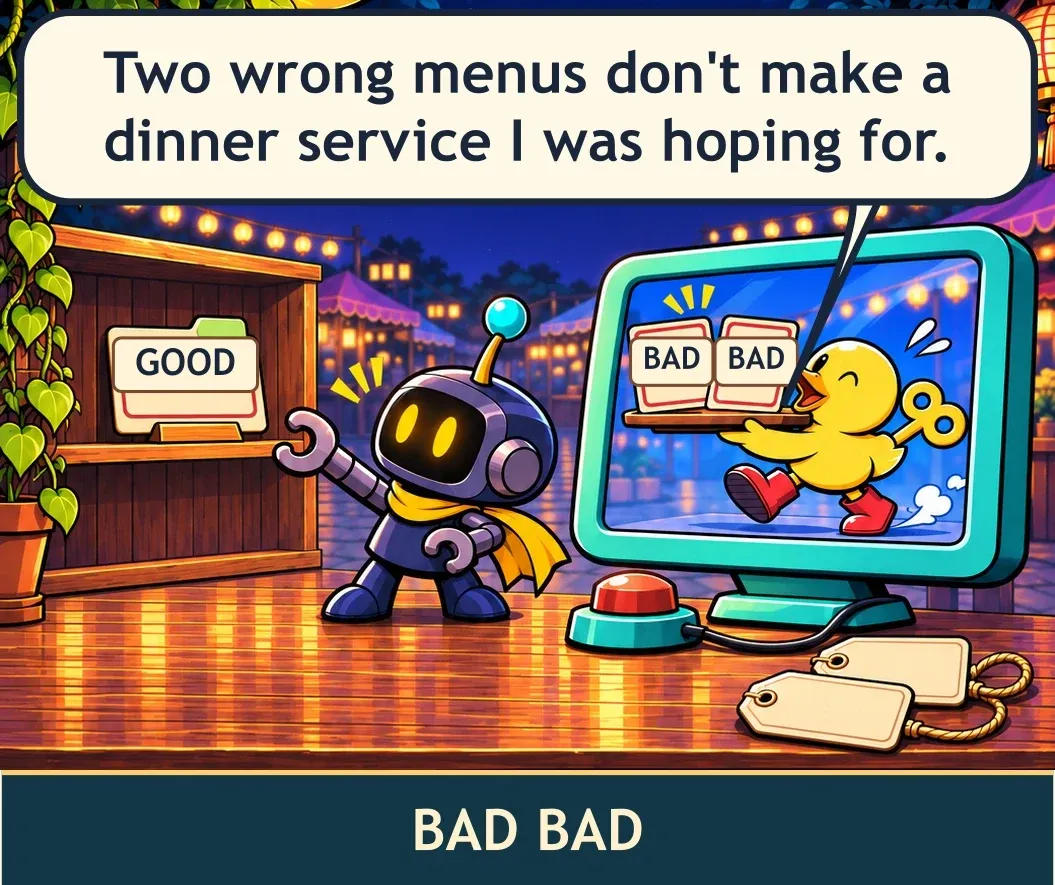
Duck is serving the two bad menu cards out of his tray from inside the monitor.
Duck: Two wrong menus don't make a dinner service I was hoping for.
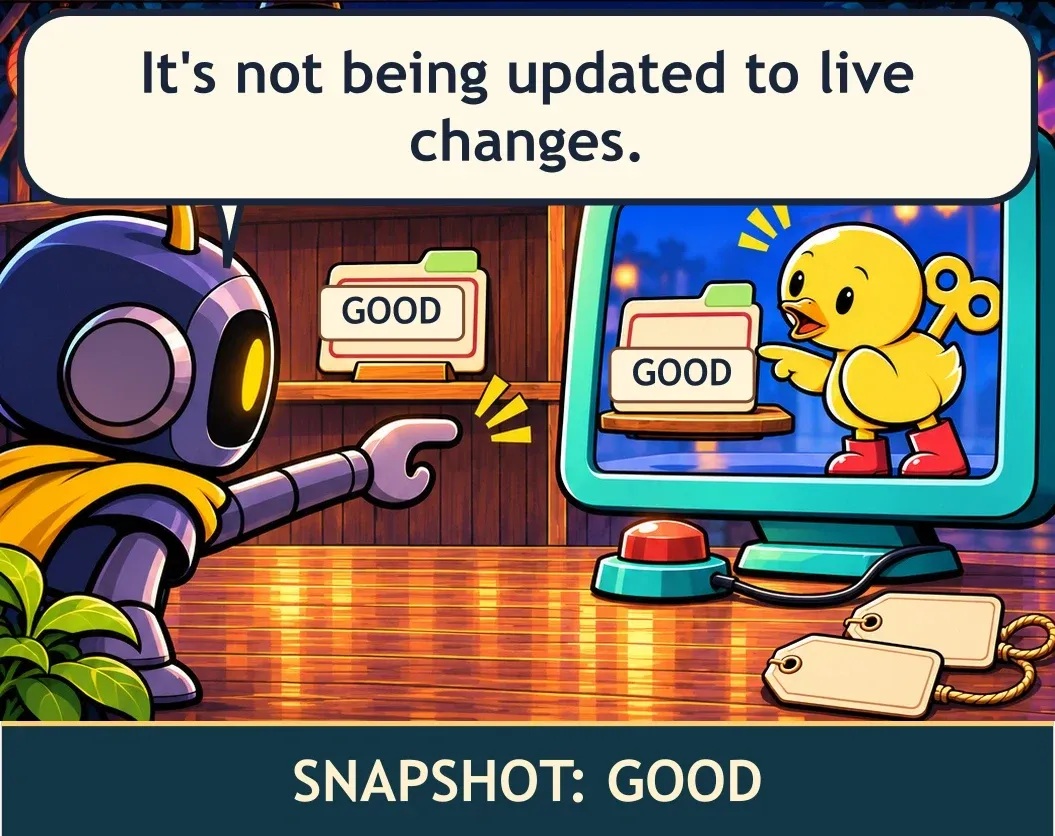
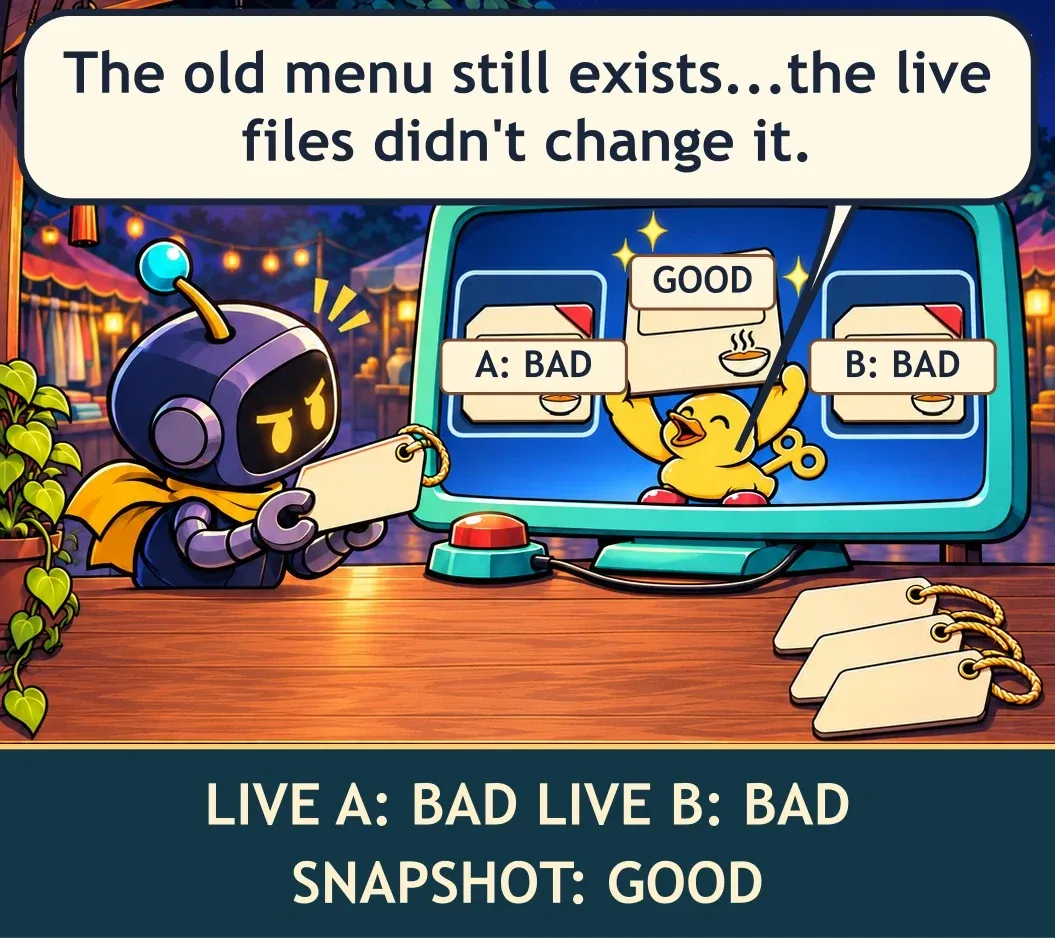
Robot points at the snapshot GOOD that's on the shelf. There's no live sync arrow going into it. Duck sees the untouched card.
Diagram values: SNAPSHOT: GOOD
Robot: It's not being updated to live changes.
Duck sees the unchanged card and picks it up off the shelf.
Duck: The old menu still exists...the live files didn't change it.
A past version remains
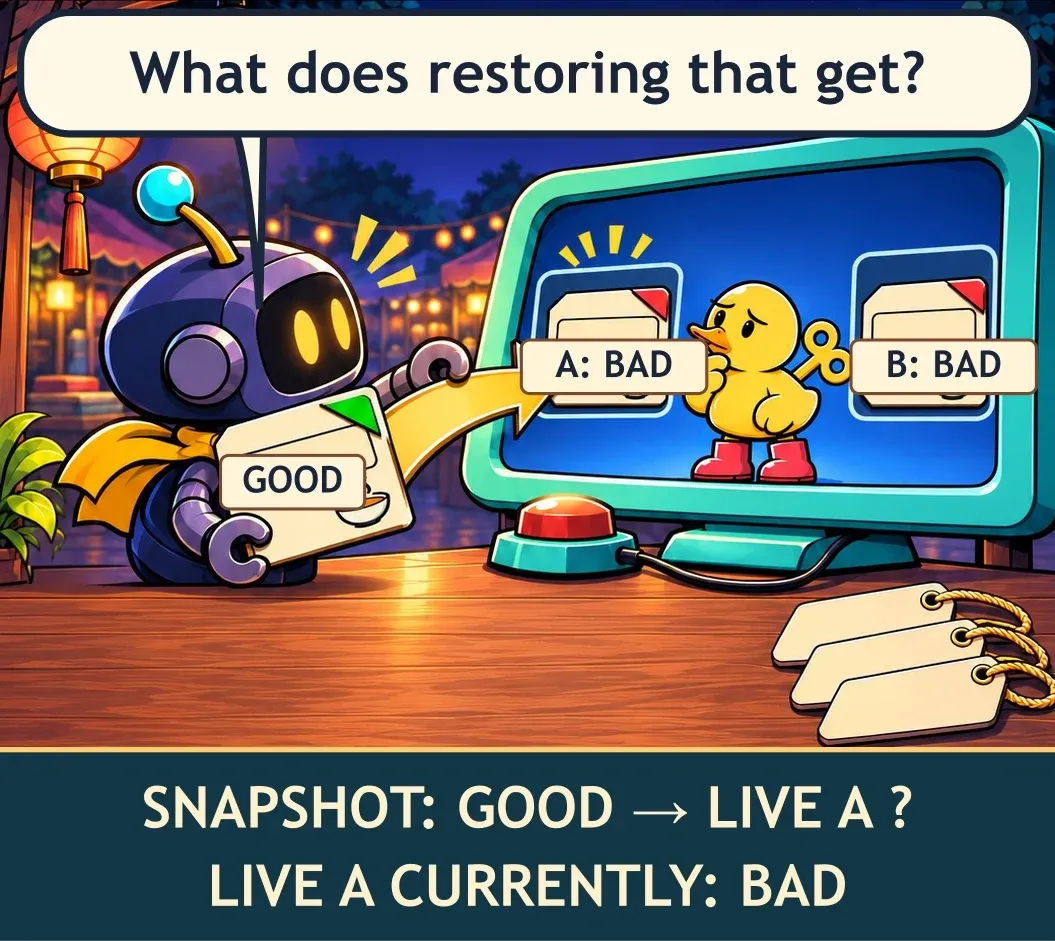
Duck pauses.
Diagram values: SNAPSHOT: GOOD; A: BAD; RESTORE TARGET: LIVE A
Robot: What does restoring that get?
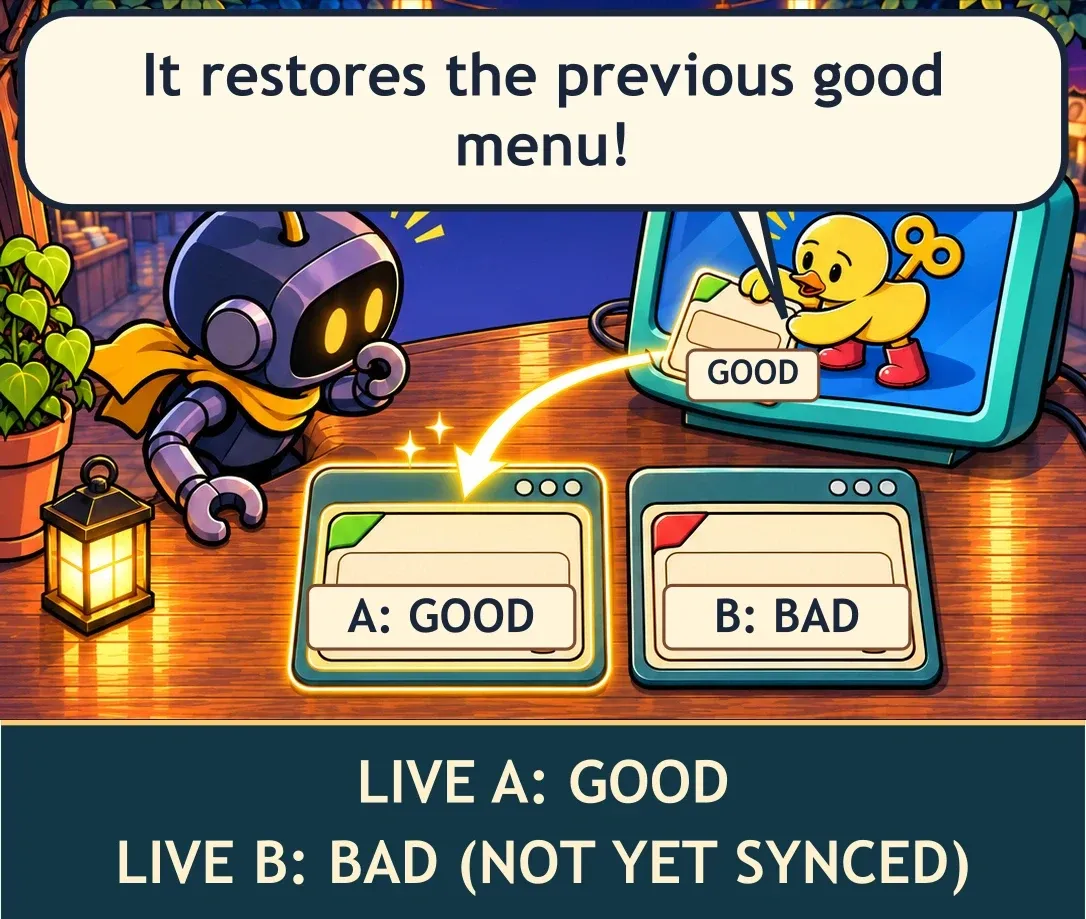
Restoring the snapshot puts the previous good menu into live copy A in place of bad stuff in there. So, live copy B is still bad until some other time it syncs.
Diagram values: A: GOOD; B: BAD
Duck: It restores the previous good menu!
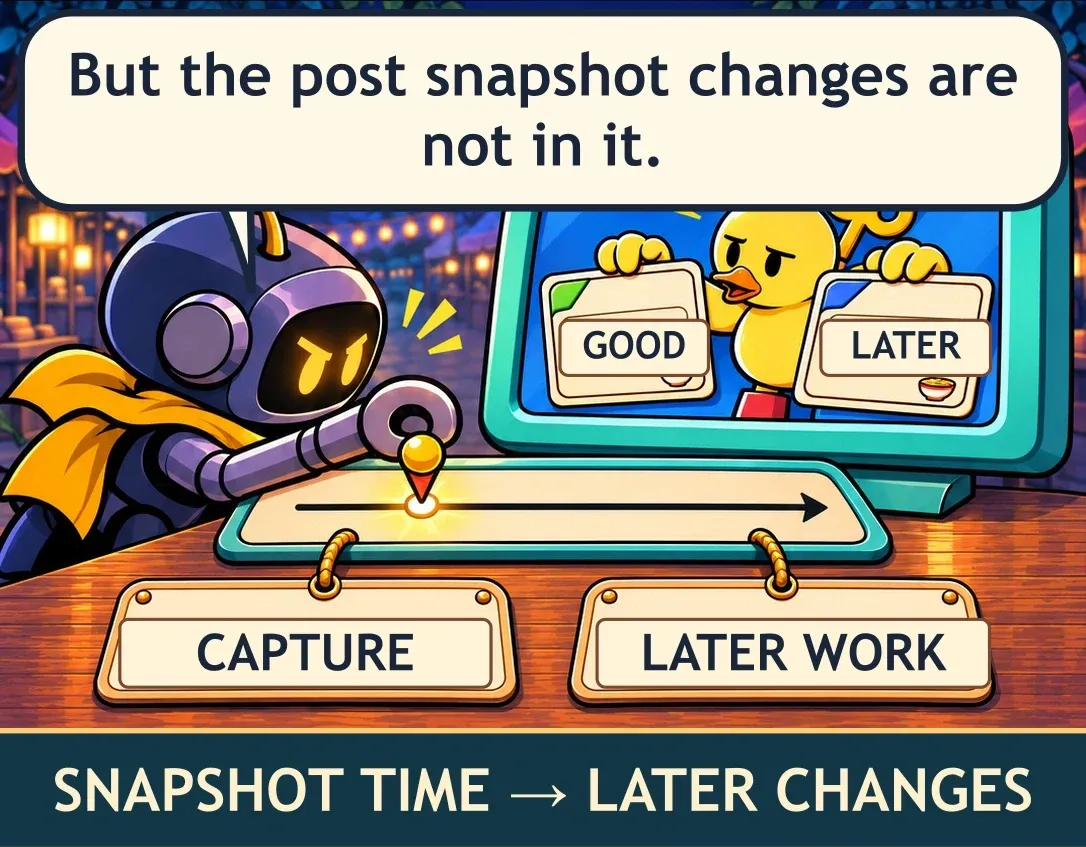
This snapshot does not contain the changes made after it was taken.
Diagram values: SNAPSHOT TIME; LATER CHANGES
Robot: But the post snapshot changes are not in it.
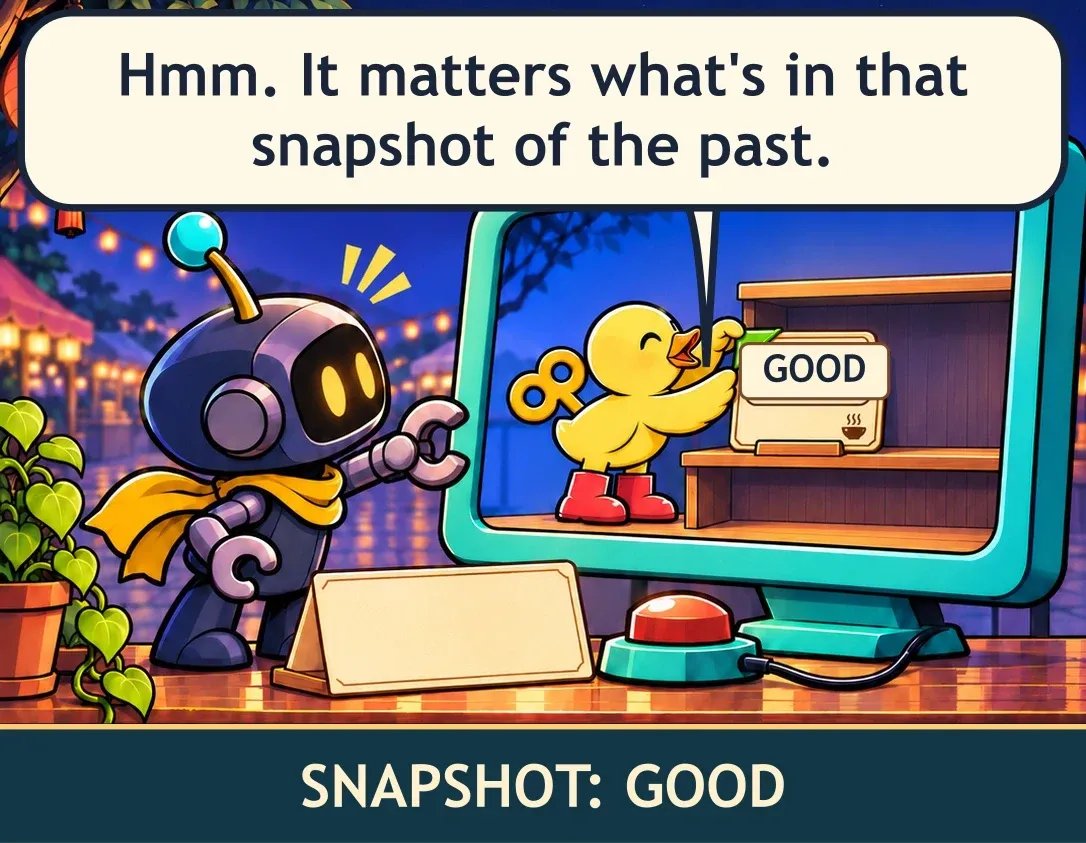
Duck carefully labels the good snapshot.
Duck: Hmm. It matters what's in that snapshot of the past.
What the snapshot missed
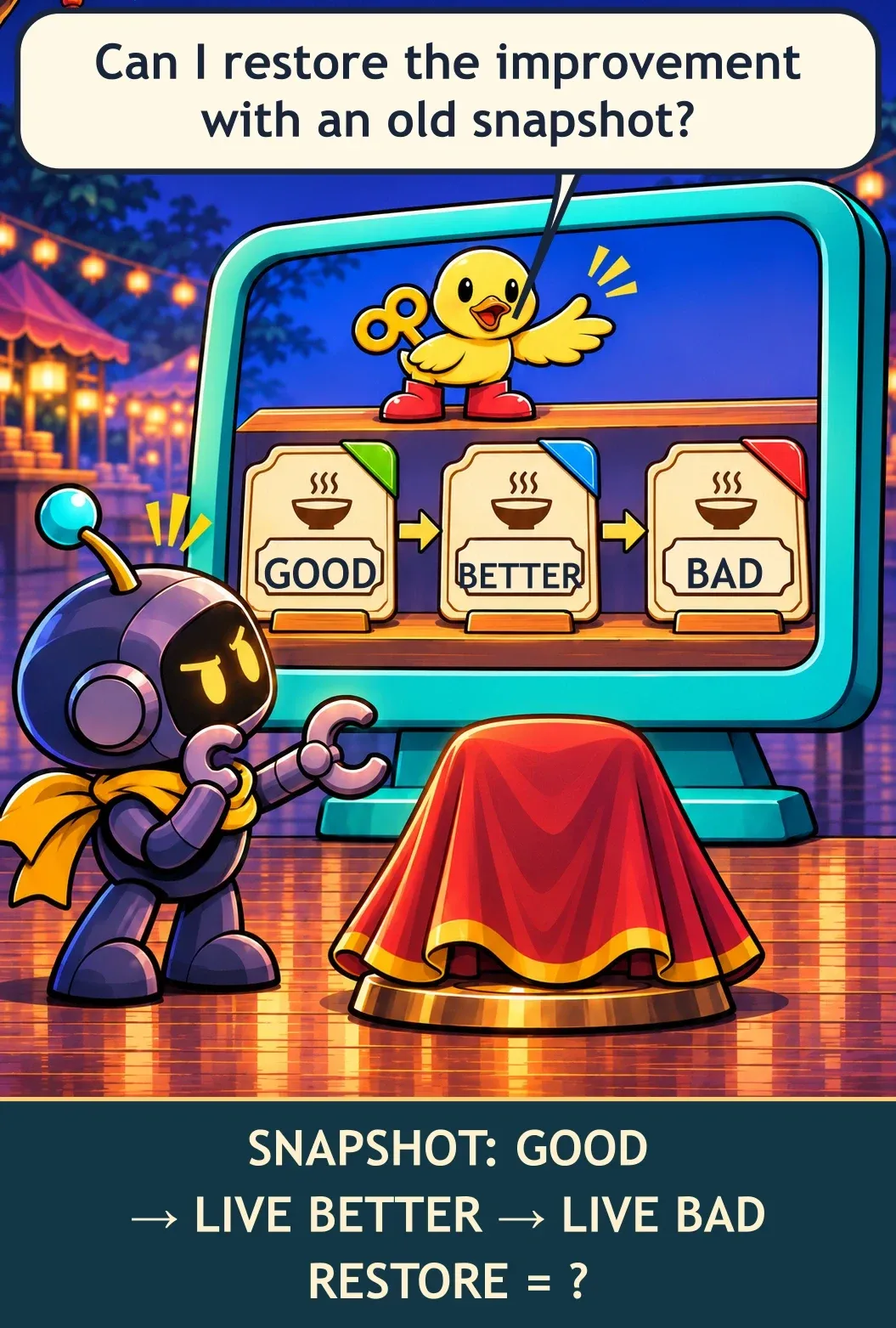
Robot covers the restoration result.
Diagram values: SNAPSHOT GOOD → LIVE BETTER → LIVE BAD
Duck: Can I restore the improvement with an old snapshot?
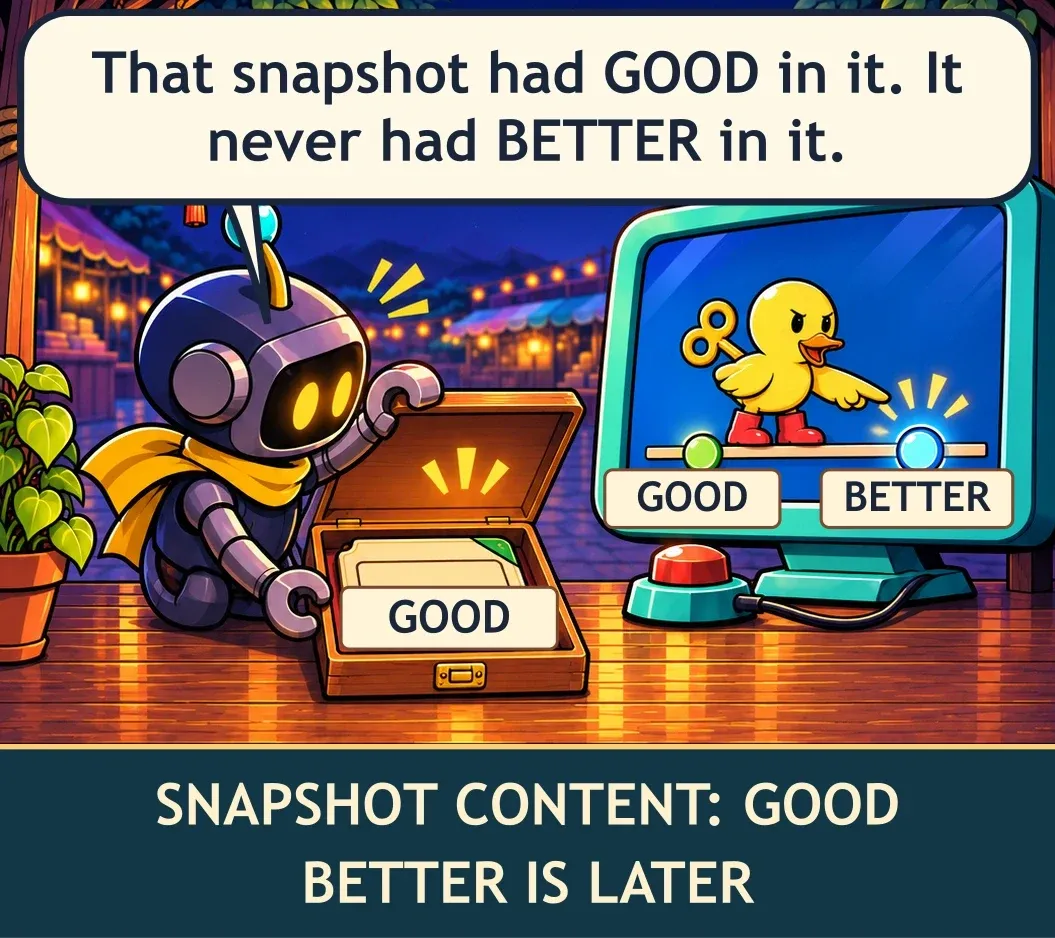
Duck is pointing at the new better menu on another timeline.
Diagram values: SNAPSHOT CONTENT: GOOD
Robot: That snapshot had GOOD in it. It never had BETTER in it.
This new better menu is a different marker on the timeline. You can't restore it back from that snapshot.
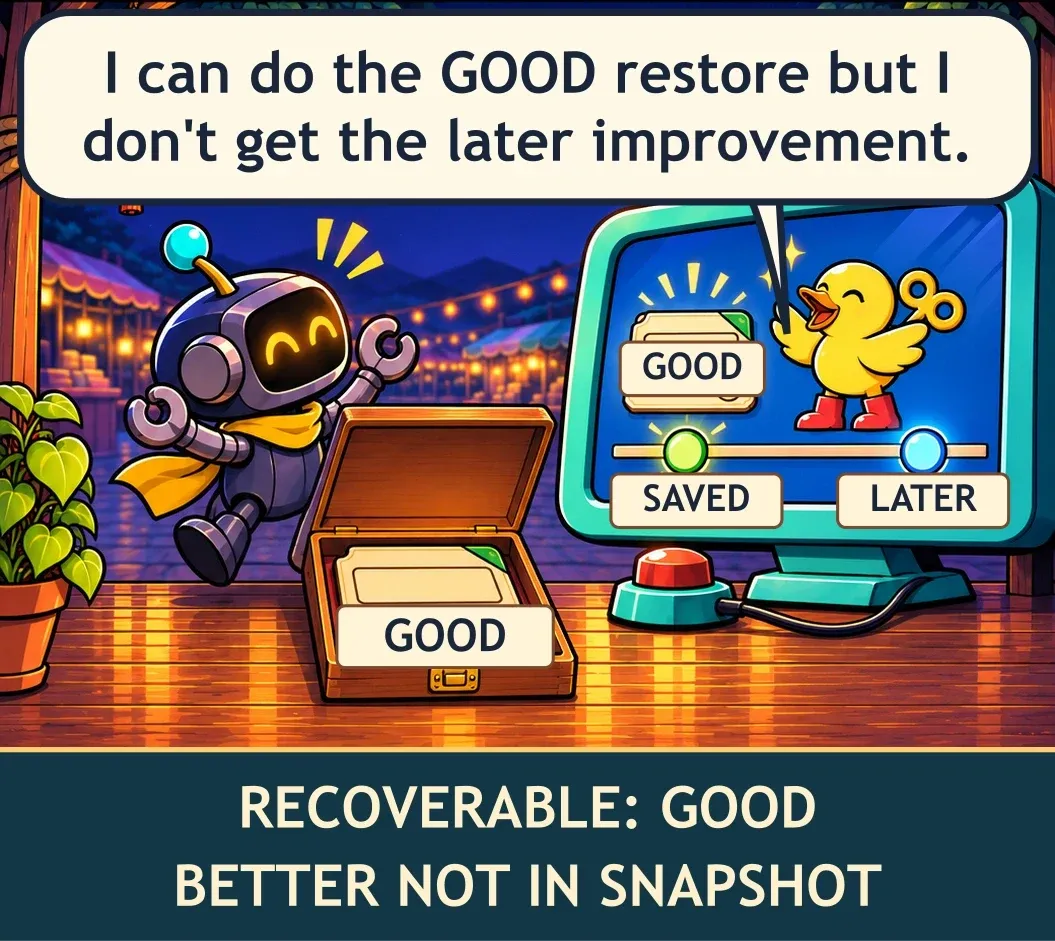
Diagram values: RECOVERABLE: GOOD; BETTER NOT IN SNAPSHOT
Duck: I can do the GOOD restore but I don't get the later improvement.
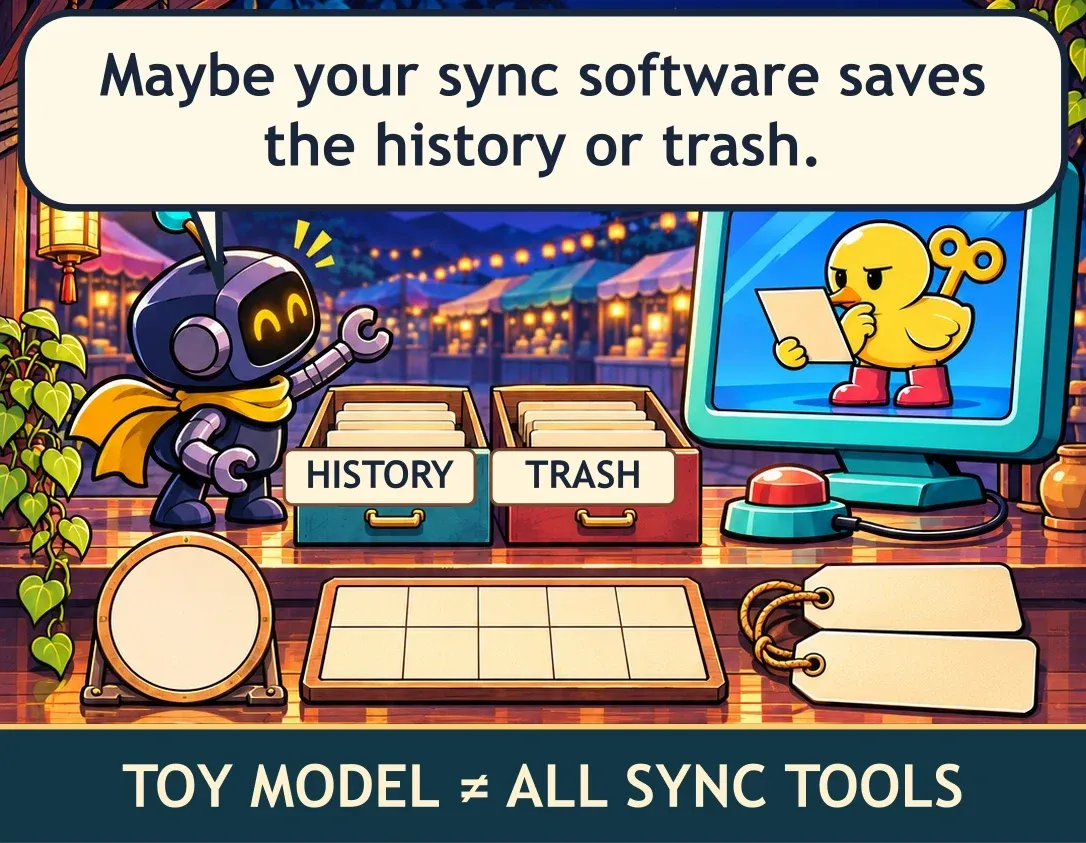
Also Robot shows generic history and generic trash drawers.
Diagram values: TOY MODEL ≠ ALL SYNC TOOLS
Robot: Maybe your sync software saves the history or trash.
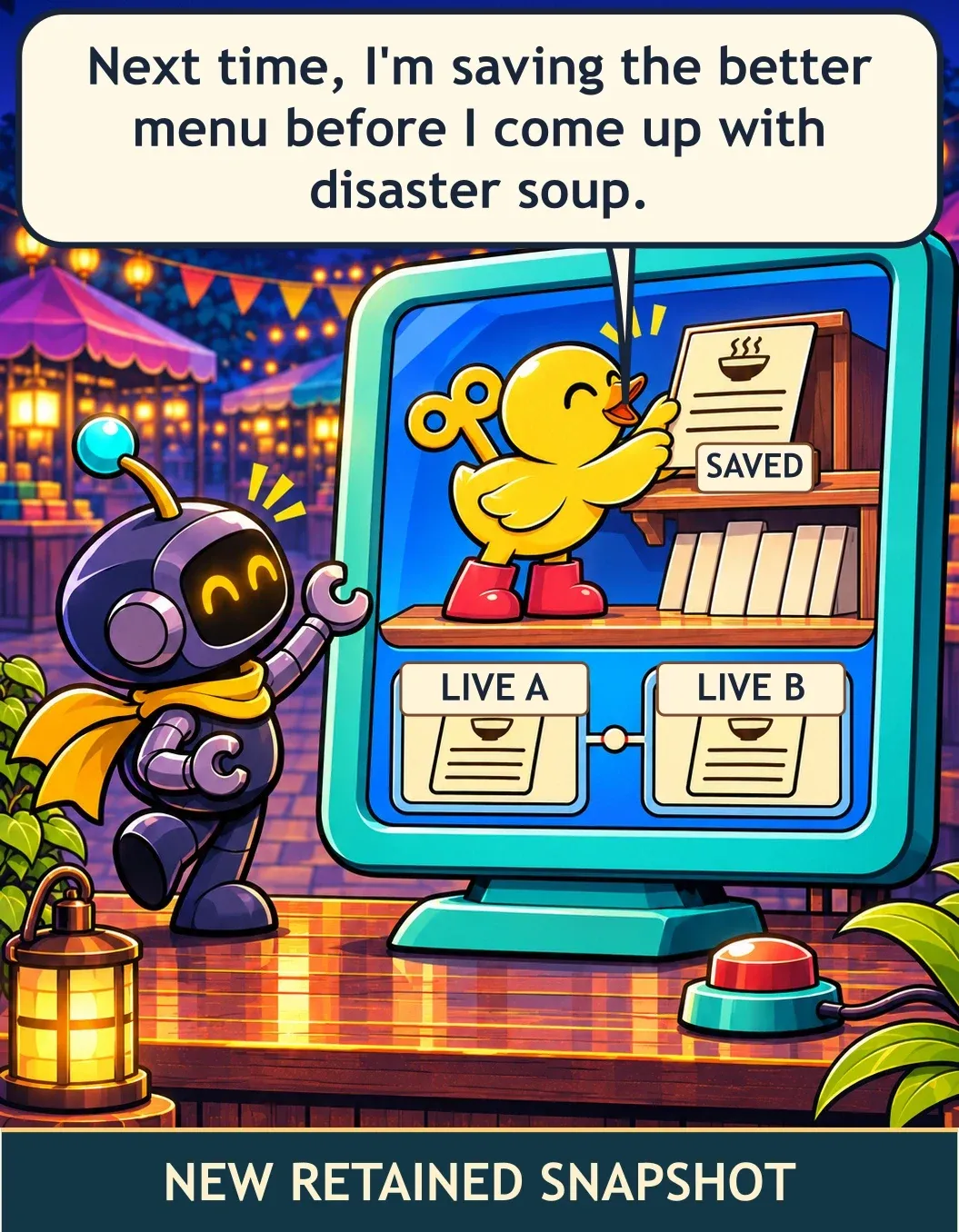
Robot laughs outside near the two live-file windows.
Duck: Next time, I'm saving the better menu before I come up with disaster soup.
The lesson
Two current in-sync versions of something are different from a previously saved version. Here's a fictional example where there's an older snapshot which is completely separate and isn't affected by changes in live copies. Recovering the older snapshot gets the older menu back. Whatever improvement was made after the snapshot was taken won't be in there. Maybe there's version history or trash in the real synchronization tools. Whatever the tool is keeping and can recover, see what that is. Proper save/retention and tested restore are needed for good backups.
Try it
Diagram values: LIVE A: GOOD → BAD; SNAPSHOT CAPTURED AFTER ERROR; AFTER SYNC: LIVE A BAD, LIVE B BAD
You have a menu file. It has good contents. You make a mistake. It's replaced by bad contents. After that mistake is made, you take a snapshot. There are two live copies which get synchronized. They both have the bad contents. Can any of these three copies (specified ones) revert to the good contents from earlier?
Answer
Diagram values: LIVE A: BAD; LIVE B: BAD; SNAPSHOT: BAD; GOOD IS ABSENT FROM THESE THREE SPECIFIED COPIES
So both live copies and the new snapshot have BAD. None of these 3 given copies have GOOD. This is only for the 3 given copies from the exercise. There could be other retained history or another source (not from this exercise).
Sources
Microsoft OneDrive: delete files or folders (opens in a new tab)
Microsoft OneDrive: restore a previous version (opens in a new tab)