 HoldMyTwist
Episode 27
The Hat That Came Off First
Duck wants to reverse the very first decoration he put on a hat that's already quite decorated. However, the toy decoration editor reverses the last action first.
Episode transcript
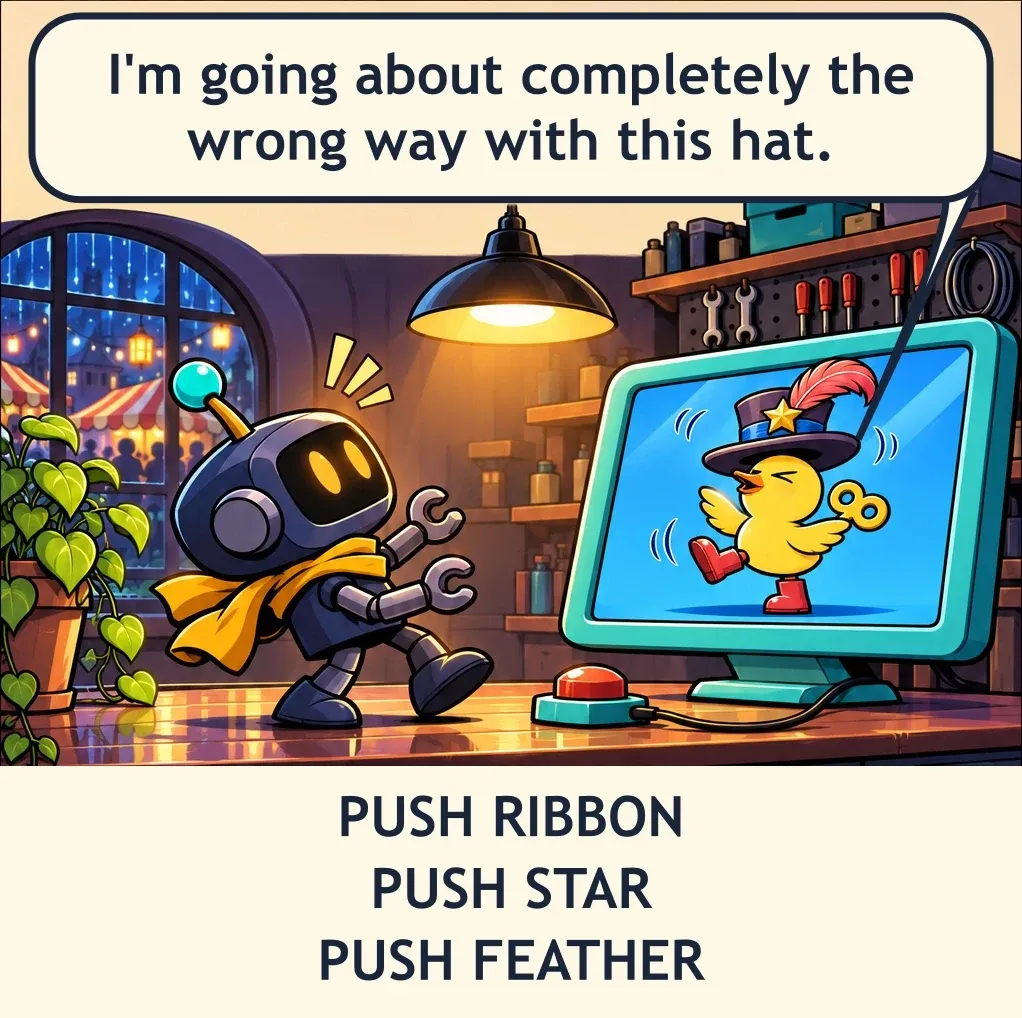
A wobbly hat
Duck is wearing a hat which has a blue ribbon, a gold star and a coral feather. Robot leans back to watch the wobble.
Diagram values: PUSH RIBBON; PUSH STAR; PUSH FEATHER
Duck: I'm going about completely the wrong way with this hat.
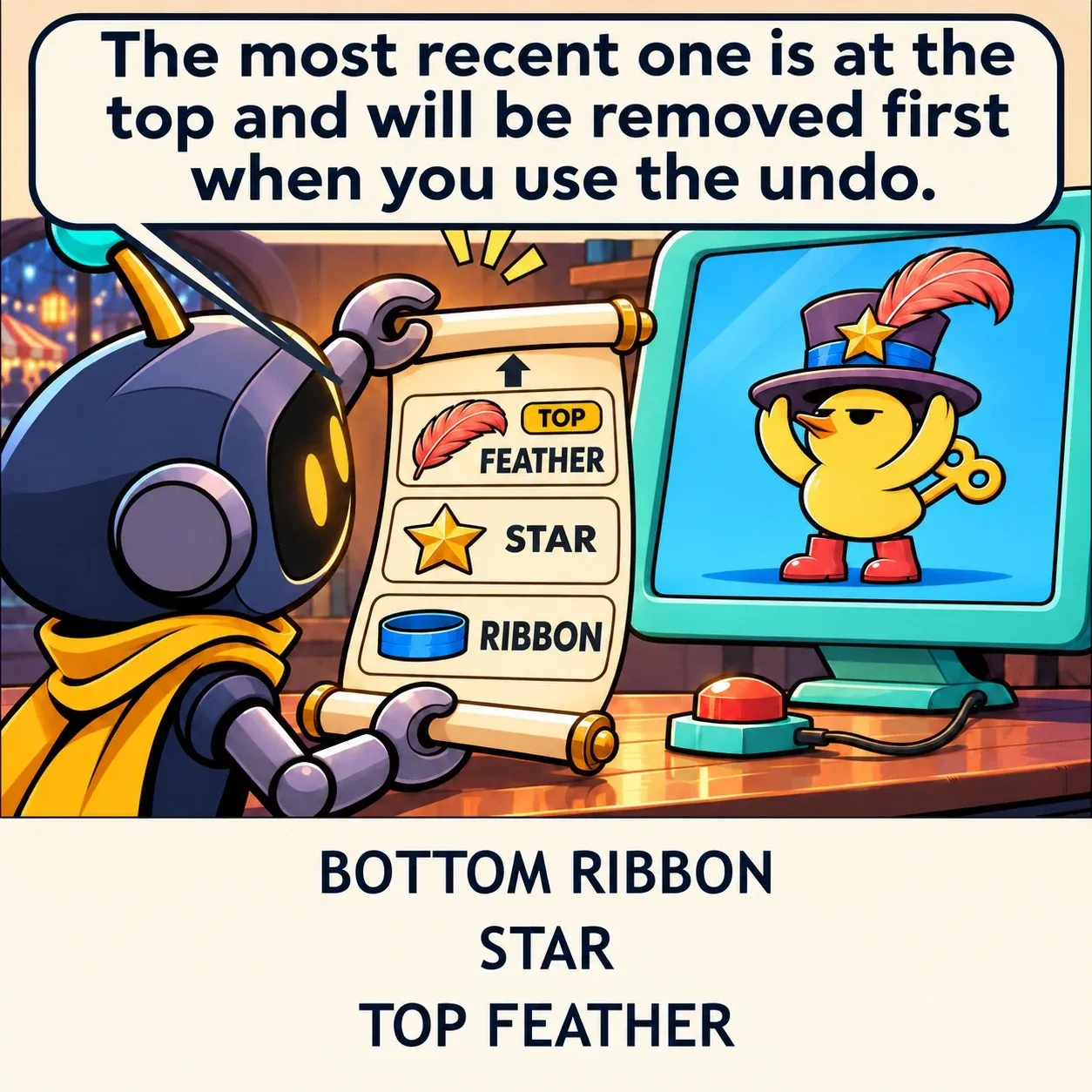
Robot has the scroll of history (coral feather on top, gold star in the middle, blue ribbon at the bottom).
Diagram values: TOP FEATHER; STAR; BOTTOM RIBBON
Robot: The most recent one is at the top and will be removed first when you use the undo.
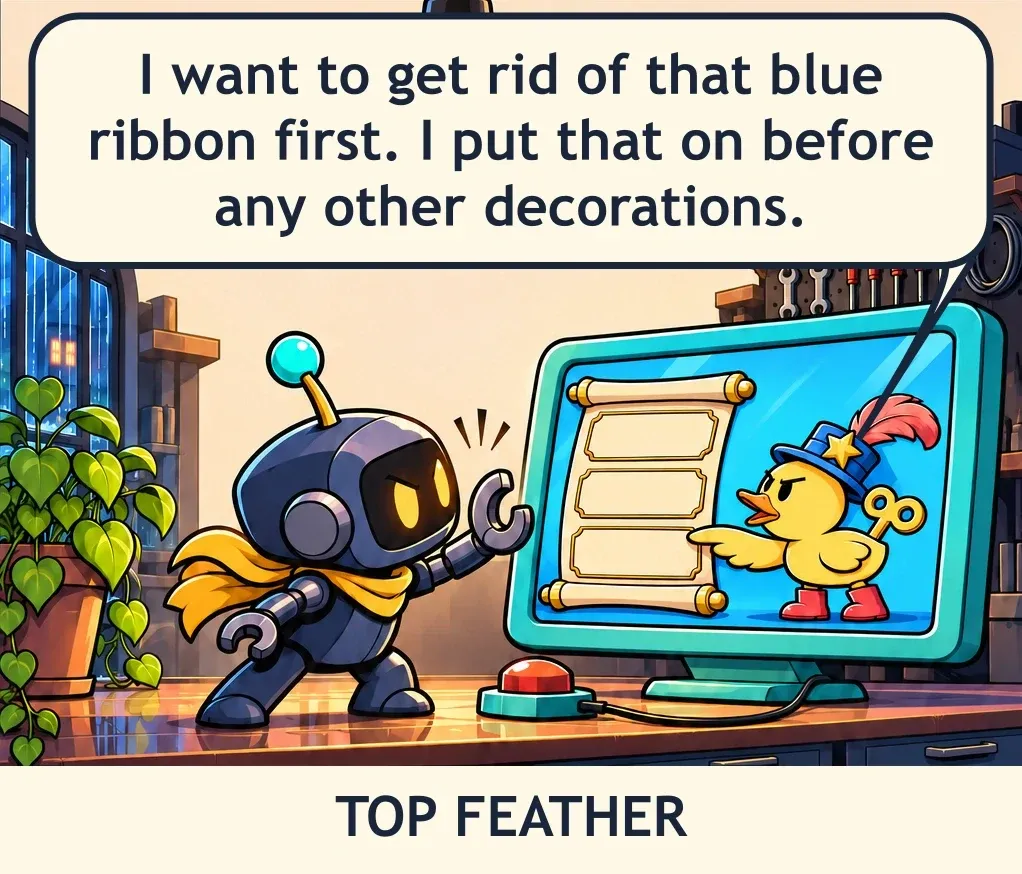
Duck is pointing at the history card at the bottom. The robot is blocking that choice with the raised pincer. The hat still has the ribbon/star/feather on it.
Diagram values: TOP FEATHER
Duck: I want to get rid of that blue ribbon first. I put that on before any other decorations.
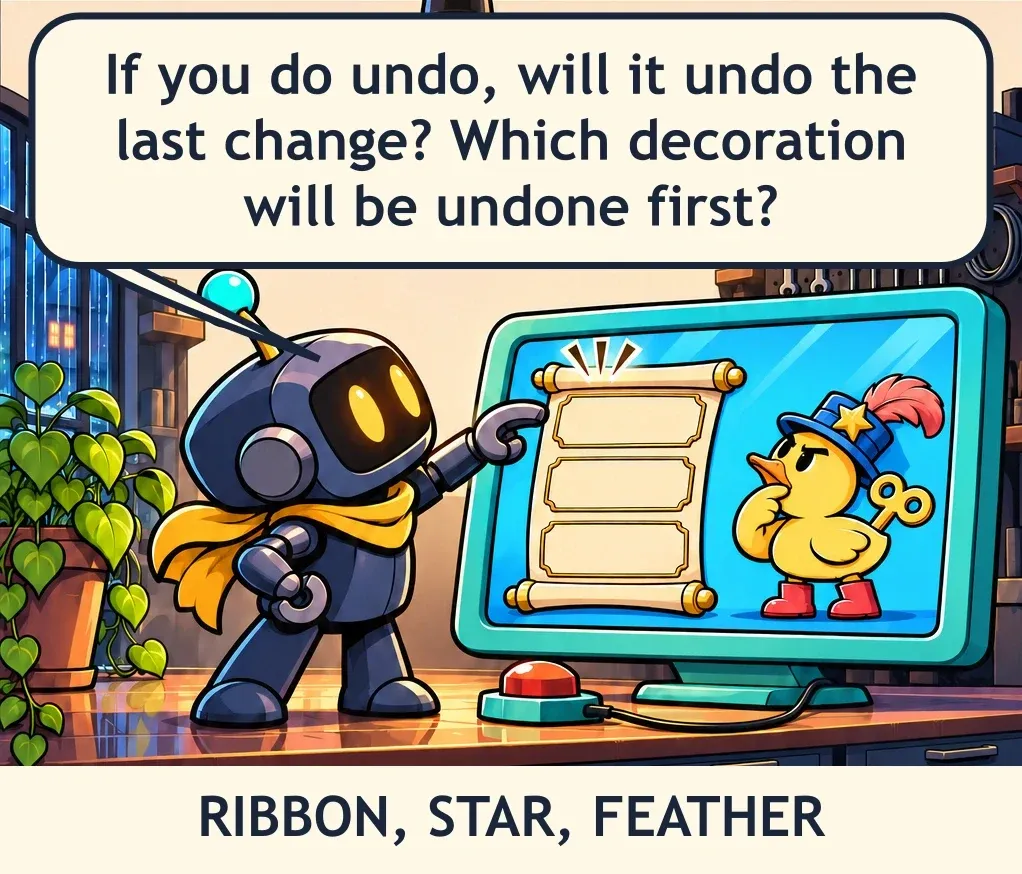
Robot points at top history card while duck waits. Hat still has blue ribbon, gold star, coral feather.
Diagram values: RIBBON, STAR, FEATHER
Robot: If you do undo, will it undo the last change? Which decoration will be undone first?
Undo from the top
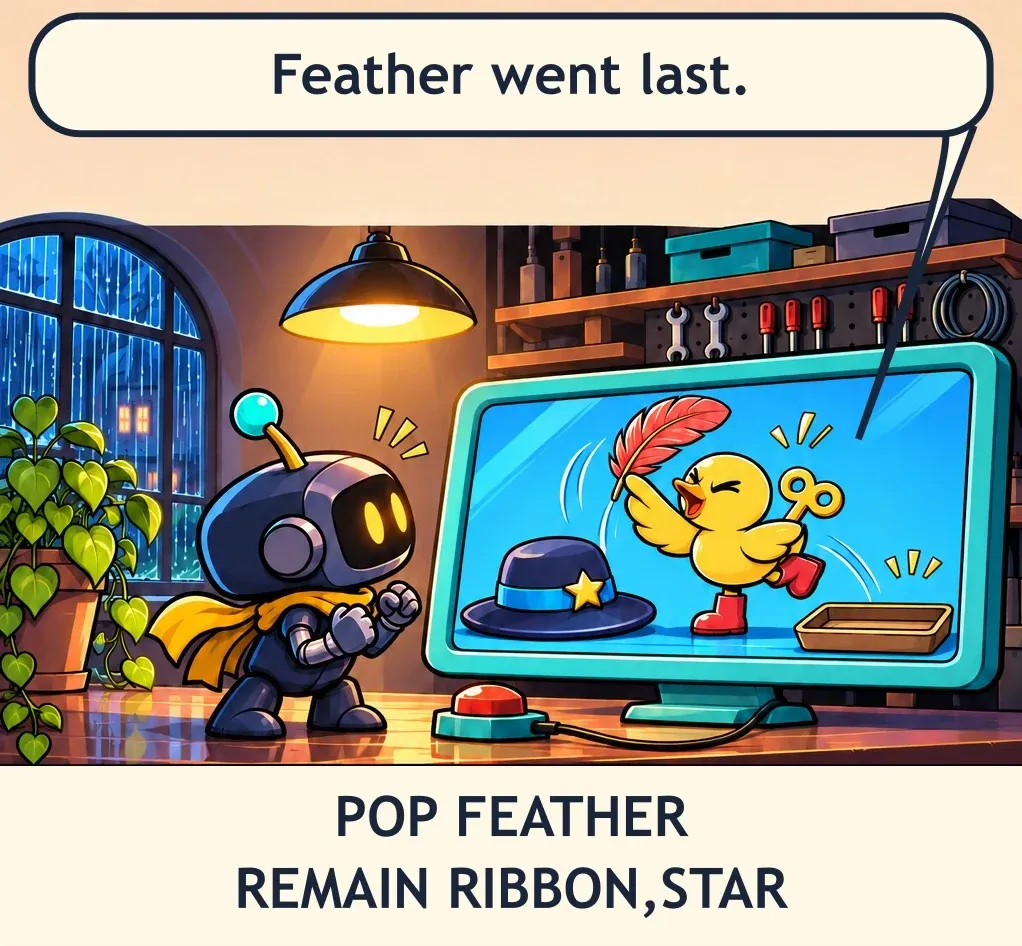
The duck holds the single piece of coral feather that was plucked from the hat over a tray. The tray is empty. The hat still has its blue ribbon and gold star.
Diagram values: POP FEATHER; REMAIN RIBBON,STAR
Duck: Feather went last.
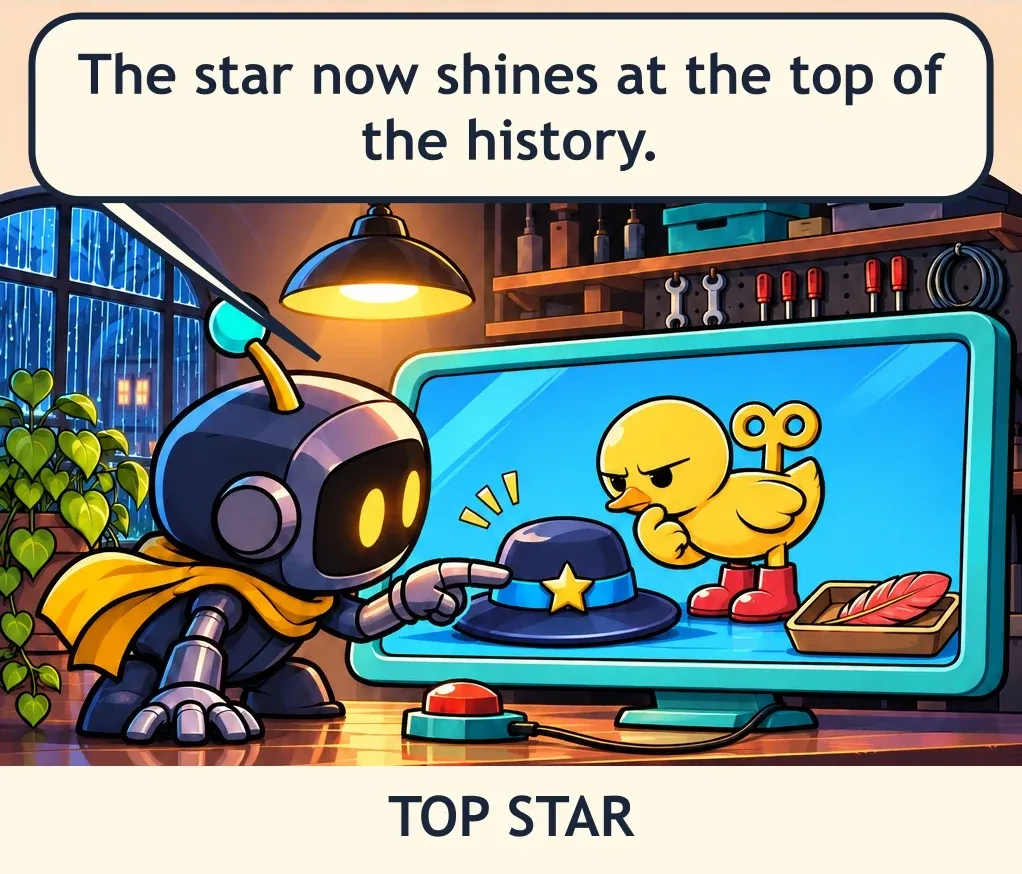
Robot points at gold star on the hat. Feather is in the tray, taken off. Ribbon is still on.
Diagram values: TOP STAR
Robot: The star now shines at the top of the history.
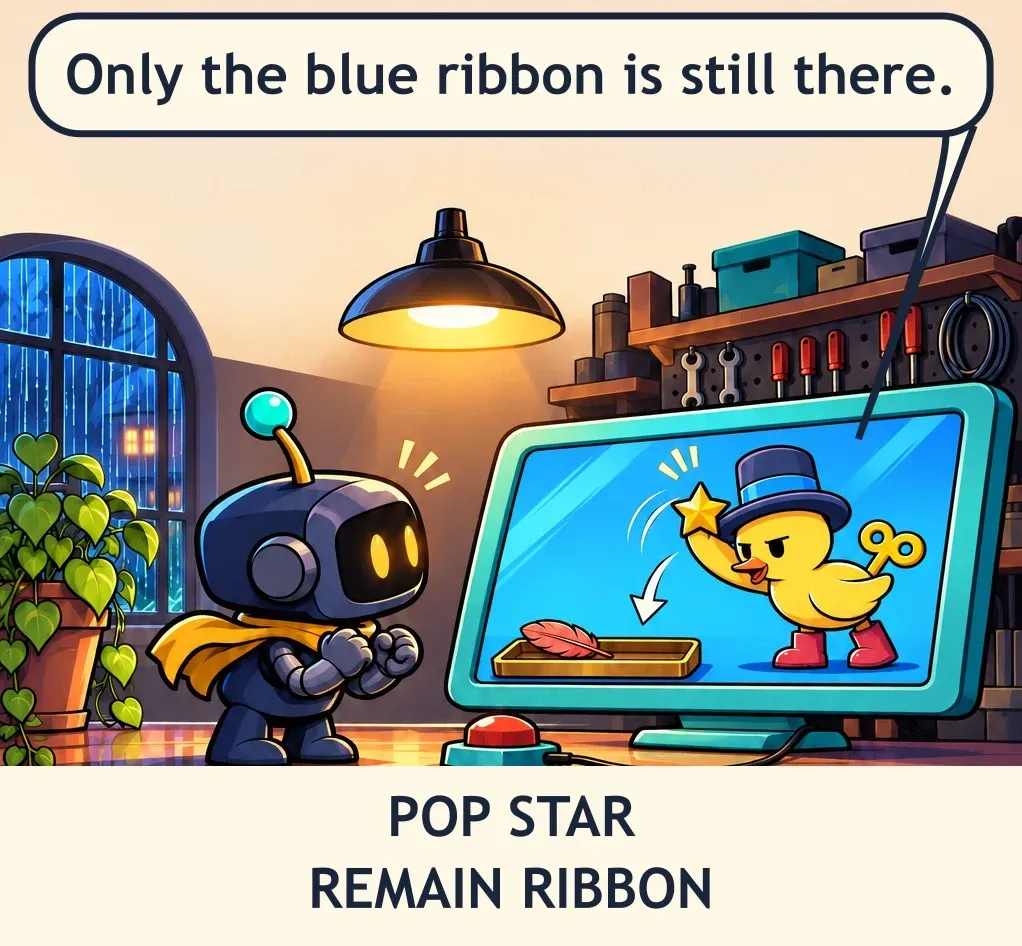
The duck has the gold star, which was taken out of the hat. Only the blue ribbon is left on the hat. The feather that was previously taken out is in the tray.
Diagram values: POP STAR; REMAIN RIBBON
Duck: Only the blue ribbon is still there.
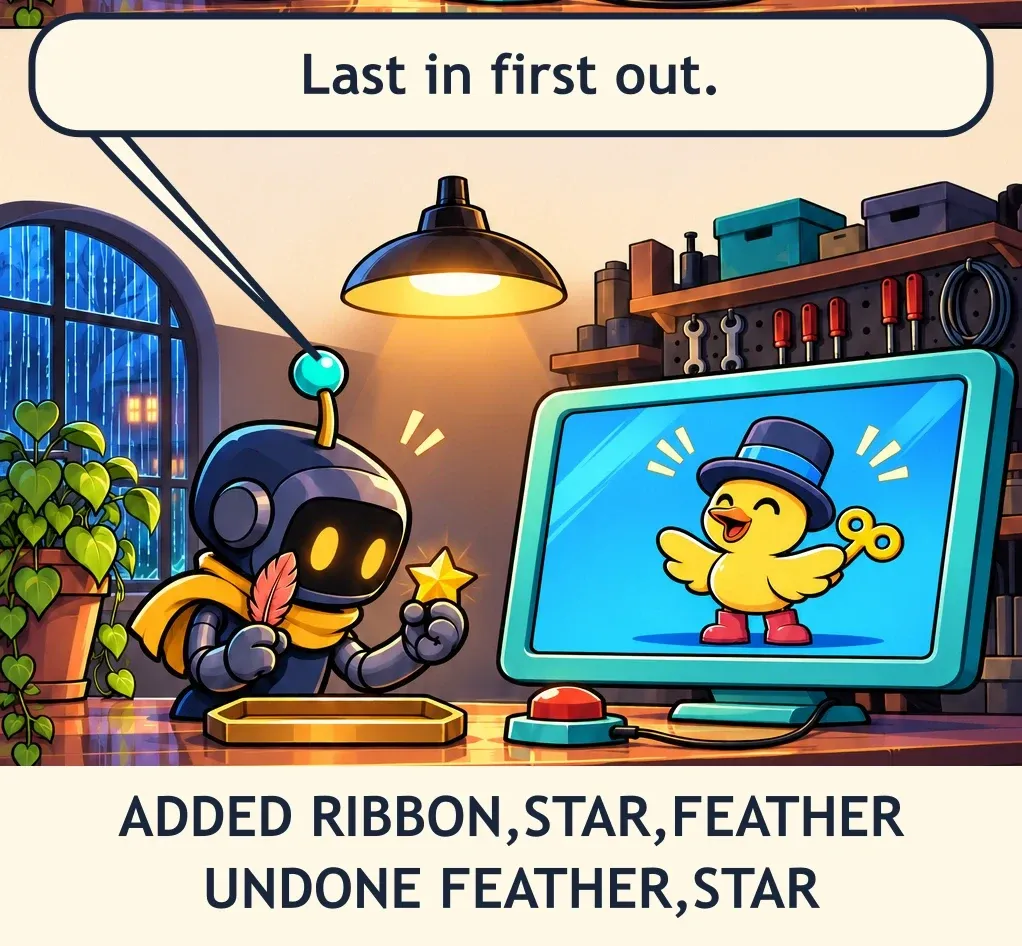
Robot is holding the taken-out feather and star. Duck is wearing the hat but just with the blue ribbon.
Diagram values: ADDED RIBBON,STAR,FEATHER; UNDONE FEATHER,STAR
Robot: Last in first out.
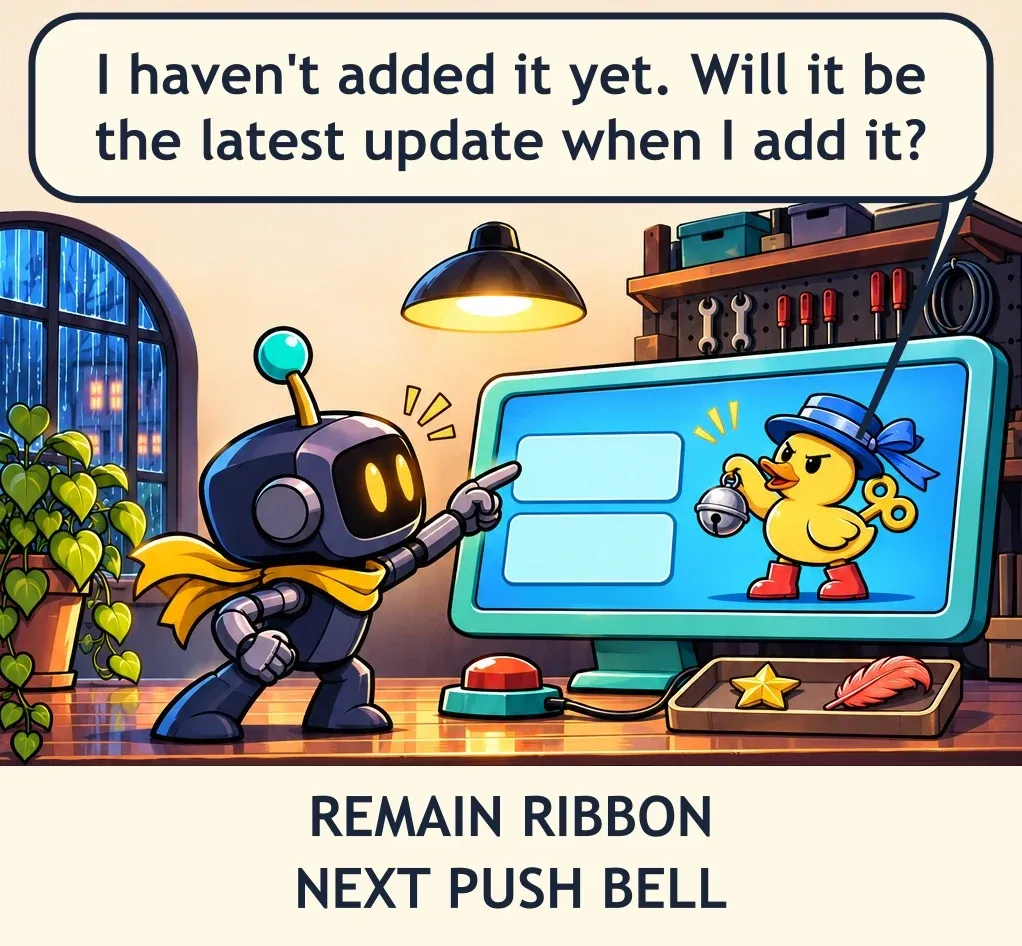
One new bell
Duck with a silver bell beside hat with only blue ribbon. Star and feather taken off and on separate tray.
Diagram values: REMAIN RIBBON; NEXT PUSH BELL
Duck: I haven't added it yet. Will it be the latest update when I add it?
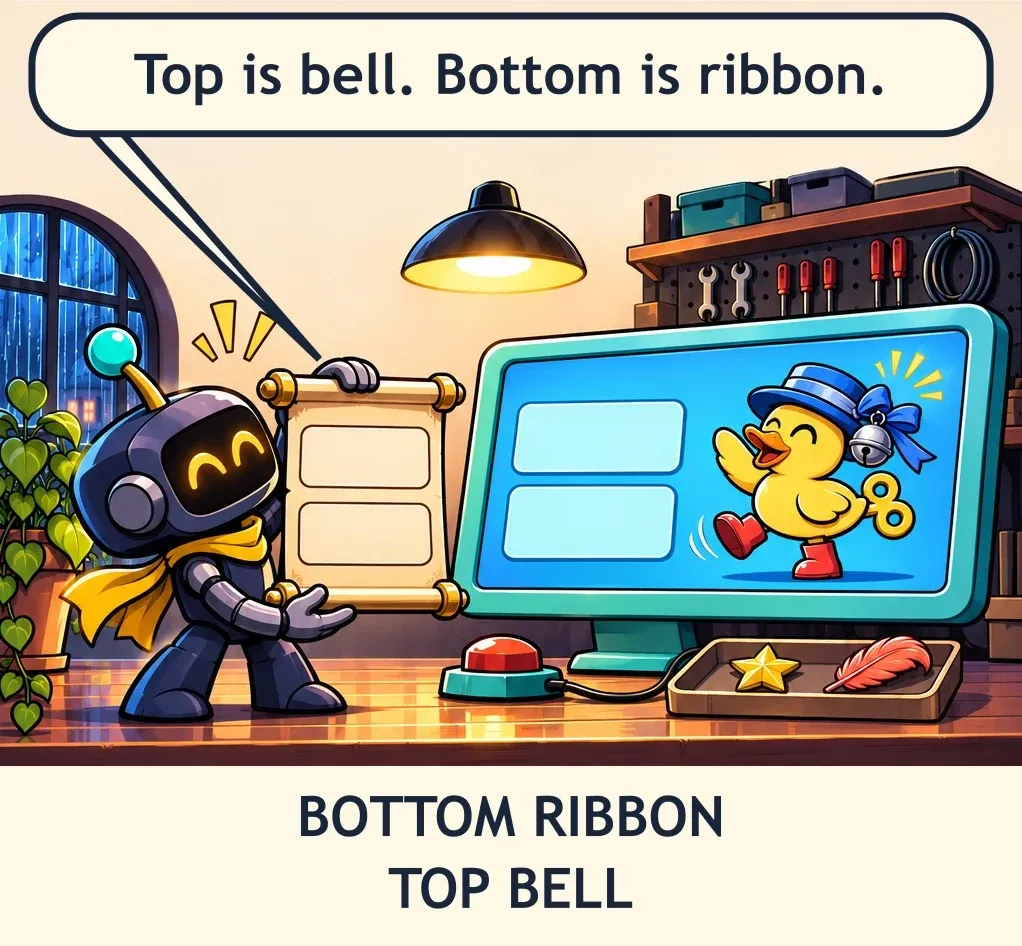
Duck is wearing hat with a blue ribbon and a new silver bell attached. Robot is showing 2 entry history scroll.
Diagram values: BOTTOM RIBBON; TOP BELL
Robot: Top is bell. Bottom is ribbon.
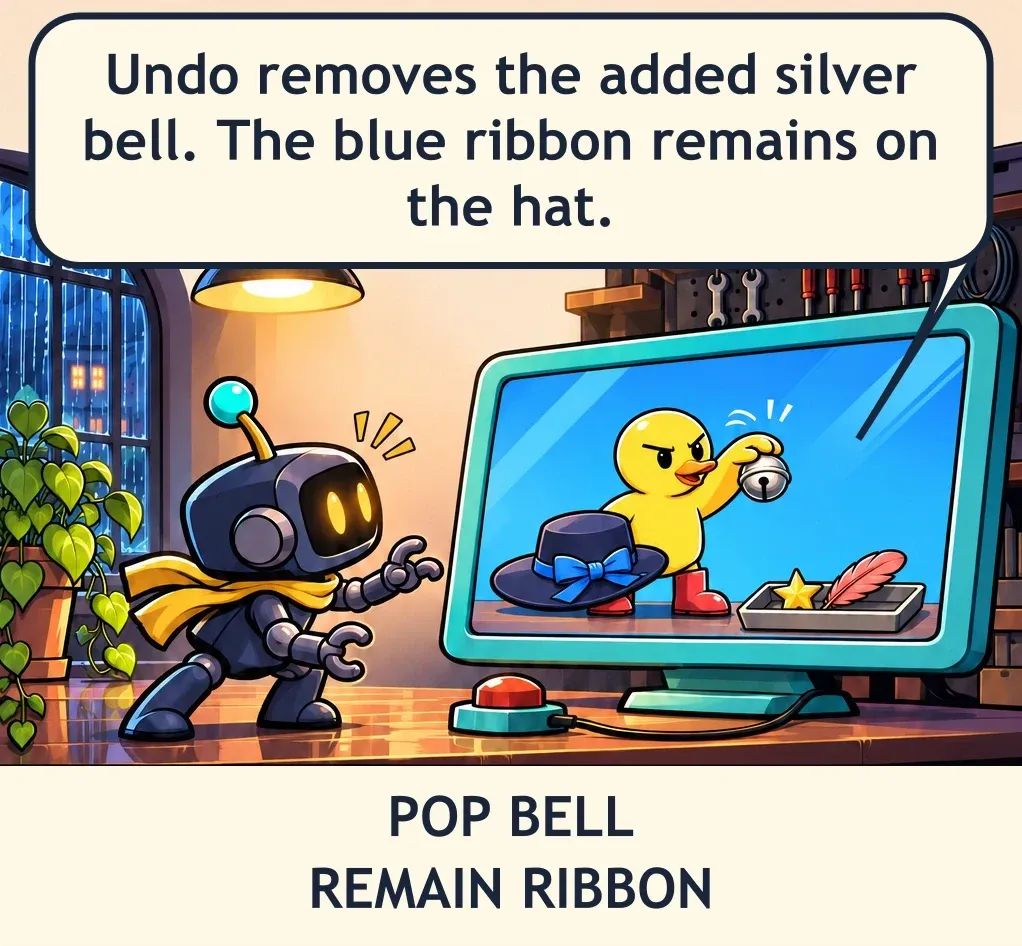
Duck is holding the removed silver bell. The ribbon is still on the hat. The star and feather are in the tray.
Diagram values: POP BELL; REMAIN RIBBON
Duck: Undo removes the added silver bell. The blue ribbon remains on the hat.
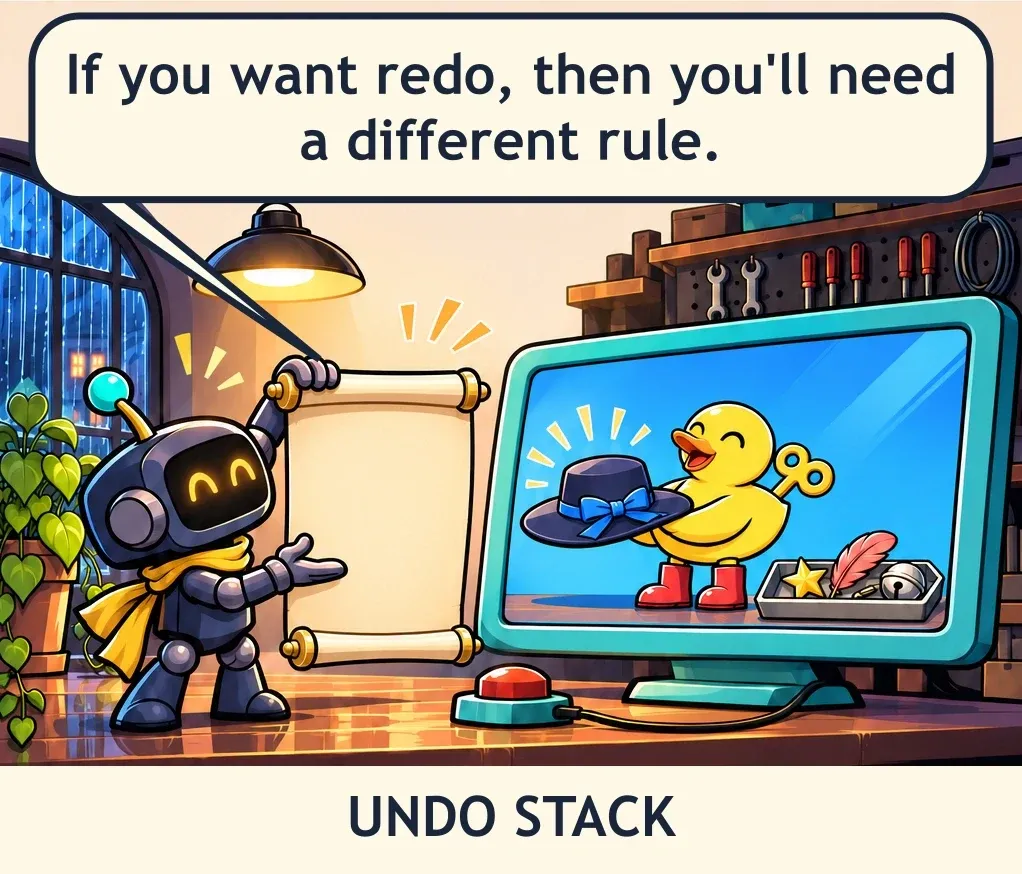
Duck is just using blue ribbon on the hat. Tray with star, feather and bell removed. Robot shows undo history.
Diagram values: UNDO STACK
Robot: If you want redo, then you'll need a different rule.
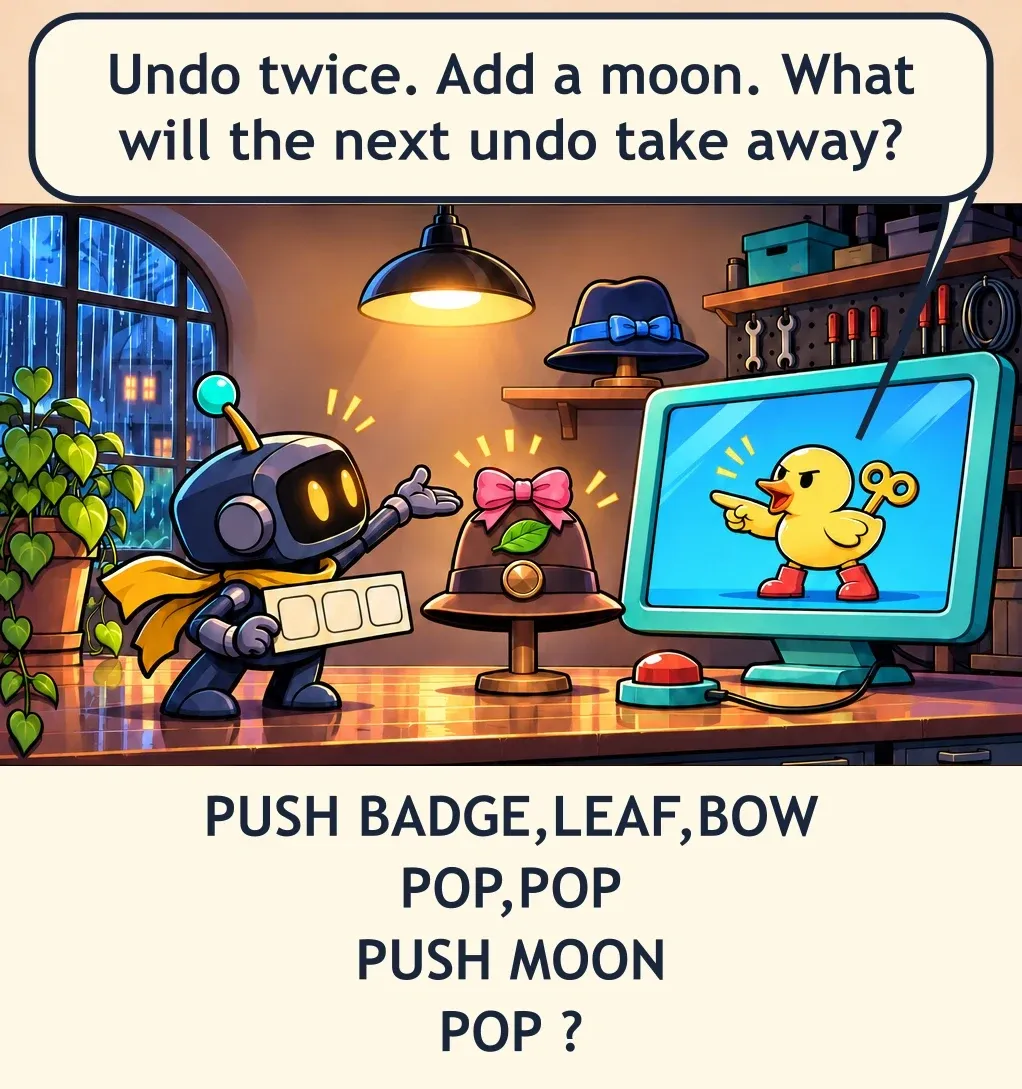
Another hat to untangle
Separate brown practice hat has the round bronze badge, green leaf and pink bow. Robot shows operation strip. Duck points to the hat.
Diagram values: PUSH BADGE,LEAF,BOW; POP,POP; PUSH MOON; POP ?
Duck: Undo twice. Add a moon. What will the next undo take away?
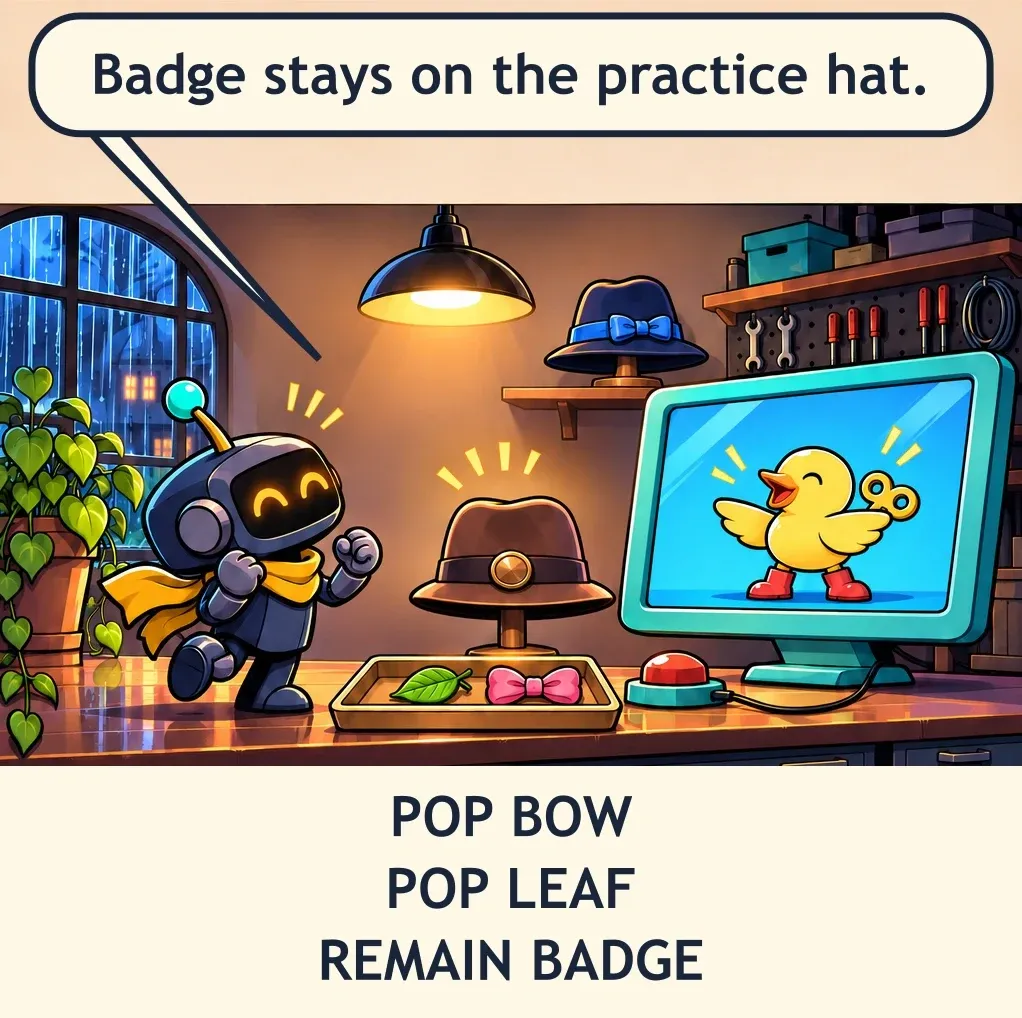
The practice hat, with nothing more than the bronze badge on it.
Diagram values: POP BOW; POP LEAF; REMAIN BADGE
Robot: Badge stays on the practice hat.
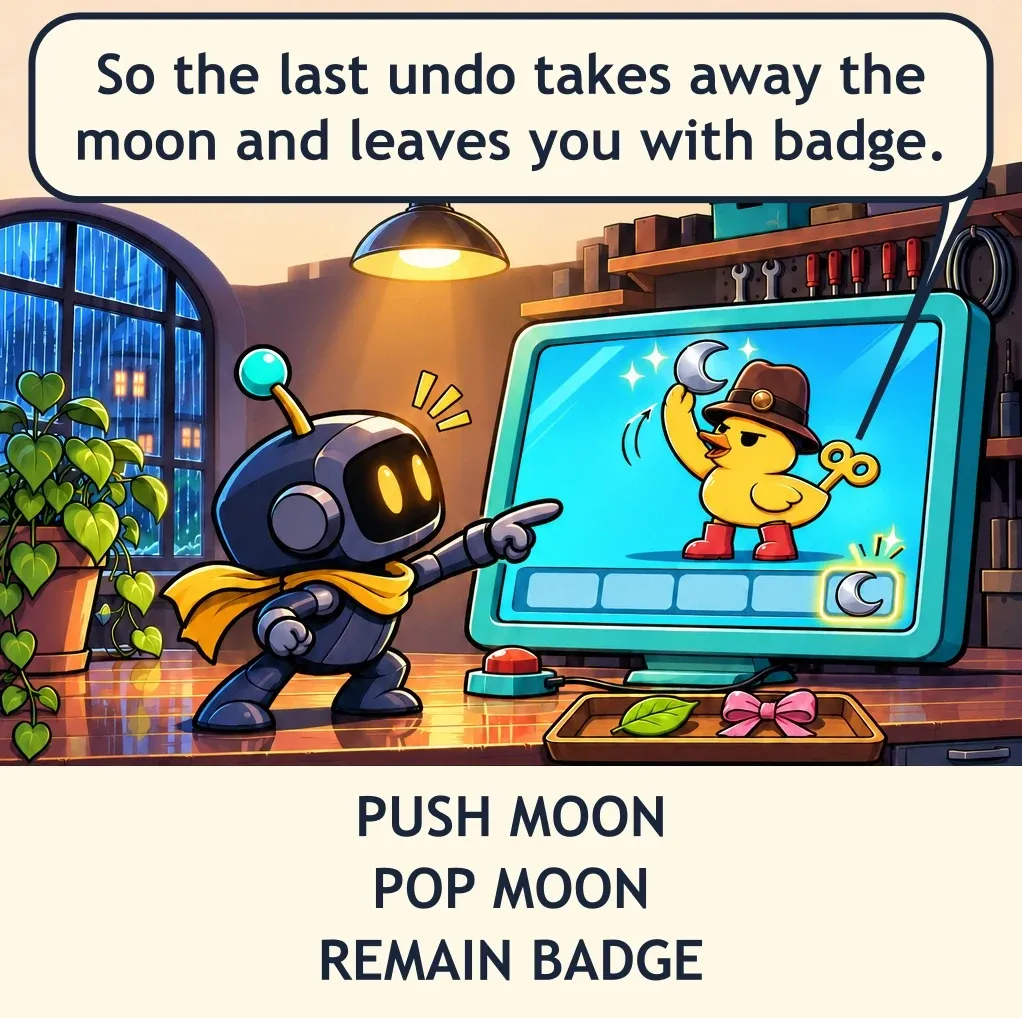
Duck has taken out a silver crescent moon from the brown practice hat. The bronze badge is still there. The leaf and bow are still in the tray.
Diagram values: PUSH MOON; POP MOON; REMAIN BADGE
Duck: So the last undo takes away the moon and leaves you with badge.
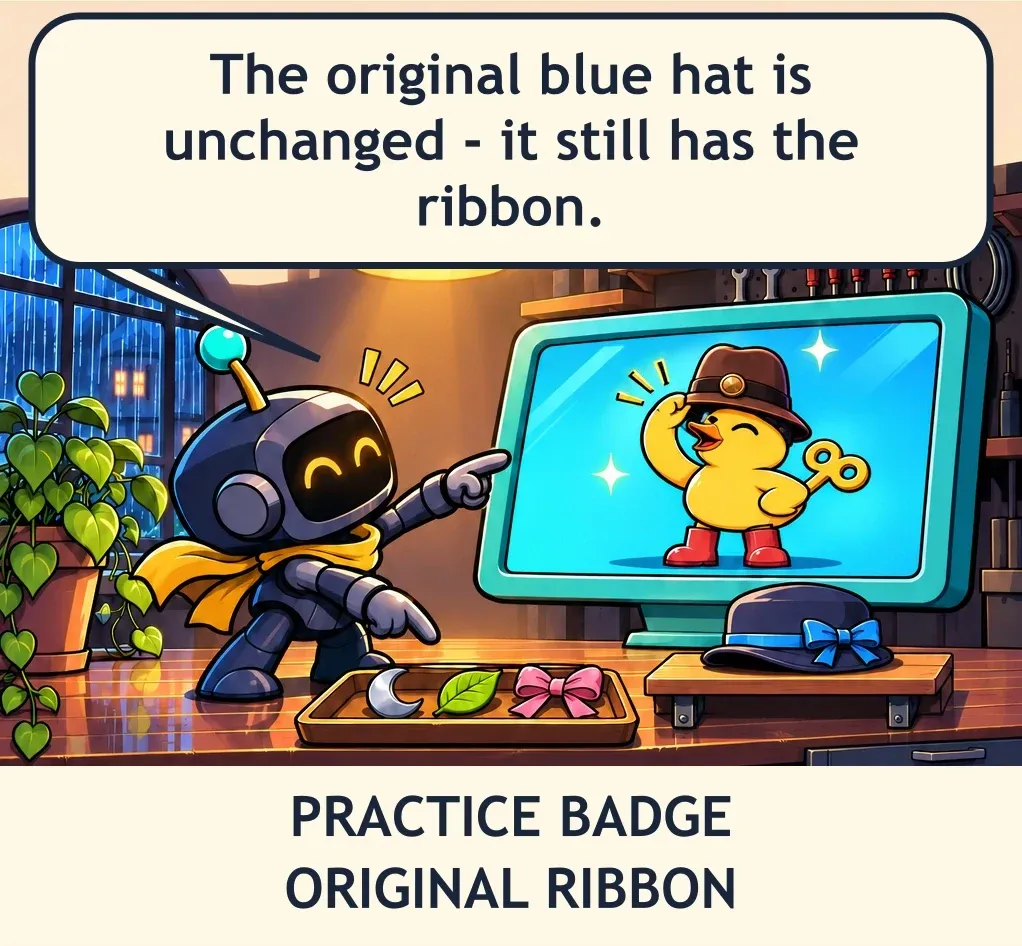
Duck tips brown practice hat...there's only the bronze badge left on it. Original hat (ribbon only) is standing alone. Removed moon, leaf and bow are in tray.
Diagram values: PRACTICE BADGE; ORIGINAL RIBBON
Robot: The original blue hat is unchanged - it still has the ribbon.
The lesson
A stack allows entries to be pushed and popped from the same end, the top. The most recently pushed entry is the first to be popped. Each entry in our fictitious decoration editor has one undoable change. The undo operation pops the top entry, and undoes the change. Other (older) entries are left alone until they're reached during undo. Redo is not in the scope of this example, although in actual editors, groups of changes may be different.
Try it
Create a blank history of your drawings. Draw an oak. Draw a pine. Draw a bench. Undo once. Draw a pond. Undo twice. Record history after each action.
Answer
First undo will take away bench. Now add pond. Now you have history of oak, pine, and pond. Next undo will take away pond. Next undo will take away pine. Only oak is left.