 HoldMyTwist
Episode 21
The Transparent Lantern
Duck wants his digital lantern to really pop out from the background.


Episode transcript
A faded sign
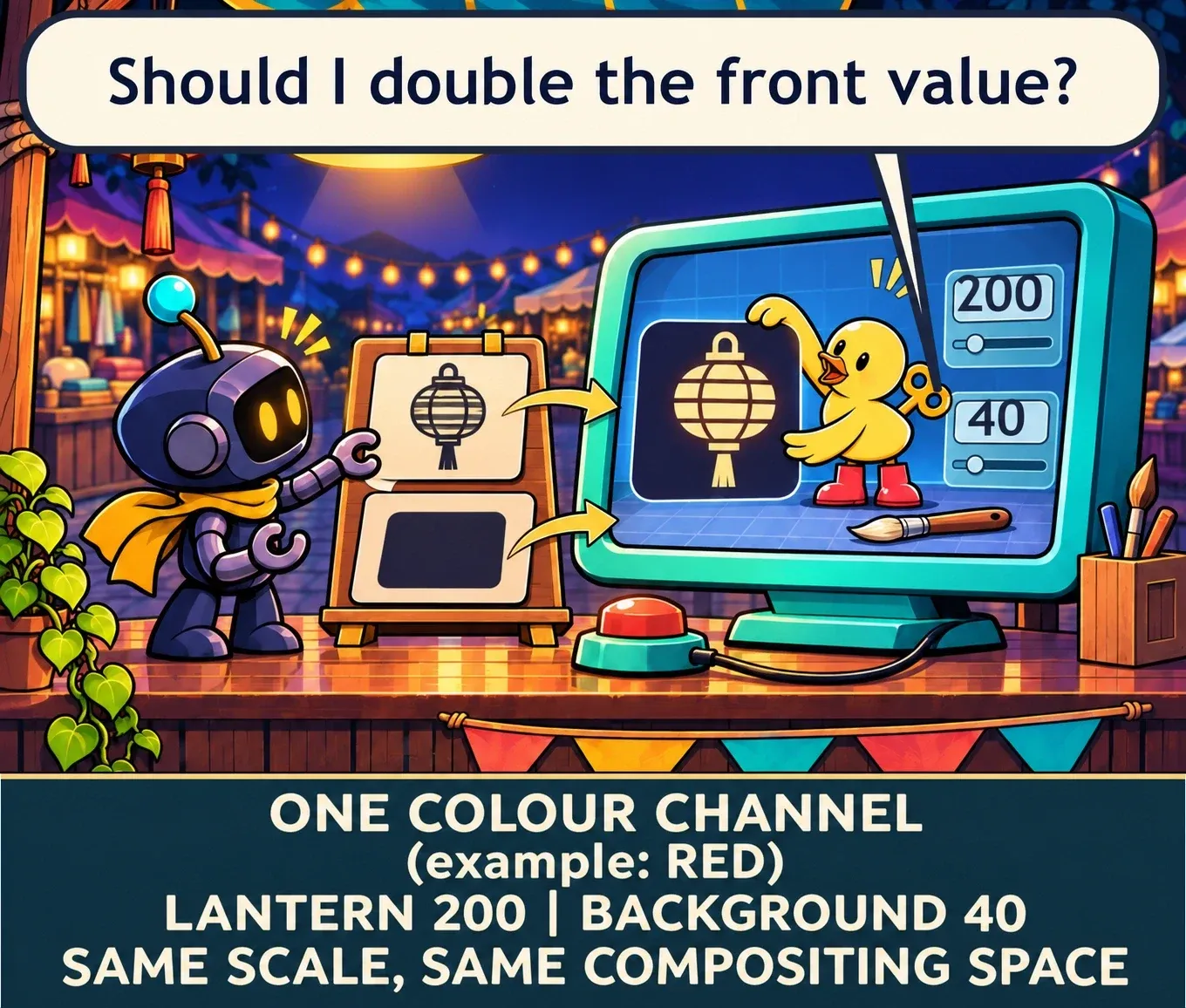
Duck is building a digital version of a lantern sign in a turquoise monitor. The preview is pale. ONE COLOUR CHANNEL (example: RED); LANTERN 200 | BACKGROUND 40; SAME SCALE, SAME COMPOSITING SPACE.
Diagram values: ONE COLOUR CHANNEL (example: RED); LANTERN 200 | BACKGROUND 40; SAME SCALE, SAME COMPOSITING SPACE; BACKGROUND OPACITY: 1
Duck: Should I double the front value?
Duck puts away the unneeded paintbrush.
Diagram values: SAME COMPOSITING SPACE; BACKGROUND OPACITY: 1
Robot: These are values inside a digital model
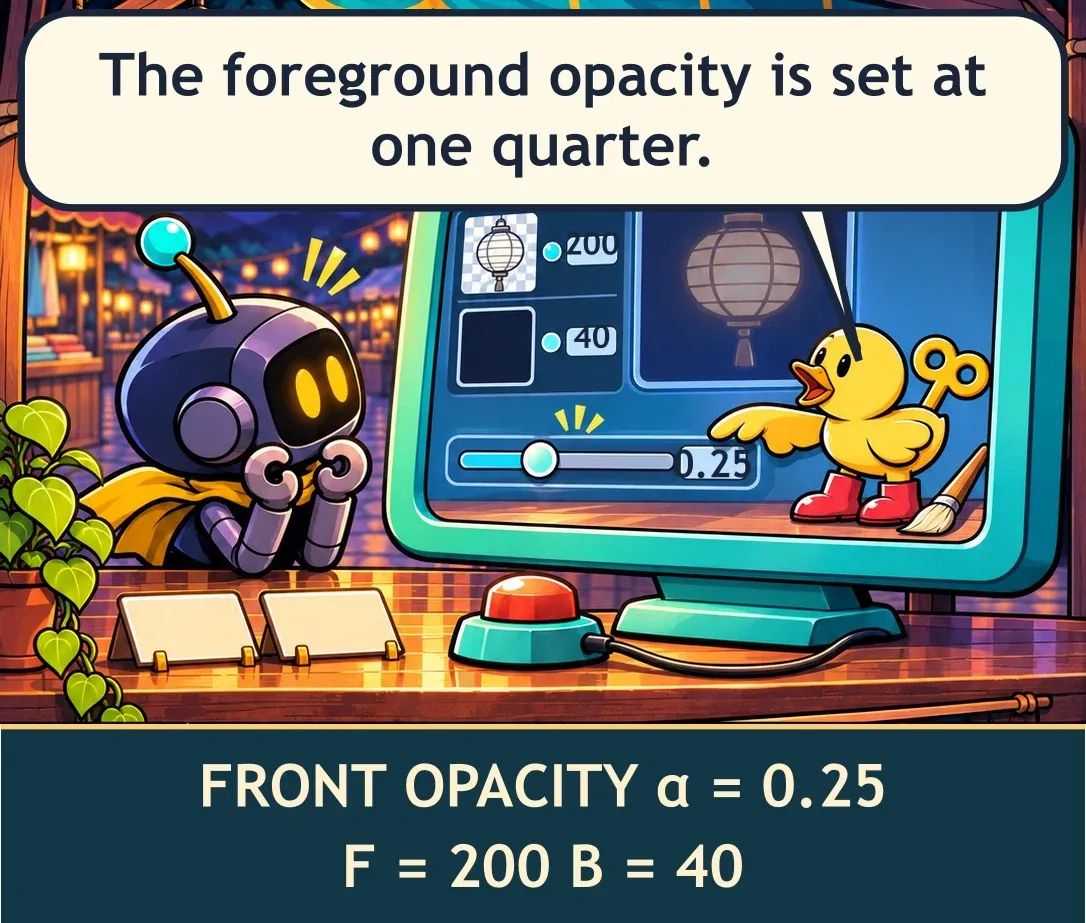
Duck sets the foreground opacity slider to one quarter.
Diagram values: FOREGROUND OPACITY: 0.25; FOREGROUND CHANNEL: 200; OPAQUE BACKGROUND CHANNEL: 40
Duck: The foreground opacity is set at one quarter.
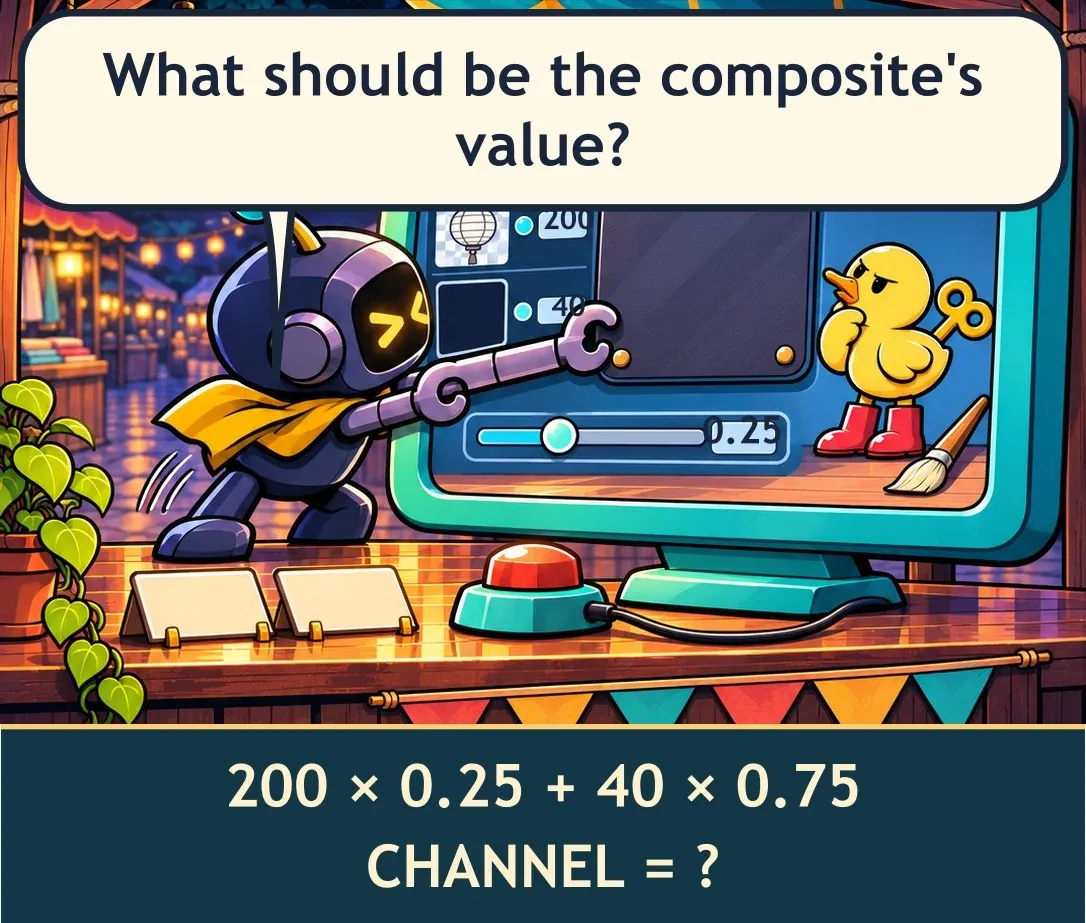
Robot shields the composite output so Duck can anticipate it.
Diagram values: 200 × 0.25 + 40 × 0.75
Robot: What should be the composite's value?
Weight both layers
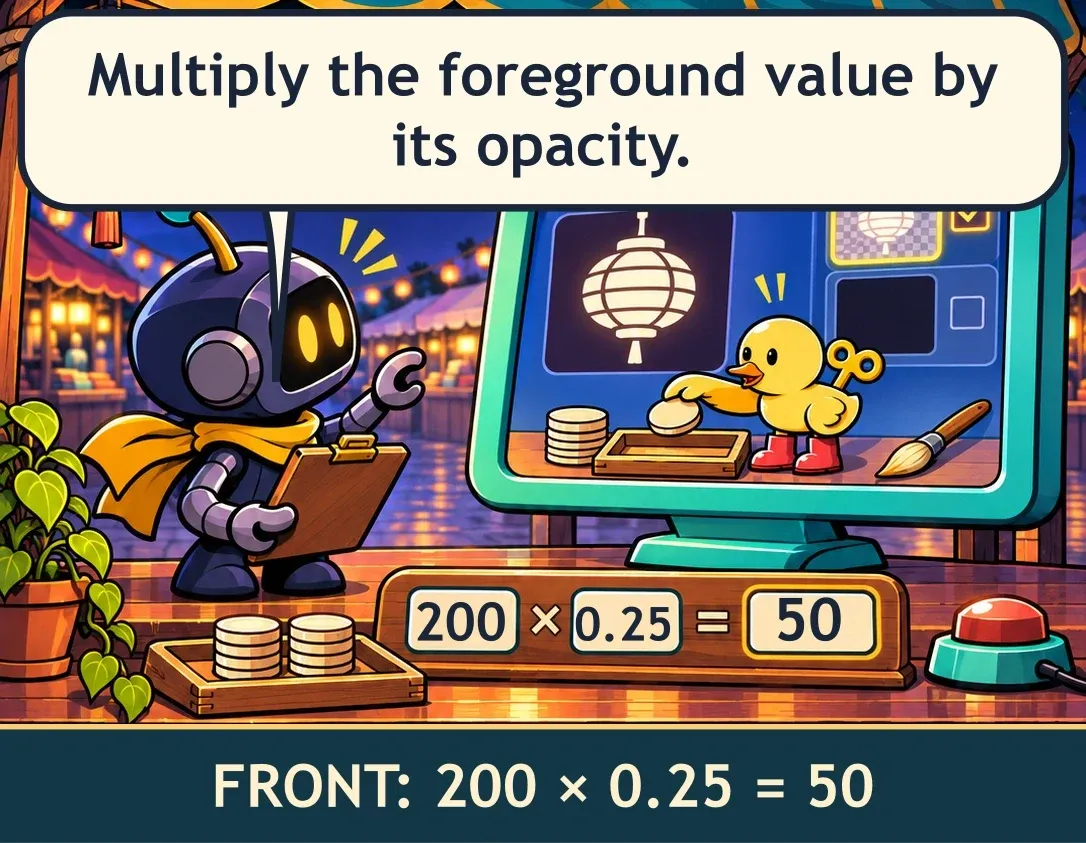
Robot is showing you the digital foreground layer.
Diagram values: 200 × 0.25 = 50
Robot: Multiply the foreground value by its opacity.
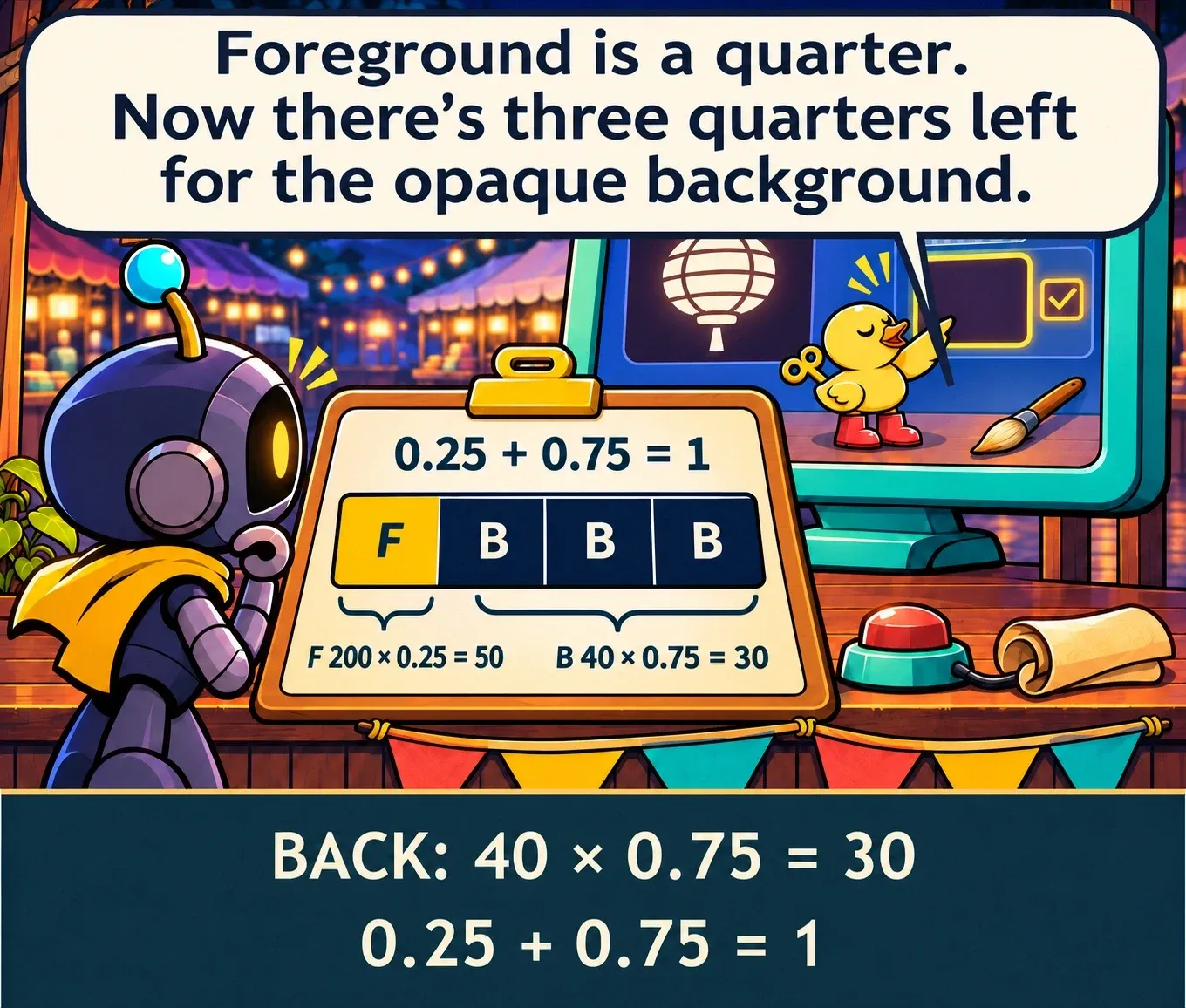
Robot has a weight strip of 4 compartments of equal size, 1 foreground, 3 background.
Diagram values: F B B B; 0.25 + 0.75 = 1; FRONT: 200 × 0.25 = 50; BACK: 40 × 0.75 = 30
Duck: Foreground is a quarter. Now there's three quarters left for the opaque background.
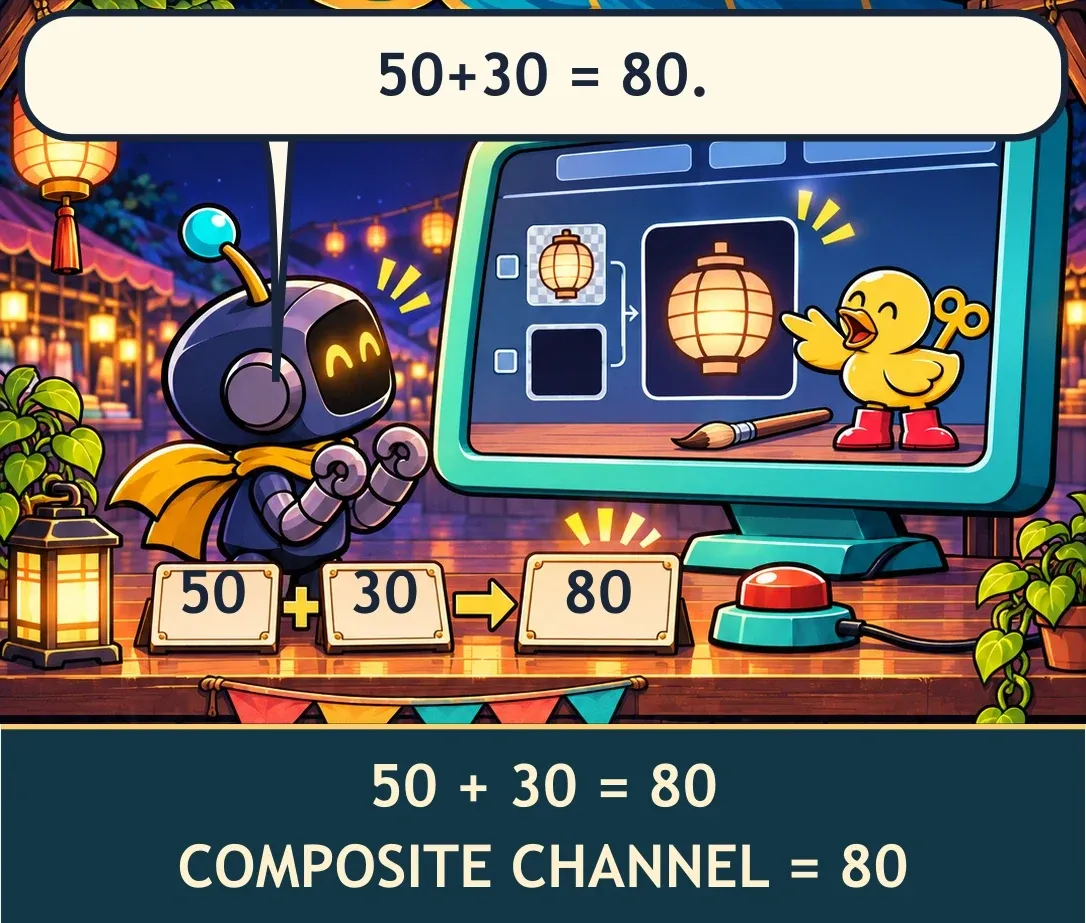
Duck shows off the final toy preview.
Diagram values: 50 + 30 = 80
Robot: 50+30 = 80.
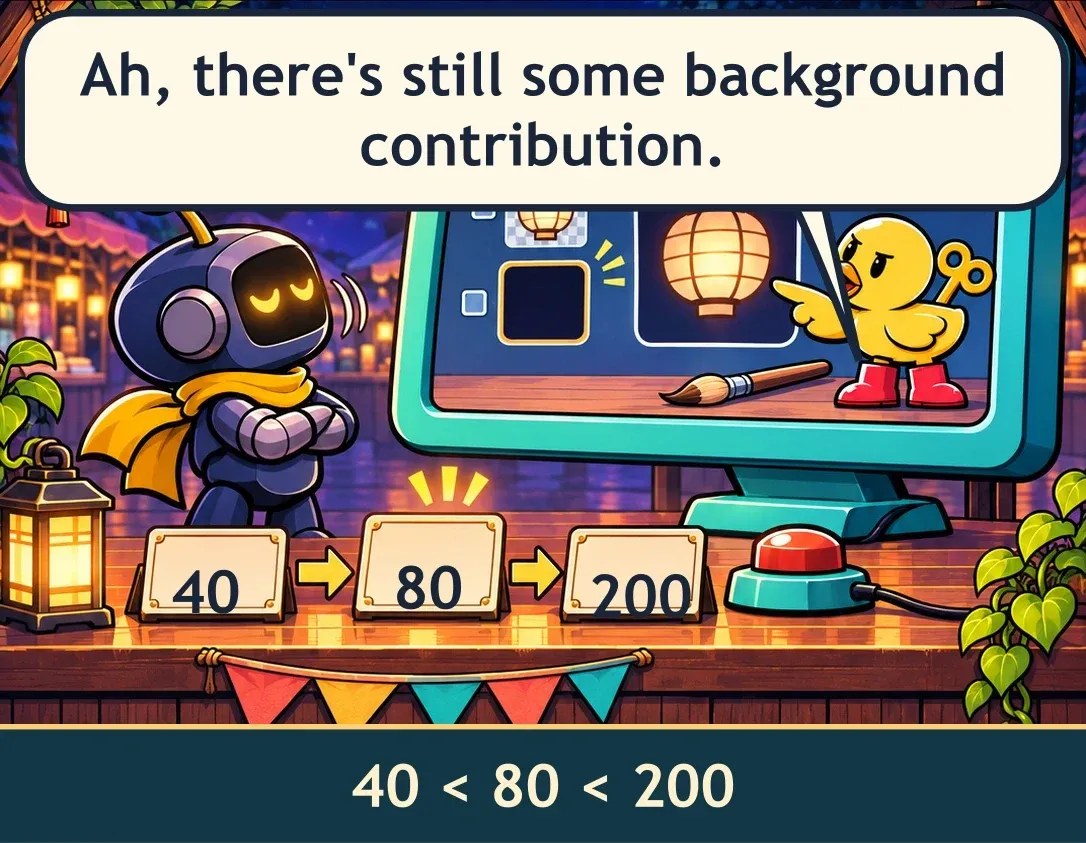
It shows background input is 40. Output is 80. Foreground input is 200.
Diagram values: BACKGROUND CHANNEL 40 < COMPOSITE CHANNEL 80 < FOREGROUND CHANNEL 200
Duck: Ah, there's still some background contribution.
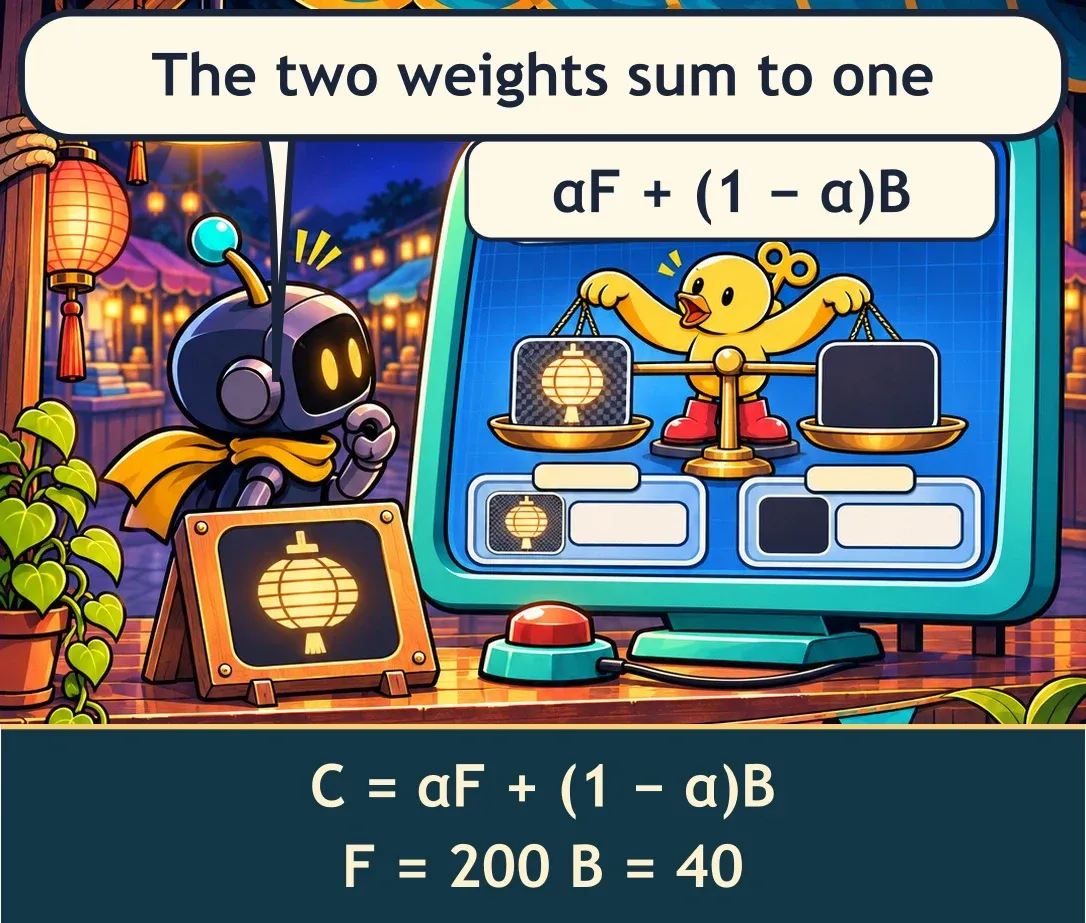
Duck makes sure the weights for both layers balance out.
Diagram values: C = αF + (1 − α)B
Robot: The two weights sum to one
Turn the opacity up
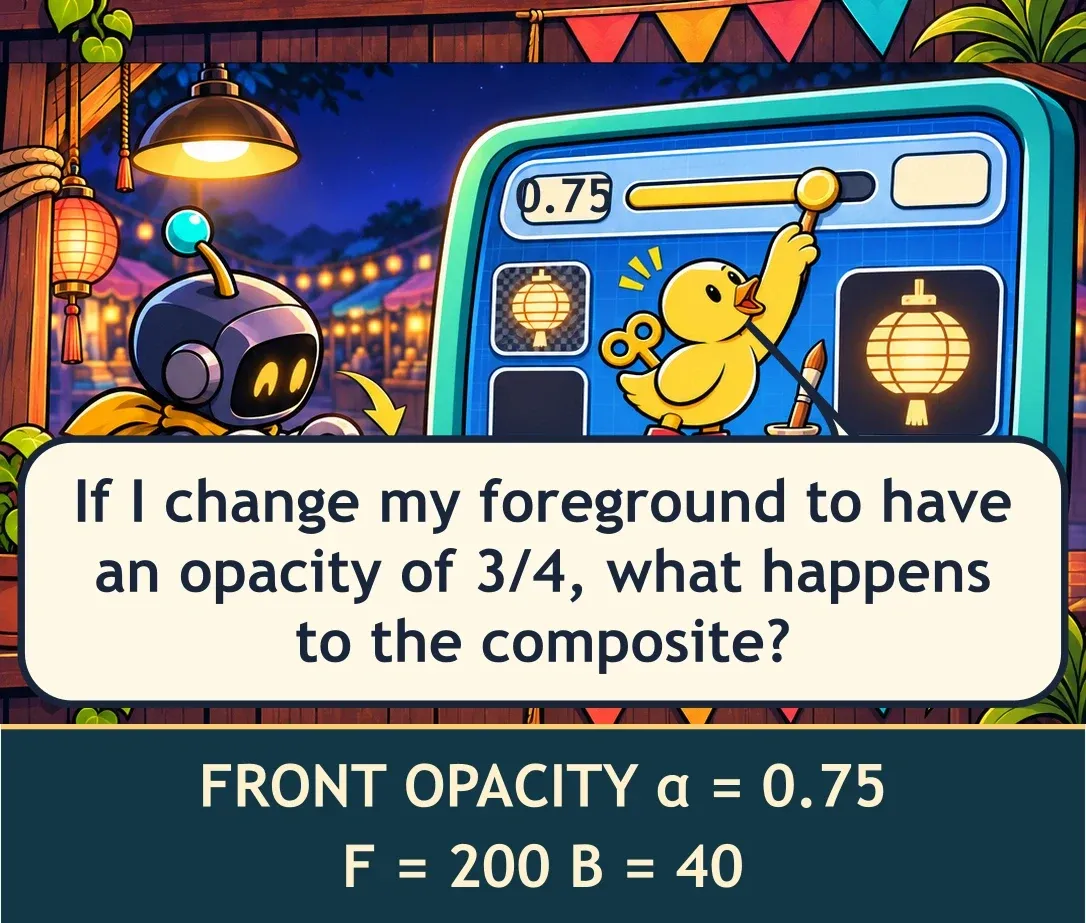
Duck changes opacity in the foreground channel from 1/4 to 3/4.
Diagram values: FOREGROUND OPACITY: 0.75; FOREGROUND CHANNEL: 200; OPAQUE BACKGROUND CHANNEL: 40
Duck: If I change my foreground to have an opacity of 3/4, what happens to the composite?
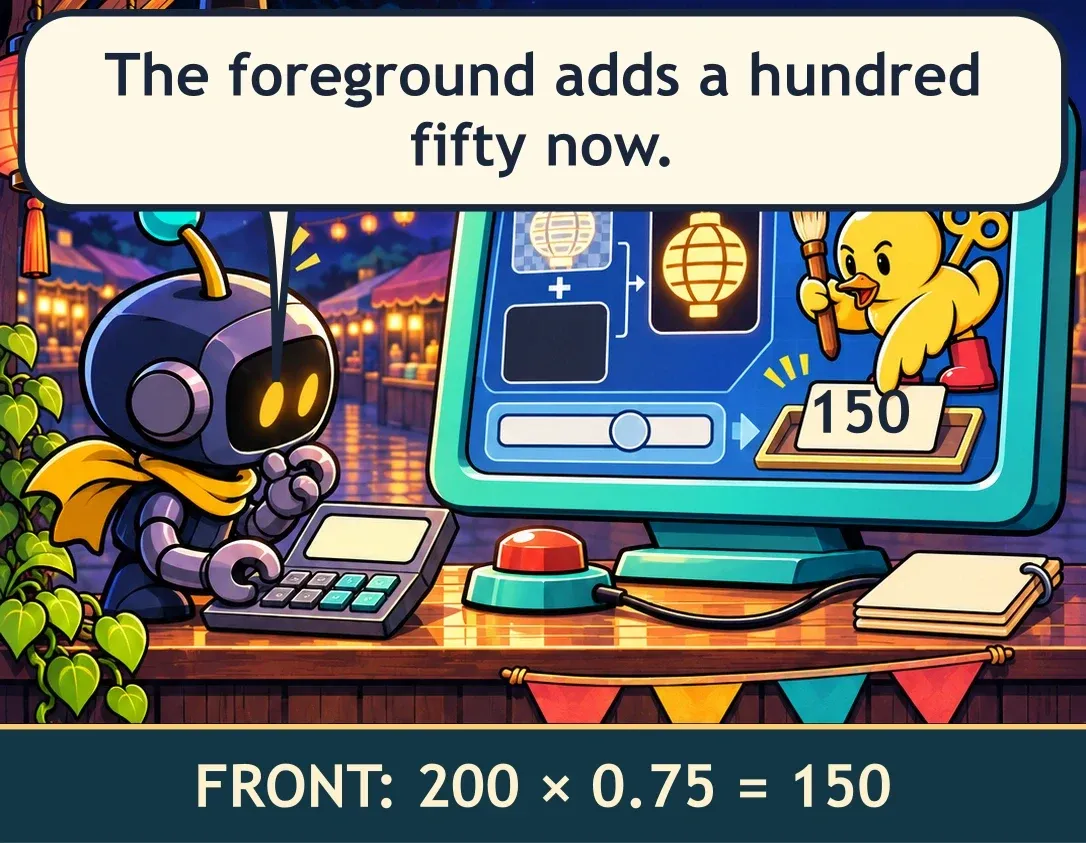
Duck adds 150 to the foreground contribution tray.
Diagram values: 200 × 0.75 = 150
Robot: The foreground adds a hundred fifty now.
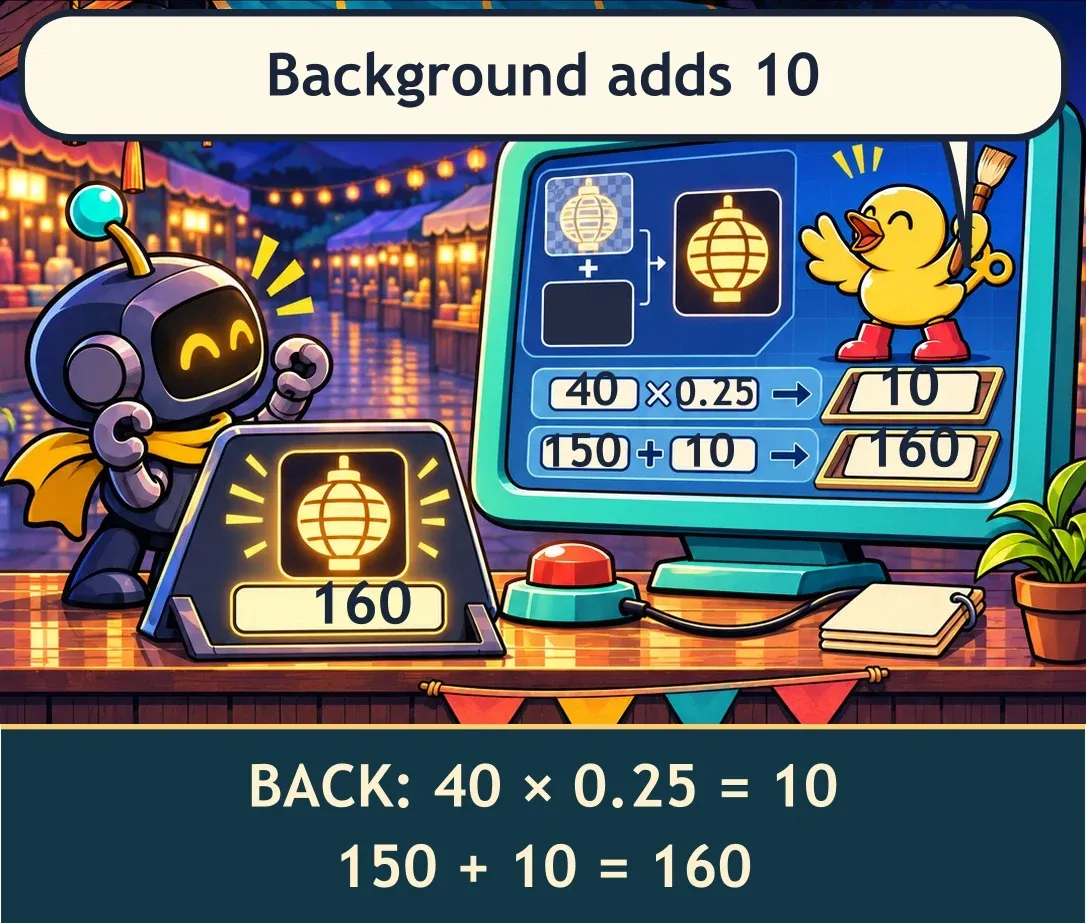
Duck adds 10 to 150.
Diagram values: 40 × 0.25 = 10; 150 + 10 = 160
Duck: Background adds 10
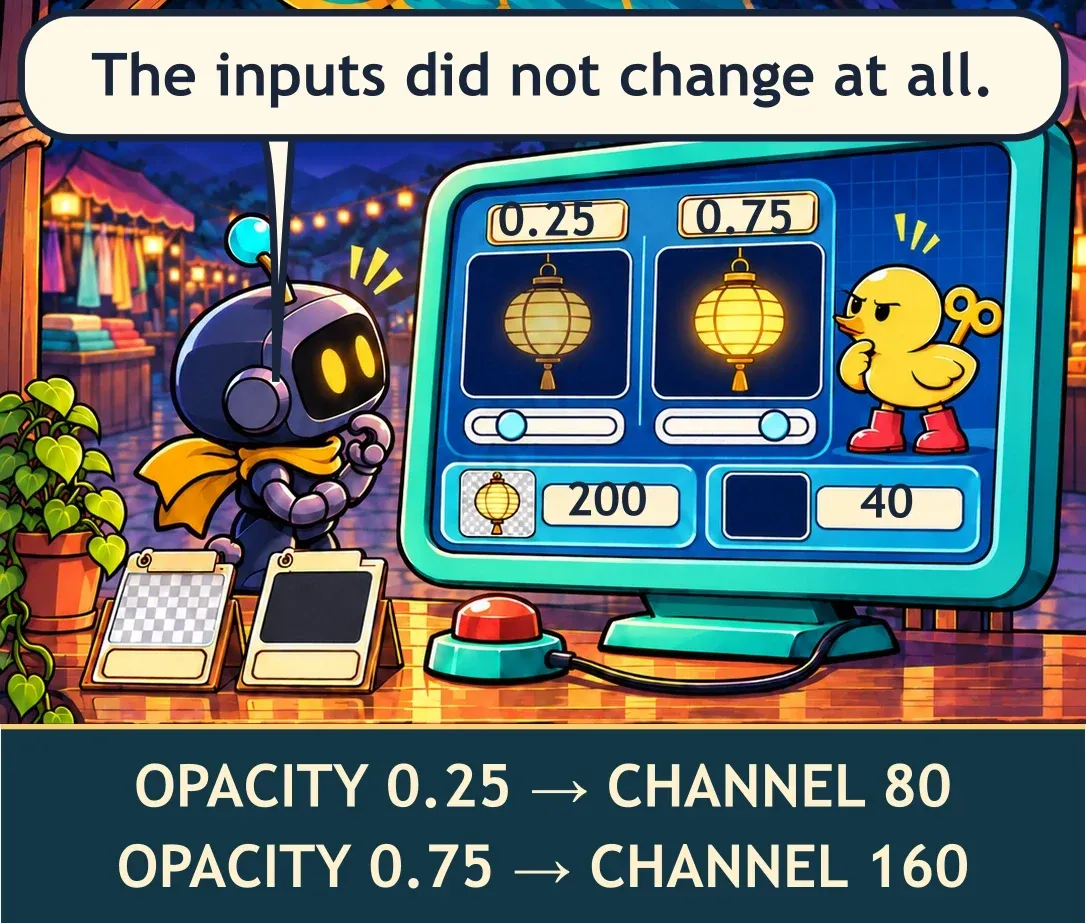
Duck focuses on the enhanced foreground outcome.
Diagram values: OPACITY 0.25 → COMPOSITE CHANNEL 80; OPACITY 0.75 → COMPOSITE CHANNEL 160
Robot: The inputs did not change at all.
Transparent and opaque
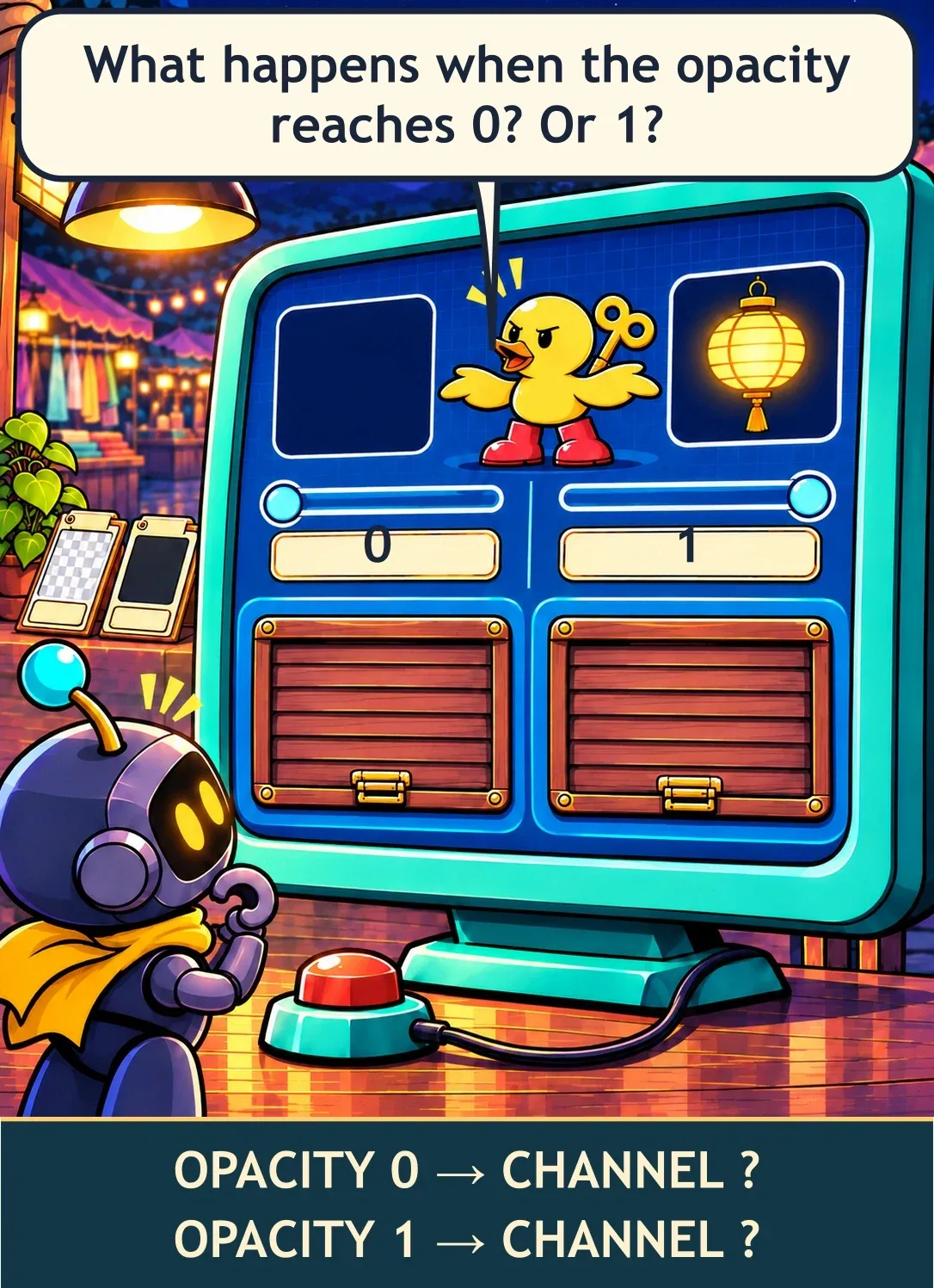
At first, both output fields are covered by Robot.
Diagram values: FOREGROUND OPACITY 0; FOREGROUND OPACITY 1
Duck: What happens when the opacity reaches 0? Or 1?
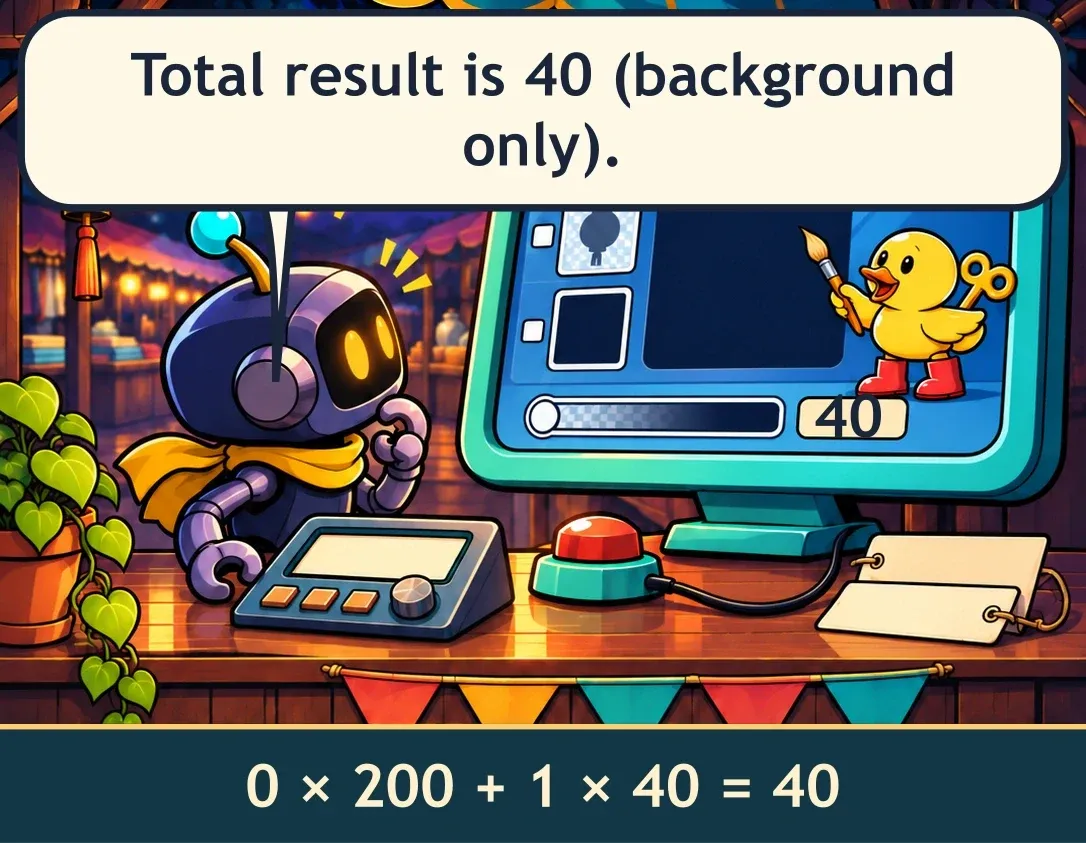
Total result is 40 (background only).
Diagram values: FOREGROUND OPACITY 0 → COMPOSITE CHANNEL 40
Robot: Total result is 40 (background only).
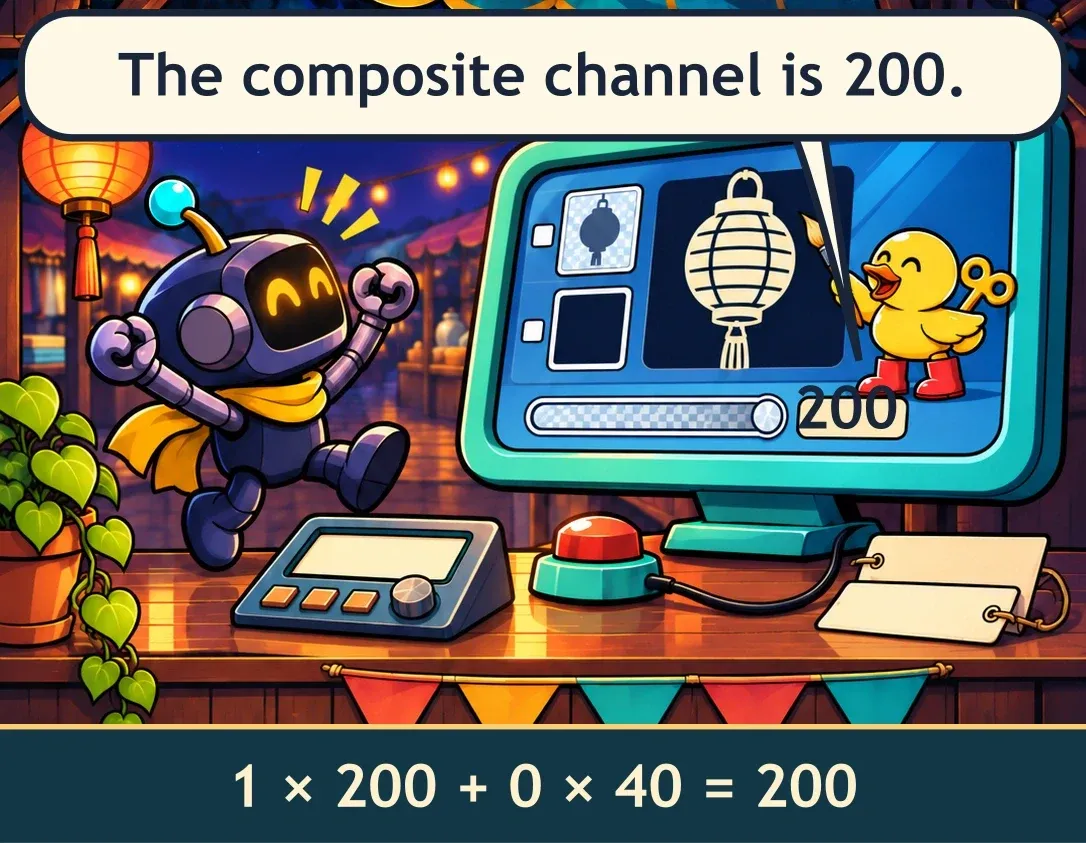
Total result is 200 (foreground only).
Diagram values: FOREGROUND OPACITY 1 → COMPOSITE CHANNEL 200
Duck: The composite channel is 200.
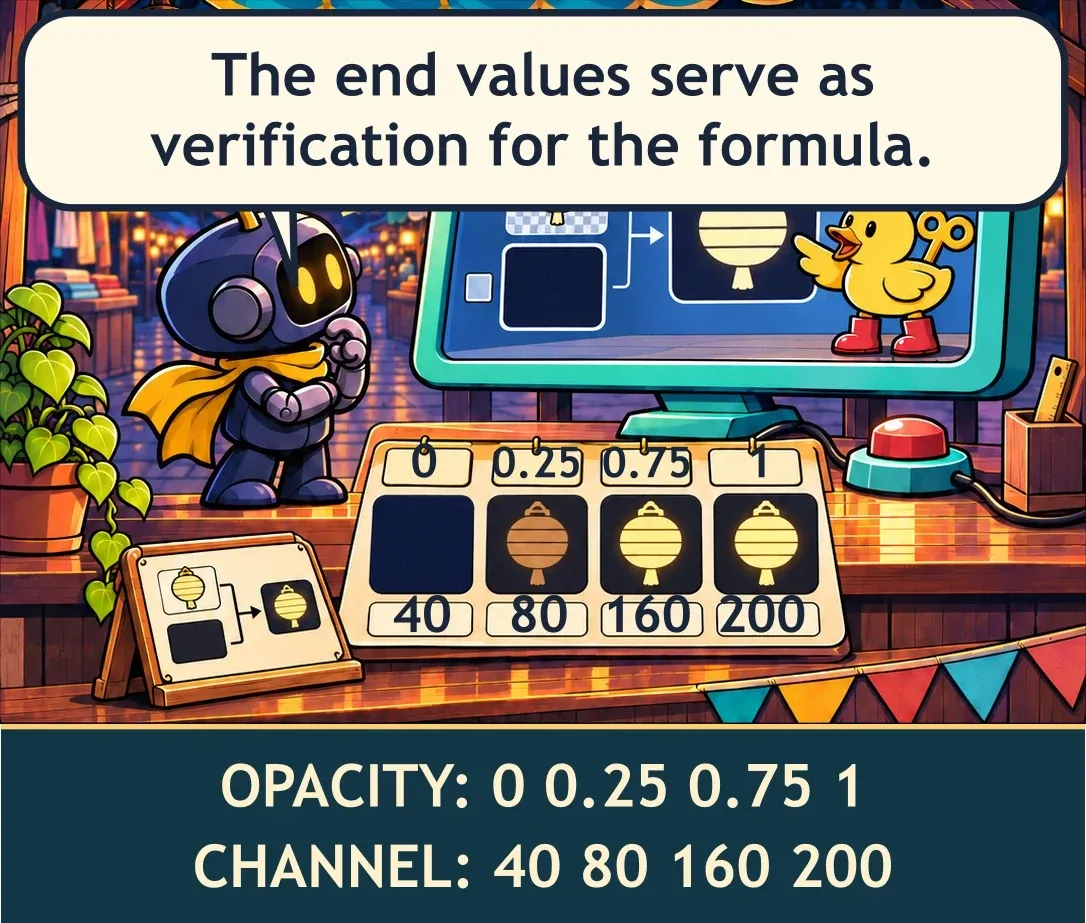
Duck verifies the values are increasing with respect to the set inputs.
Diagram values: OPACITY 0: CHANNEL 40; OPACITY 0.25: CHANNEL 80; OPACITY 0.75: CHANNEL 160; OPACITY 1: CHANNEL 200
Robot: The end values serve as verification for the formula.
Duck waves his useless paint brush in from the safety of the monitor. Robot laughs outside next to the numeric layer diagram.
Duck: The paintbrush is still dry.
The lesson
The channel value in the composite is the sum of the two weighted channel values. Multiply the foreground value by its opacity. Multiply the background value by the remaining weight. Then add the two contributions. Channel values in the input are constant for these examples. It isn't mixing paint. It's not measured lamp radiance.
Try it
Diagram values: FOREGROUND CHANNEL: 200; BACKGROUND CHANNEL: 40, FULLY OPAQUE; SAME COMPOSITING SPACE; FOREGROUND OPACITY: 0.5
Keep the front at two hundred. Keep the fully opaque background at forty. Both in the same compositing space. What's the value of composite channel if the foreground opacity is one half?
Answer
Diagram values: 0.5 × 200 + 0.5 × 40 = 120
1/2 of 200 is 100. 1/2 of 40 is 20. 100 + 20 = 120 (combined contribution).