 HoldMyTwist
Episode 31
Three Lamps, One White Moon
Duck wants to get the moon sign lit up. Just turning on the red lamp doesn't make it white. What will happen if Duck turns on the green and the blue lamps?
Episode transcript
A moon of coloured light
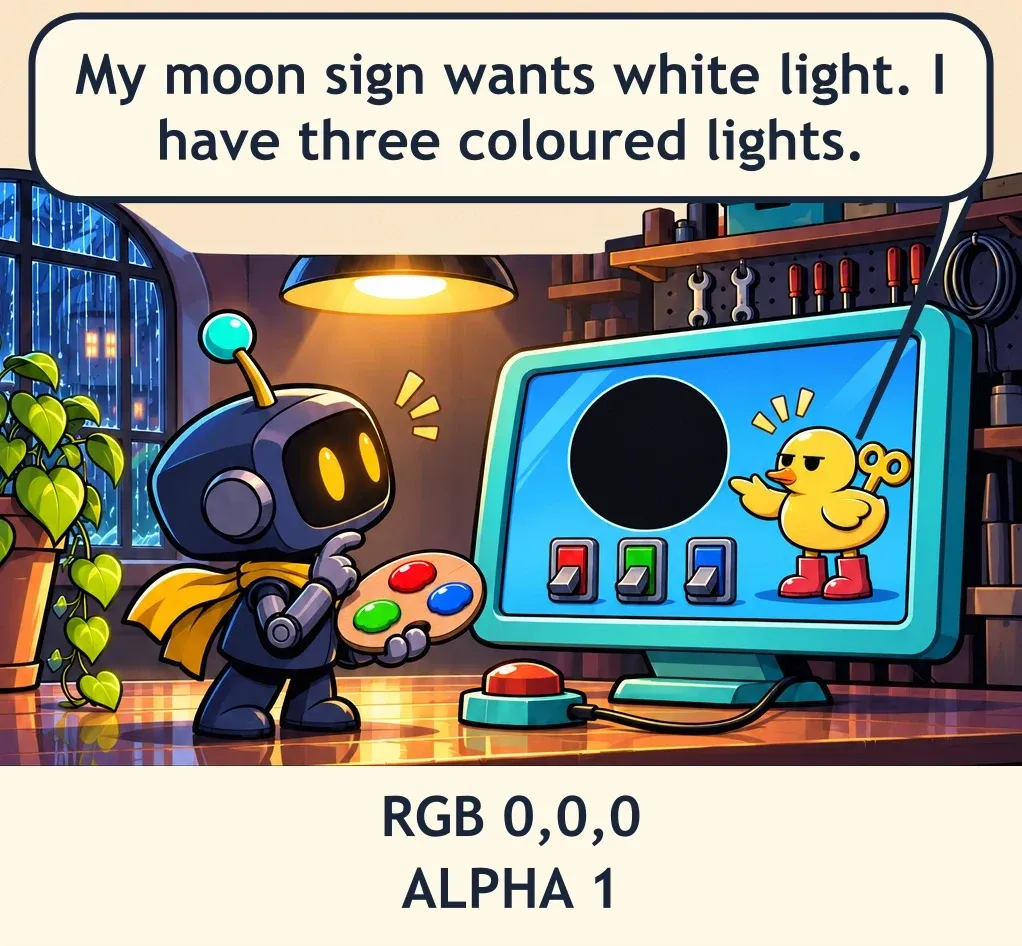
Everything's turned off for the colour controls. Robot has a palette.
Diagram values: RGB 0,0,0; ALPHA 1
Duck: My moon sign wants white light. I have three coloured lights.
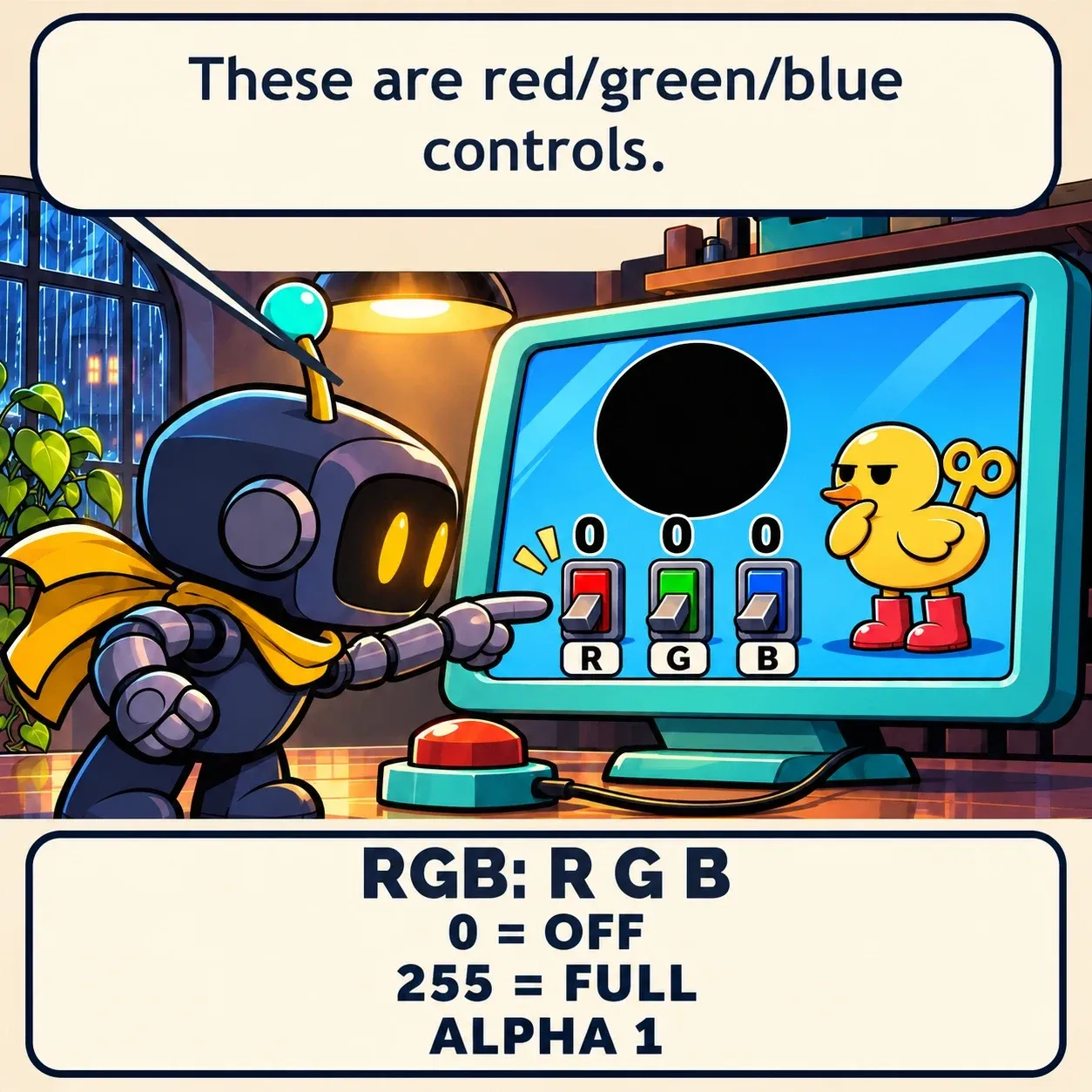
Robot points at the red control and green control and blue control, all set to 0. Moon is still black.
Diagram values: RGB: R G B; VALUES 0 0 0; 0 = OFF; 255 = FULL; ALPHA 1
Robot: These are red/green/blue controls.
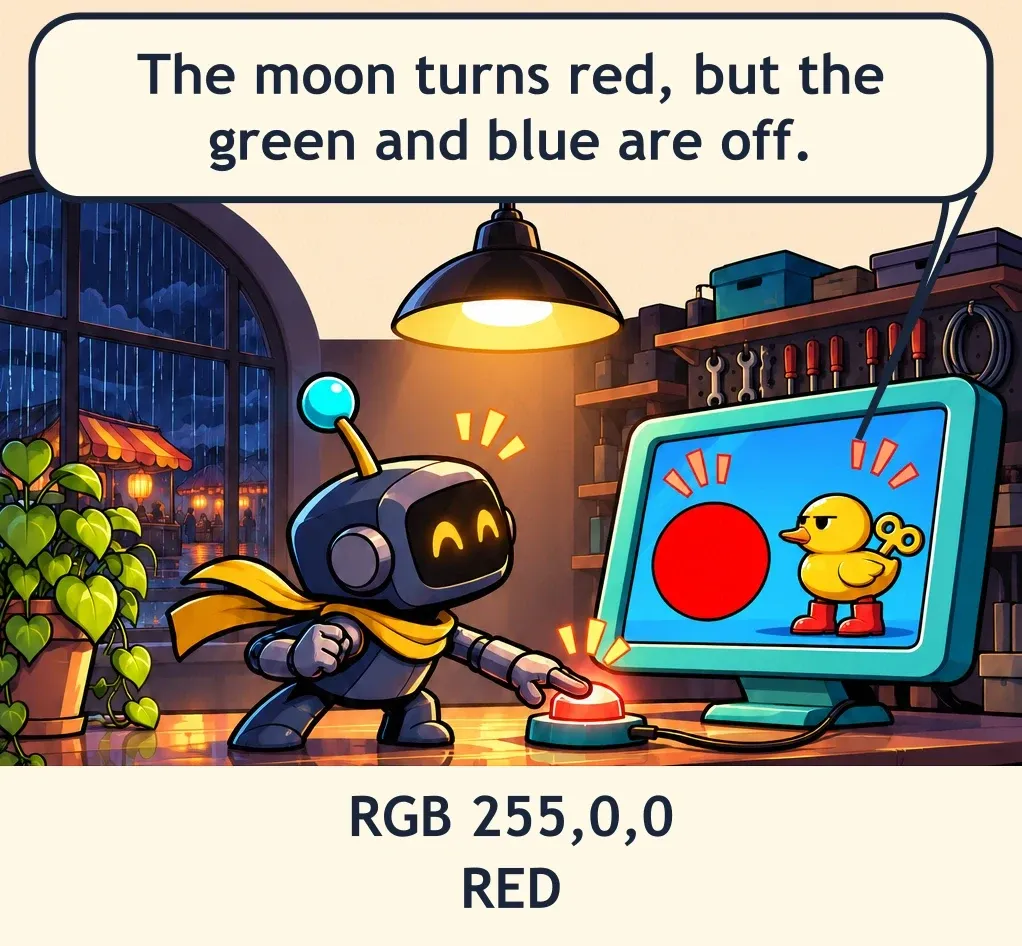
Duck sets the red to the maximum. The moon turns red, but the green and blue are off.
Diagram values: RGB 255,0,0; RED
Duck: The moon turns red, but the green and blue are off.
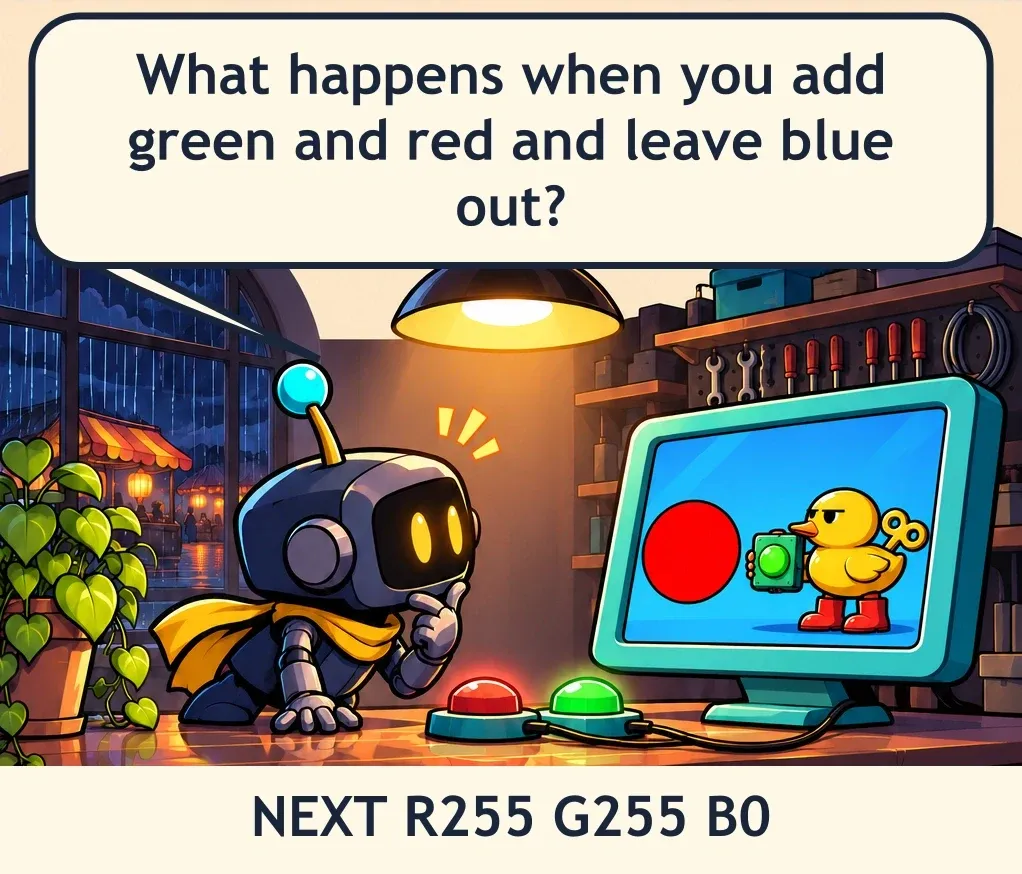
Moon remains red while Duck waits
Diagram values: NEXT R255 G255 B0
Robot: What happens when you add green and red and leave blue out?
Turn channels on
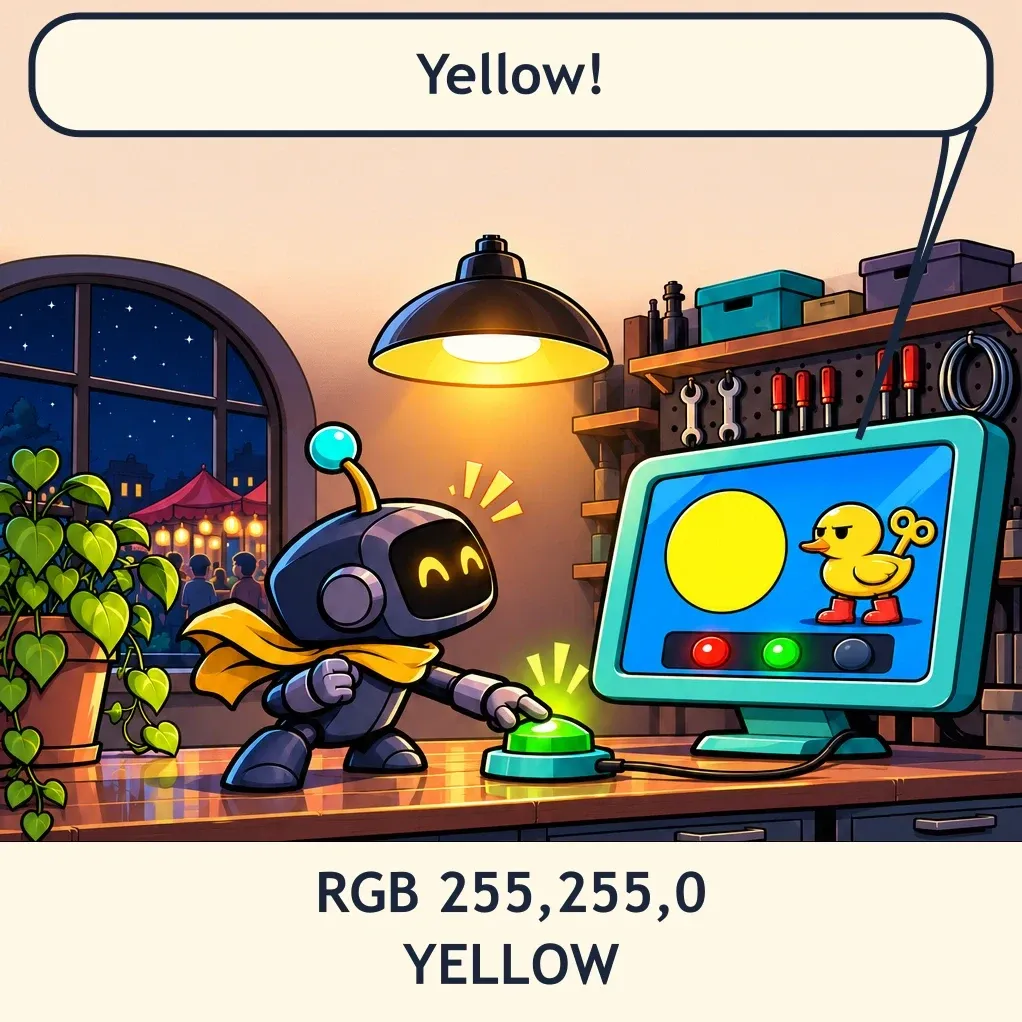
Duck switches to fully green AND red. Moon is yellow. Blue is still off.
Diagram values: RGB 255,255,0; YELLOW
Duck: Yellow!
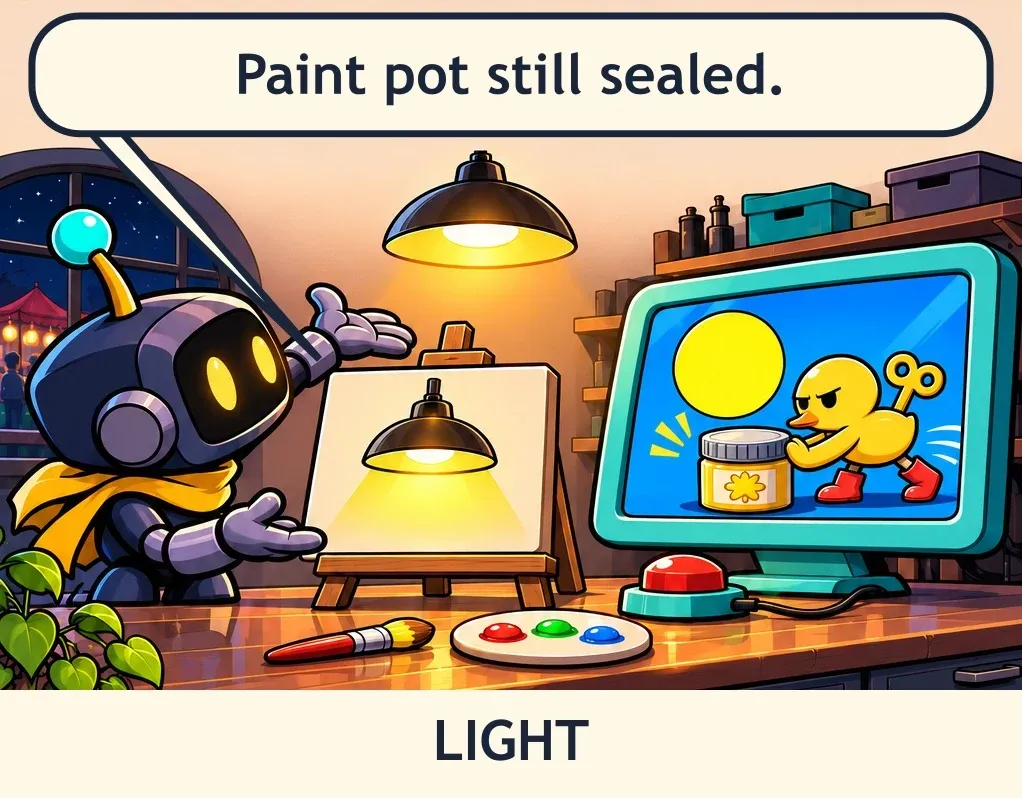
Robot points at display light & paint pot closed. Duck shoves paint aside. Moon still yellow.
Diagram values: LIGHT
Robot: Paint pot still sealed.
Moon still yellow.
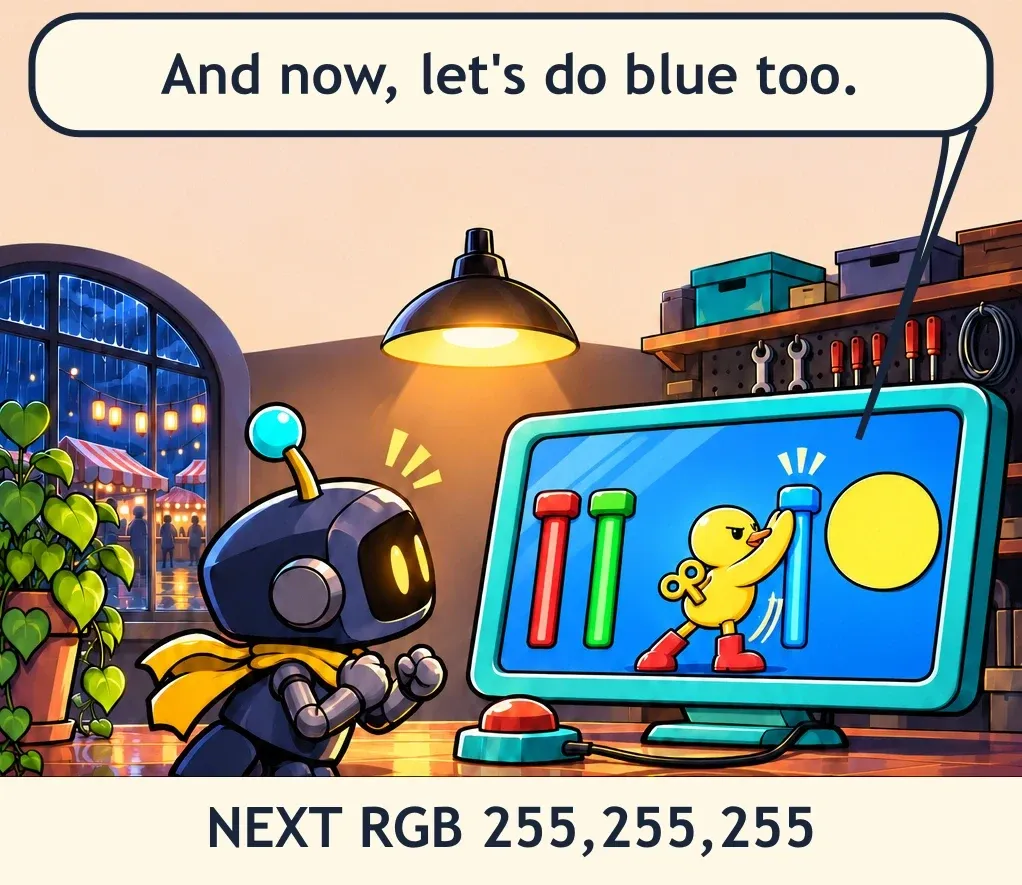
Diagram values: NEXT RGB 255,255,255
Duck: And now, let's do blue too.
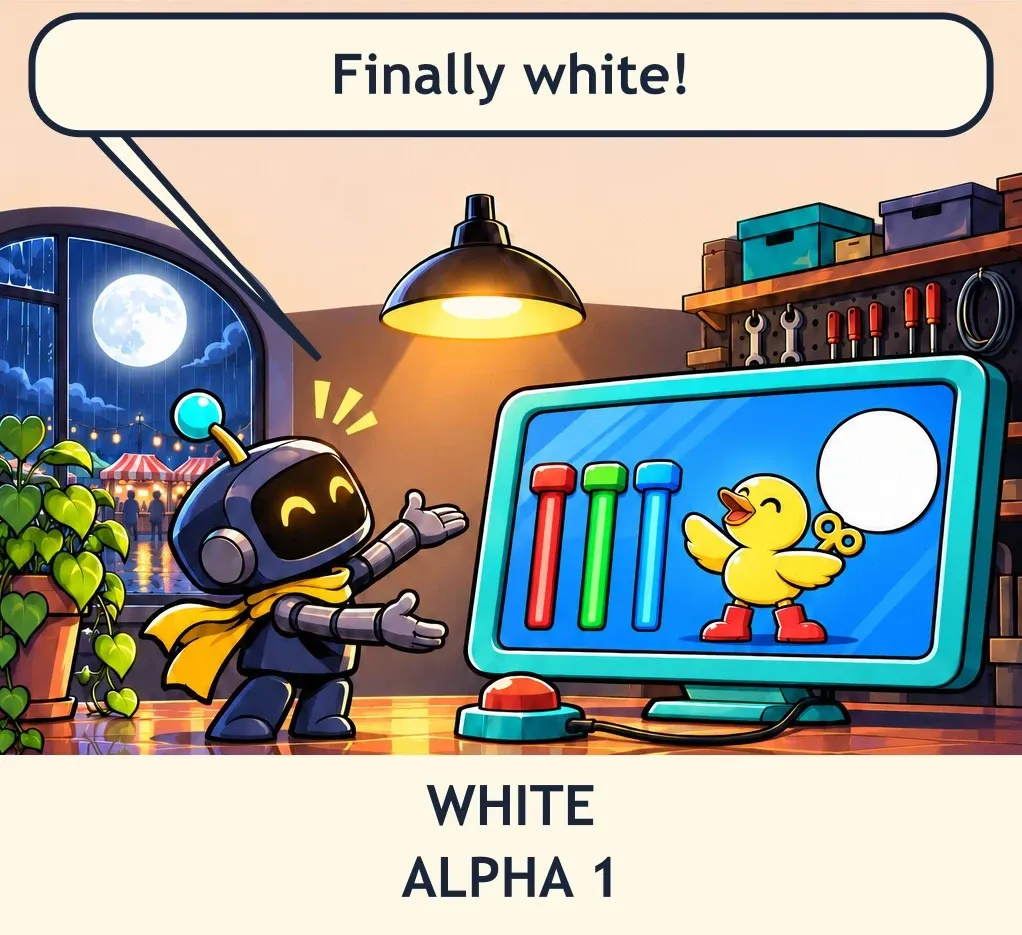
The moon on the screen is white now.
Diagram values: WHITE; ALPHA 1
Robot: Finally white!
Take one channel away
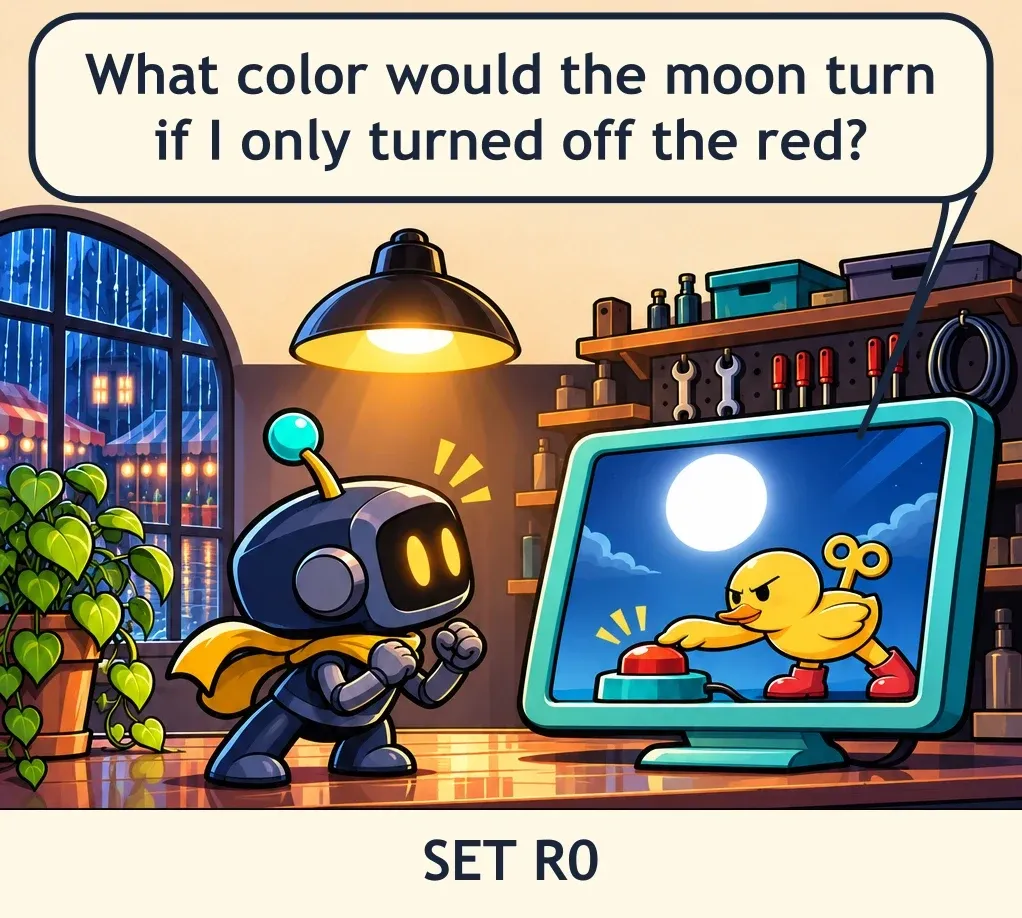
Duck grabs for red control (of white moon). Robot displays current 3 full levels before removing red.
Diagram values: SET R0
Duck: What color would the moon turn if I only turned off the red?
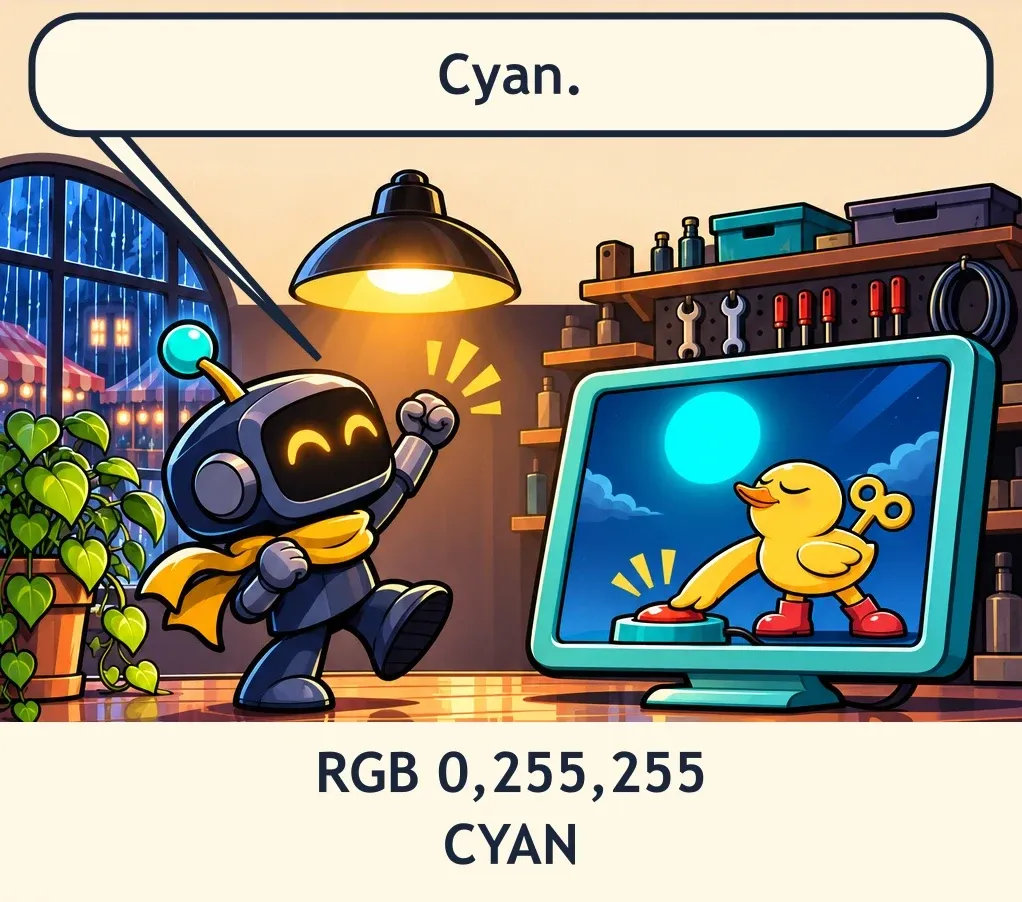
Duck turns red off. Still have green and blue on full blast, so moon is cyan.
Diagram values: RGB 0,255,255; CYAN
Robot: Cyan.
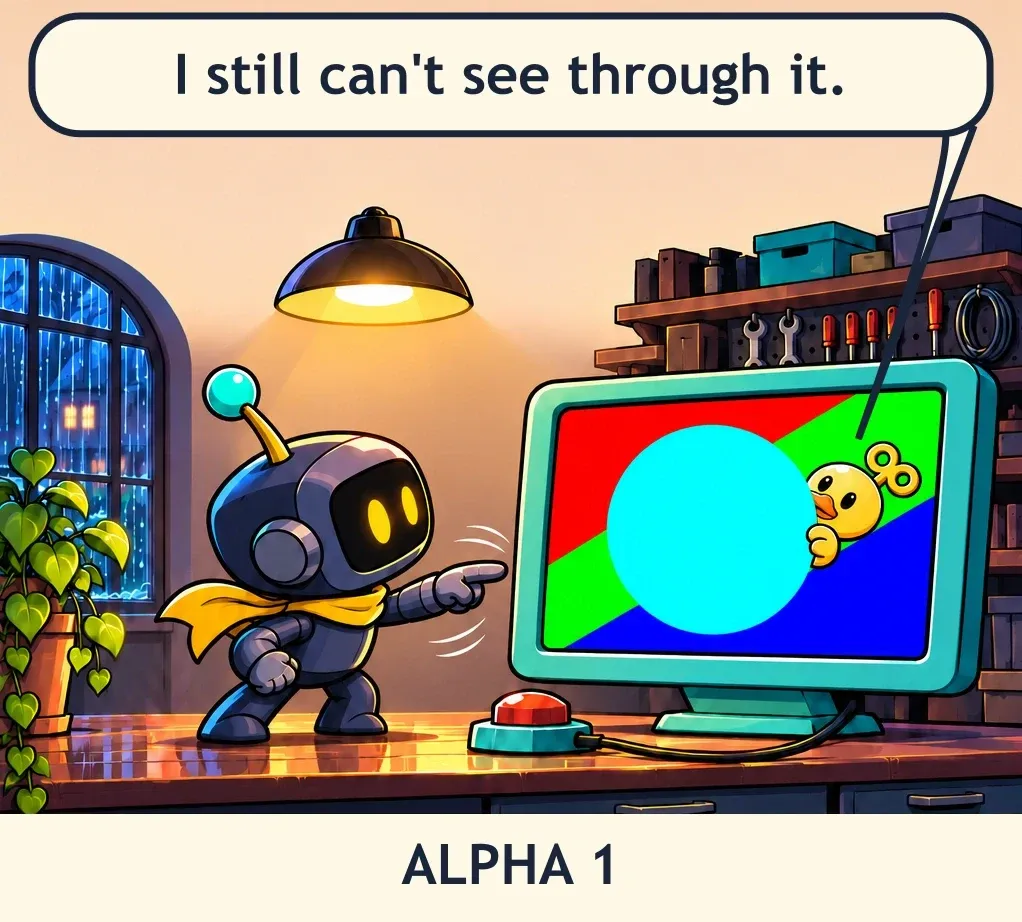
The opaque cyan circle obscures the stripes behind it. There are still stripes around the circle. Duck is peeking around the circle within the displayed scene.
Diagram values: ALPHA 1
Duck: I still can't see through it.
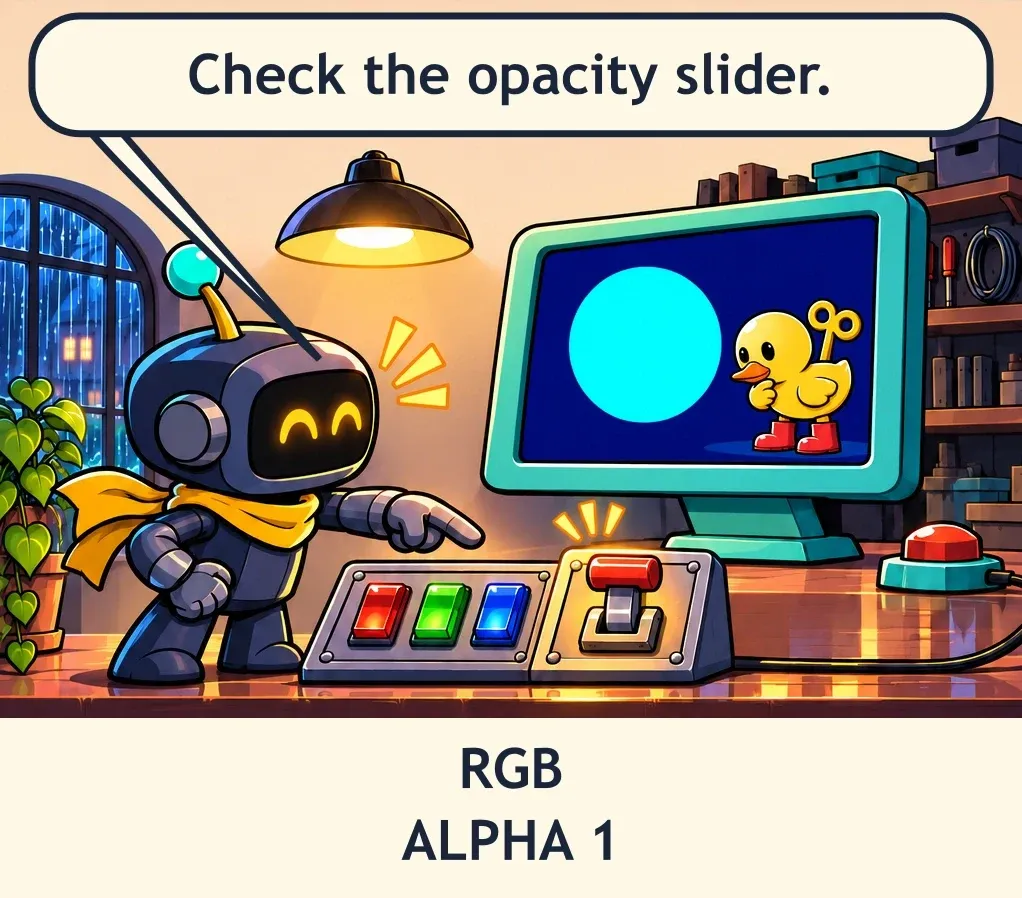
Robot points out a separate slider for opacity. It's still at one.
Diagram values: RGB; ALPHA 1
Robot: Check the opacity slider.
A different pair
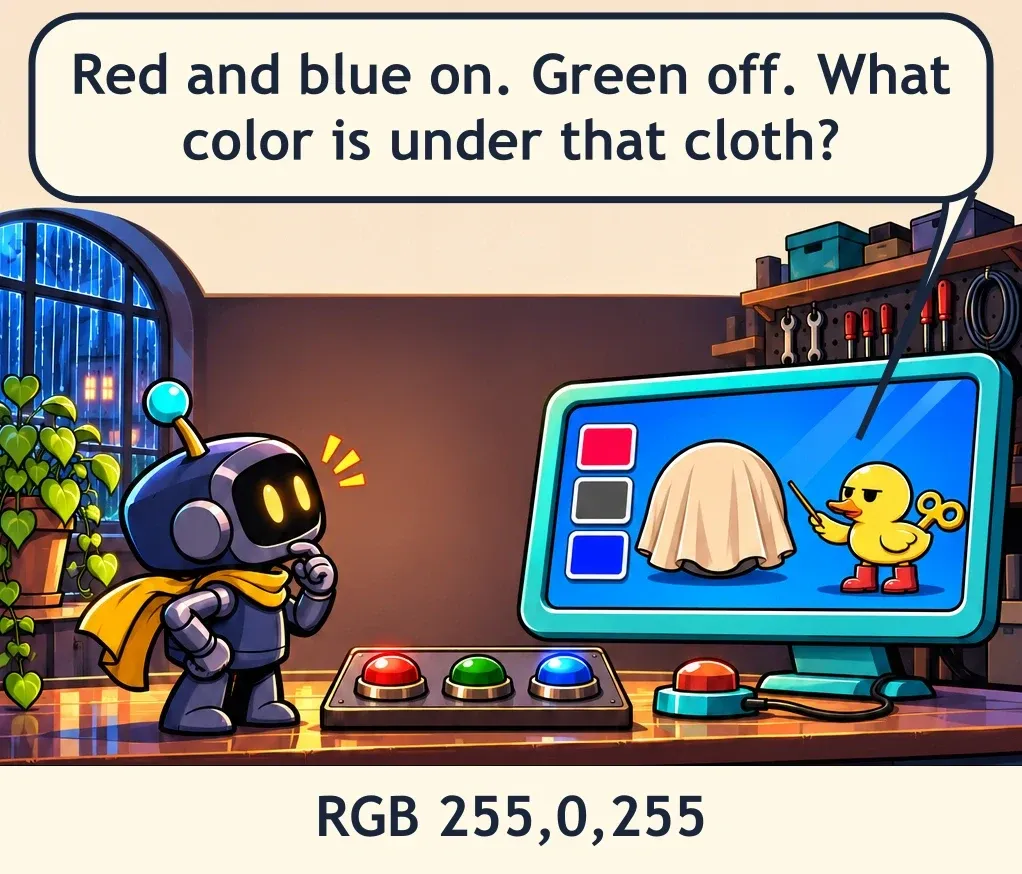
Practice moon has cloth on top of it. Red and blue controls are on. Green control is off.
Diagram values: RGB 255,0,255
Duck: Red and blue on. Green off. What color is under that cloth?
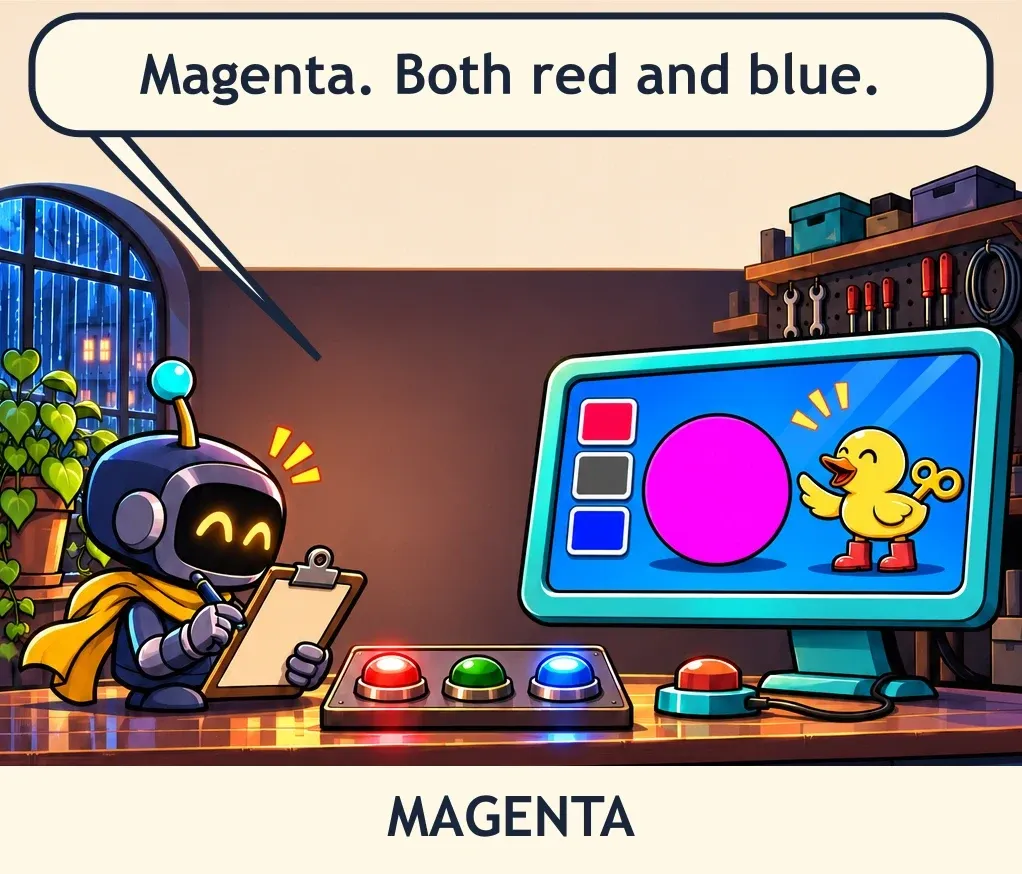
Practice moon is magenta. Green is still off.
Diagram values: MAGENTA
Robot: Magenta. Both red and blue.
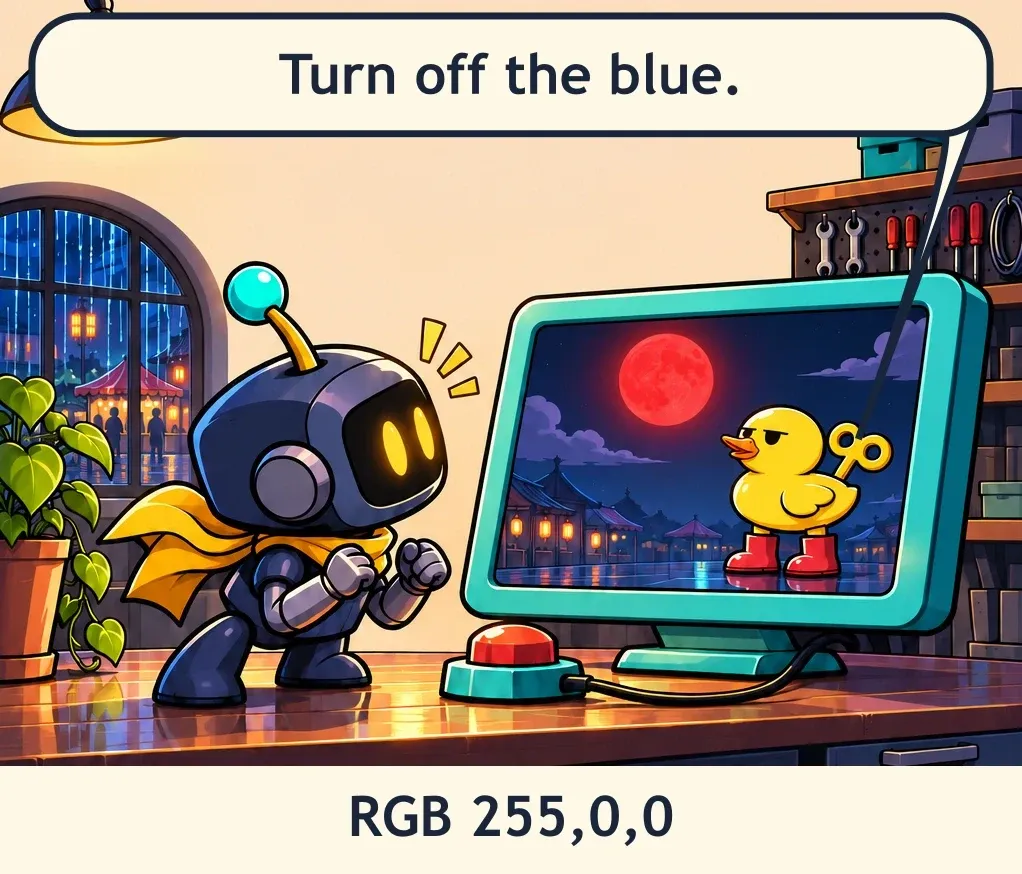
Practice moon is red.
Diagram values: RGB 255,0,0
Duck: Turn off the blue.
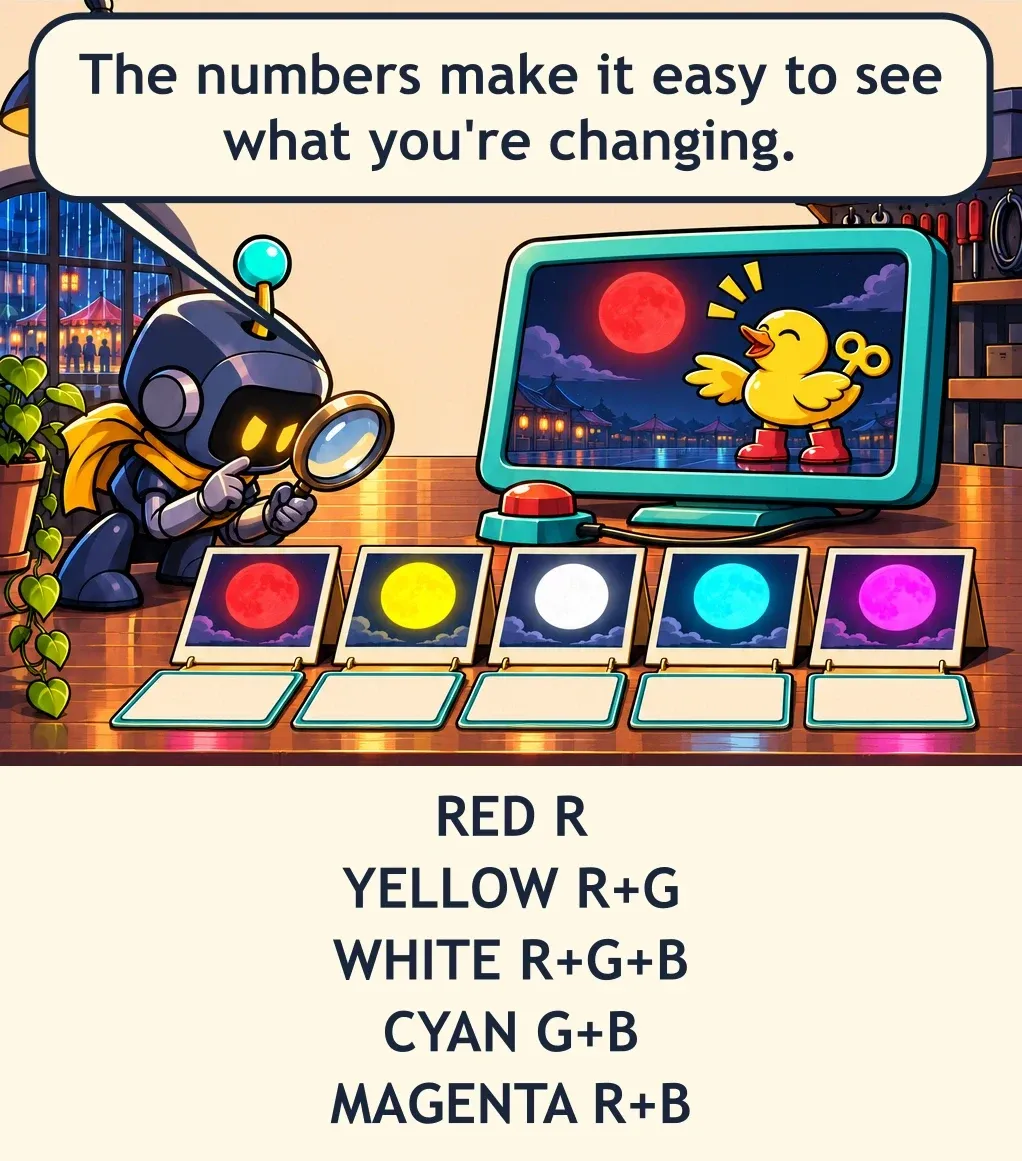
Duck sets out some mooncards labelled red, yellow, white, cyan, magenta. Robot examines the channel values. alpha stays at one.
Diagram values: RED R; YELLOW R+G; WHITE R+G+B; CYAN G+B; MAGENTA R+B
Robot: The numbers make it easy to see what you're changing.
The lesson
Diagram values: RGB = red, green, blue; RGB 255,255,255 = white; ALPHA 1 = opaque
0 turns the channel off. For these examples, 255 means full on. Full red and full green is yellow. Full green and full blue is cyan. Full red and full blue is magenta. In all our examples alpha is still 1 so there's no transparency change. These endpoint examples reflect additive display light, not paint. There is a nonlinear scale in between for sRGB. So, 128 doesn't mean half max light intensity.
Try it
Diagram values: START RGB 255,255,255; ALPHA 1; SET R0 G0; KEEP B255; THEN SET B0
Moon starts as white. Turn off red & green at the same time. Keep blue 255. Now turn blue off. What colour do you get from each action? Did transparency change?
Answer
If you disable red and green you'll get triple 0,0,255 which is blue. If you disable blue as well, you'll get 0,0,0 which is black. The alpha remains 1, so it's opaque both times.
Sources
W3C CSS Color 4: sRGB colours and additive linear-light caveat (opens in a new tab)